
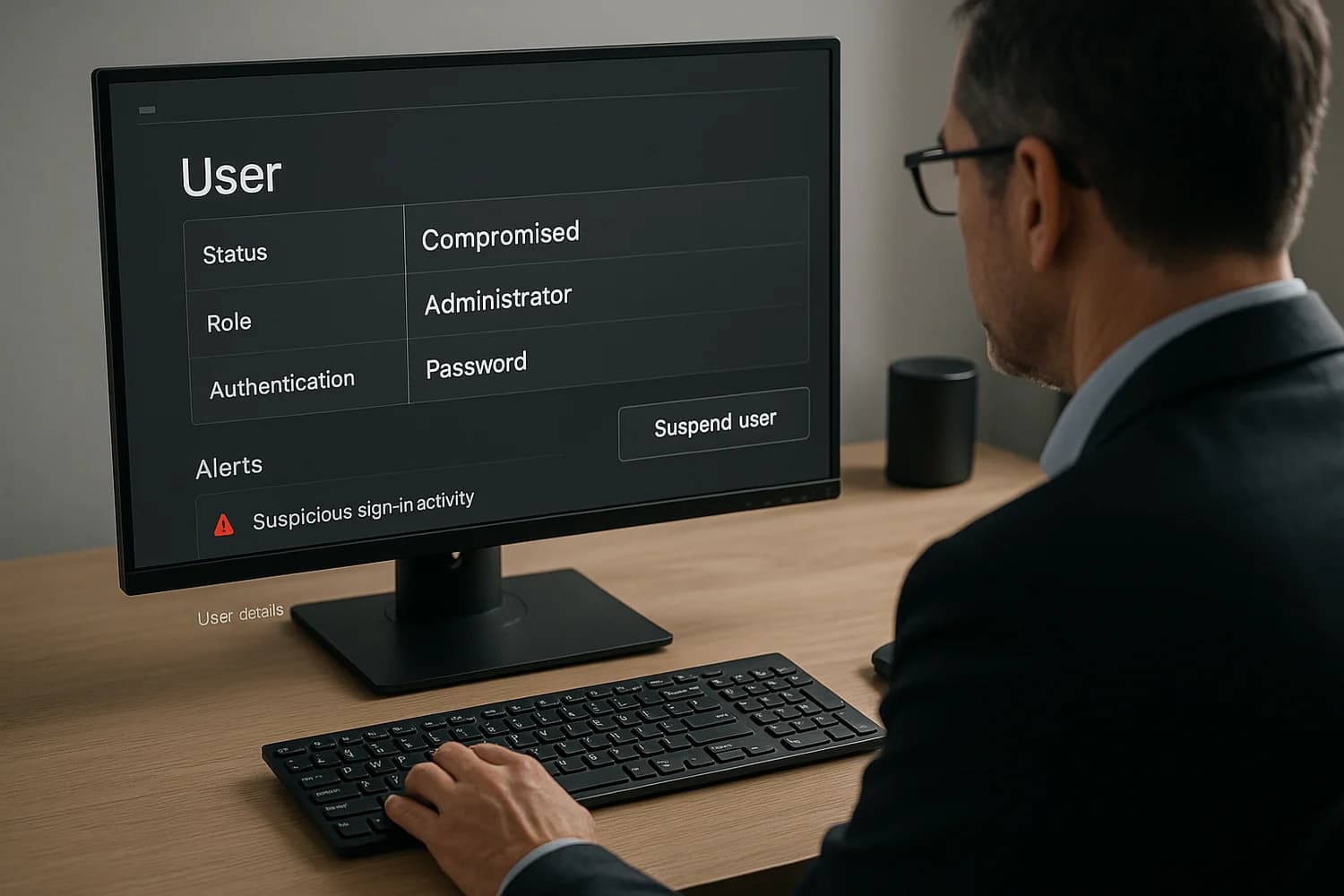
A compromised Workspace or Microsoft 365 administrator can affect many accounts. Preserve logs, revoke unsafe access, and verify remaining admin control.
Microsoft recommends revoking active sessions and inspecting mailbox forwarding and inbox rules. Preserve the relevant audit evidence while removing unauthorized access. See Microsoft 365 compromised-account response.
Key idea: the first goal is not cleanup. The first goal is to stop administrative changes and regain trustworthy control of identity.
First-hour containment sequence
- Pick a known-clean admin workstation for response. Avoid doing critical actions from a suspected endpoint.
- Revoke sessions and tokens for the compromised admin and any suspicious identities.
- Reset admin credentials and enforce stronger authentication for all privileged accounts.
- Audit privileged roles and remove unknown admins, unknown delegated access, and unknown service accounts.
- Review email routing and forwarding for changes that enable silent monitoring and password reset interception.
For a resilience framing that fits small teams, keep defeat hackers as a business as a reference. It helps prioritize identity and recoverability over tool shopping.
How tenant compromise typically becomes persistent
Attackers aim to make access durable and hard to notice. Common persistence paths include:
- Additional admin accounts or role changes that look routine
- Mailbox forwarding rules and transport rules that copy inbound mail
- New OAuth applications, grants, or delegated permissions
- Conditional access changes that weaken enforcement or add attacker-friendly exceptions
- New device enrollments or management policies that legitimize attacker access
OAuth is often the least intuitive persistence layer for teams. The defensive model is explained in OAuth.
High-signal checks that change outcomes
| Check | What to look for | Why it matters |
|---|---|---|
| Admin roles | New admins, role escalations, unexpected delegated admin | One role change can recreate the incident later |
| Sign-in patterns | New locations, impossible travel, repeated failures | Helps validate whether access is still active |
| Email routing | Forwarding, transport rules, mailbox delegation | Email is the password reset channel for many systems |
| Connected apps | New app grants, unusual permissions | Persistence can survive password changes |
Secure admin access without creating lockout risk
Hardening fails when the team locks itself out and restores unsafe shortcuts. Make recovery explicit while you strengthen authentication.
- Use at least two separate admin accounts with strong authentication and documented ownership.
- Store backup codes and recovery methods in a controlled place that is not the primary inbox.
- Separate admin accounts from daily work accounts. No browsing, email, or documents on admin identities.
Personal-account hardening is still relevant because admins are humans. Use how to secure your Google account and how to secure your Microsoft Outlook and Office 365 account as baseline hardening references.
If you are already locked out
Lockout changes the playbook. Your goal becomes proving ownership through official support channels and minimizing new damage while access is restored.
- Protect any remaining admin accounts and enforce stronger authentication immediately.
- Contact the vendor through official support paths and prepare to provide proof of domain and billing control.
- Freeze high-risk changes: DNS, registrar, billing, payment methods, and any third-party admin access.
For account-level recovery patterns, use how to recover a hacked Google account and how to recover a hacked Microsoft account as supporting playbooks. The tenant response adds admin role and routing audit on top.
Keep a record for recovery and follow-up
Keep tenant or domain identifiers, affected admin roles, audit events, new users or apps, mail-routing changes, and recovery contacts. Record dates, times, and what you actually did. Separate confirmed events from the other person's claims, and retain original files alongside screenshots.
If this involved a scam, you can organize the evidence in a Scam Incident Record. Keep the relevant messages and transaction details together for reporting and follow-up. You review and send information to the appropriate organization yourself; creating a record does not submit an official report or guarantee recovery.
If you need help with the account-access problem, review the account recovery help options. The provider still decides account ownership and reinstatement.
Leave passwords, login codes, backup codes, and private keys out of incident notes or reports. Submit identity documents only when the verified official recovery process requires them.
After containment: staged restoration of trust
Once you believe admin access is controlled, work in phases:
- Identity: reset privileged credentials, revoke sessions, remove unknown admins.
- Email: remove forwarding and delegation changes, review suspicious inbox rules.
- Apps: remove unknown OAuth grants and third-party integrations.
- Operations: reset affected user accounts and communicate required actions clearly.
Common mistake: focusing on one user password. Tenant compromise is about administrative power and persistence, not one credential.
Admin compromise incidents end when two things are true: attacker access is removed, and the tenant has a stable recovery path that does not depend on one person or one device.
The most durable fix is structural. Reduce how many identities can make irreversible changes, make admin actions auditable, and make recovery a rehearsed process instead of an improvisation.
When the control plane is owned and observable, even a serious identity incident becomes containable failure instead of a long shutdown.