Updated Sep 14, 2026
How to recover a hacked Amazon account
Secure your Amazon sign-in and the email that resets it. Review orders, addresses, gift cards, and payment activity, then report changes you did not authorize.
Read article
Knowledge Library
Explore account recovery, cyber safety, platform security, and incident response guidance from Hacked.com.

Updated Sep 14, 2026
Secure your Amazon sign-in and the email that resets it. Review orders, addresses, gift cards, and payment activity, then report changes you did not authorize.
Read article

Updated Sep 14, 2026
Use AOL's official sign-in help to recover access. Check recovery details, unfamiliar app passwords, mail filters, and suspicious activity after signing in.
Read article

Updated Sep 14, 2026
Recover your Apple Account through a trusted device or Apple's official recovery process. Review unfamiliar devices, trusted numbers, and iCloud activity.
Read article

Updated Sep 14, 2026
Check Discord's email-change alert and official hacked-account support. Secure your inbox, remove unwanted Authorized Apps, and document unauthorized charges.
Read article

Updated Sep 14, 2026
Recover a hacked Facebook account through Meta's official flow. Choose the route for changed email, lost phone access, attacker-added 2FA, or a recovery loop.
Read article

Updated Sep 14, 2026
Use Google's account recovery from a familiar device when safe. Review security events, recovery methods, and connected access after regaining your account.
Read article

Updated Sep 14, 2026
Use Instagram's hacked-account flow when your password, email, or phone changes. Verify recovery messages and remove unfamiliar access after you sign in.
Read article

Updated Sep 14, 2026
Use Microsoft's sign-in helper for a hacked personal account. Secure your device and review Outlook forwarding, connected accounts, and recovery information.
Read article

Updated Sep 14, 2026
Secure the email linked to Nintendo, recover sign-in access, and check purchases and family settings. Report unauthorized charges through regional support.
Read article

Updated Sep 14, 2026
Report payments you did not authorize through PayPal's Resolution Center. Secure sign-in and review subscriptions, linked funding sources, and account changes.
Read article

Updated Sep 14, 2026
Secure your PlayStation sign-in and linked email. Review purchases and console access, and use official regional support if account details were changed.
Read article

Updated Sep 14, 2026
Recover Snapchat through its official reset or support options. Check the email and phone on the account, end unknown sessions, and review unauthorized posts.
Read article

Updated Sep 14, 2026
Secure your computer and email before recovering Steam. Review trades, purchases, devices, and API access separately from restoring the account password.
Read article

Updated Sep 14, 2026
Recover TikTok through official account help. If you can sign in, change your password and remove unfamiliar devices; document any changes to email or phone.
Read article

Updated Sep 14, 2026
Secure your Twitch account and email, stop unauthorized broadcasts, and check stream access and connected apps. Use Twitch's official help for lockouts.
Read article

Updated Sep 14, 2026
Recover your X account through official reset or support options. Secure the linked email and revoke unfamiliar app access after changing your password.
Read article

Updated Sep 14, 2026
Regain control of your phone number before recovering WhatsApp. Review linked devices and follow the in-app instructions if an unknown verification PIN blocks you.
Read article

Updated Sep 14, 2026
Use Yahoo's Sign-in Helper for lost access. After recovery, check recovery details, app passwords, recent activity, forwarding, and filters for unwanted changes.
Read article

Updated Sep 14, 2026
Recover the Google Account linked to your hacked YouTube channel first. Then review permissions, unwanted uploads, and termination or monetization changes.
Read article

Updated Sep 14, 2026
If Facebook disabled your account after a takeover, secure your email and document the unauthorized activity. Follow the recovery and appeal options Meta shows.
Read article

Updated Sep 14, 2026
If Instagram disabled your account after a hack, distinguish the sign-in problem from enforcement. Save the notice and use the recovery or appeal route offered.
Read article

Updated Sep 14, 2026
Reviews alone cannot establish that an online seller is safe. Check the store, payment protections, delivery terms, and what happens if the order goes wrong.
Read article

Updated Sep 14, 2026
Save the fake profile and scam messages, report impersonation, and warn contacts safely. A copied profile does not necessarily mean your account was hacked.
Read article

Updated Sep 14, 2026
Check Facebook for unknown sessions, changed contact details, and activity you did not create. Verify alerts inside the service before treating them as proof.
Read article

Updated Sep 14, 2026
An infostealer can steal passwords and signed-in sessions. Isolate the suspect device and revoke exposed access from a clean device before returning to work.
Read article

Updated Sep 14, 2026
A copyright threat can hide an Instagram login scam. Check notices through Instagram itself, and secure the account if you entered a password or login code.
Read article

Updated Sep 14, 2026
Help employees verify payment changes, report suspicious requests, and stop unsafe approvals. Training works best with clear reporting and access controls.
Read article

Updated Sep 14, 2026
A malicious extension can expose logins or browsing data. Remove unwanted access, review browser sync, and secure affected accounts from a trusted browser.
Read article

Updated Sep 14, 2026
If you receive notice of a Medicare.gov account you did not create, contact Medicare through official channels, secure access, and review unfamiliar claims.
Read article

Updated Sep 14, 2026
Deny unexpected sign-in prompts and verify your account activity directly. If you approved one, secure the account and revoke unfamiliar sessions promptly.
Read article

Updated Sep 14, 2026
If you suspect Mac malware, stop using it for sensitive logins. Review unwanted apps, extensions, and profiles, then secure exposed accounts from a clean device.
Read article

Updated Sep 14, 2026
A delivery or voicemail text that asks you to install an app can expose your phone. Stop using the suspect app and secure accounts from another trusted device.
Read article

Updated Sep 14, 2026
A Meta verification email may be phishing. Check Instagram directly, avoid the message's login link, and secure your account if you shared a password or code.
Read article

Updated Sep 14, 2026
OAuth consent phishing tricks you into approving account access for a malicious app. Revoke the app's permissions and check what it could read or change.
Read article

Updated Sep 14, 2026
A link starting on a real sign-in domain can redirect elsewhere. Check the final destination and secure accounts if you entered information or approved access.
Read article

Updated Sep 14, 2026
Protect the email, phone, and approval process behind your financial accounts. Verify payment changes independently and act promptly on unfamiliar transactions.
Read article

Updated Sep 14, 2026
A QR code can lead to a fake login or payment page. Check the destination before acting; if you entered details, secure the affected account and save evidence.
Read article

Updated Sep 14, 2026
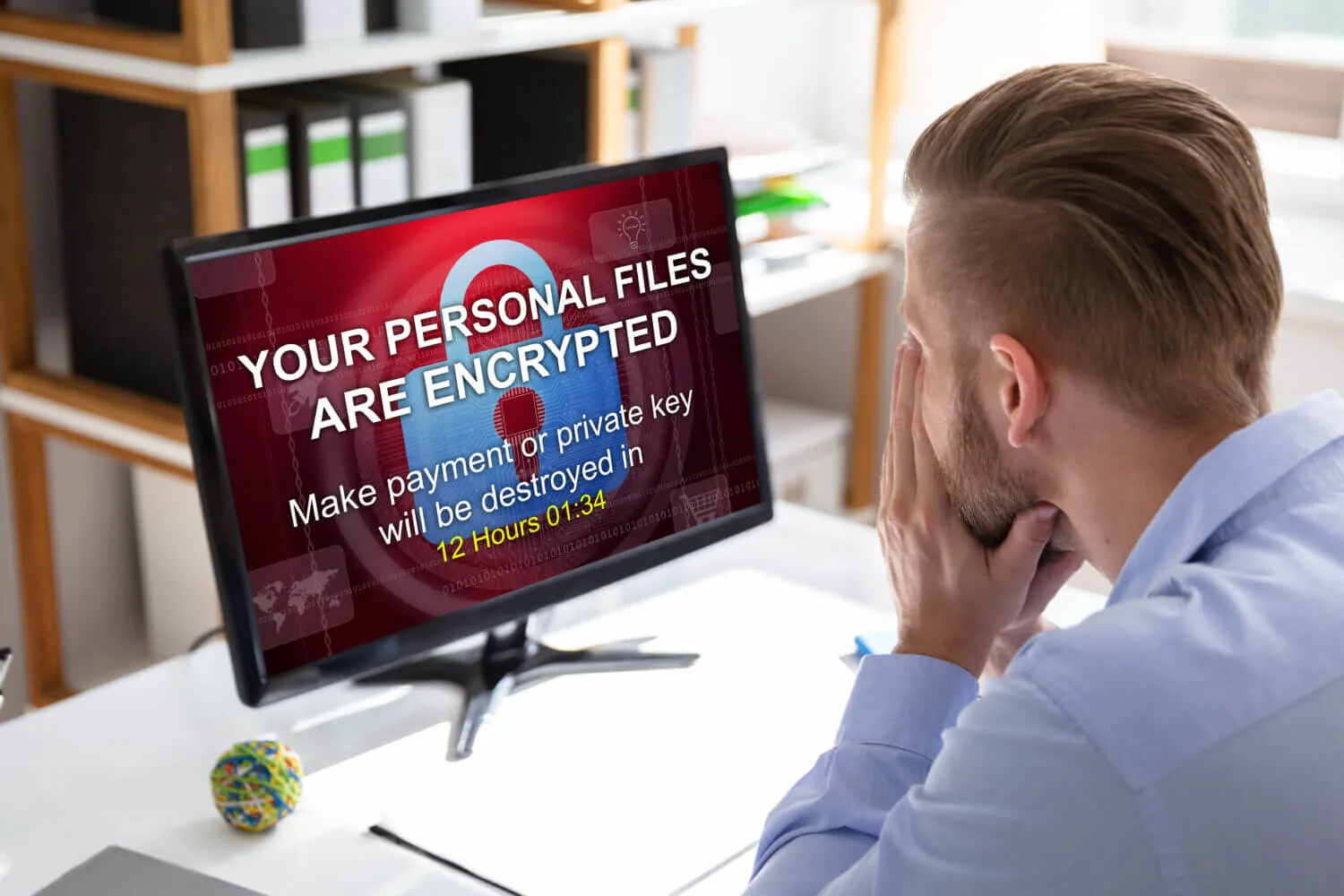
Ransomware response starts with isolation and evidence preservation. Investigate stolen access and data before restoring clean backups into a secured environment.
Read article

Updated Sep 14, 2026
A Facebook password-change email may be genuine or phishing. Open Facebook directly, check recent security events, and recover access if the change was not yours.
Read article

Updated Sep 14, 2026
Verify an unexpected Facebook email-change alert through the real service. Secure your inbox and use Meta's recovery options if you no longer control sign-in.
Read article

Updated Sep 14, 2026
Identify whether you lost a Facebook profile, Page, or business portfolio. Secure remaining admins, stop unauthorized ad activity, and document asset ownership.
Read article

Updated Sep 14, 2026
A disabled Facebook account needs an enforcement appeal, not just a password reset. Record Meta's decision and assess complaint or legal options separately.
Read article

Updated Sep 14, 2026
An unfamiliar linked account may provide unwanted access to Facebook. Review linked identities, recovery methods, and sessions before assuming a reset fixed it.
Read article

Updated Sep 14, 2026
AI can make scam messages and voices convincing. Verify the requested action through an independent channel, especially before sending money or approving access.
Read article

Updated Sep 14, 2026
A SIM swap can move your phone number to an attacker. Contact your carrier through a verified channel and protect accounts that rely on text-message codes.
Read article

Updated Sep 14, 2026
Small claims is a legal process, not an account reset. Check jurisdiction, applicable terms, evidence, and the remedy before pursuing a Facebook dispute.
Read article

Updated Sep 14, 2026
After a company breach, check what information was exposed. Replace reused passwords and watch for identity misuse or messages exploiting the incident.
Read article

Updated Sep 14, 2026
A demand to pay to stop your Social Security number being suspended is a scam warning. Verify through official SSA channels and protect any details you shared.
Read article

Updated Sep 14, 2026
Unreadable PGP-encrypted Facebook emails can block recovery. Verify the message, check whether you control the matching private key, and secure account access.
Read article

Updated Sep 14, 2026
A Facebook access warning needs checking, not an automatic conclusion. Review the event in Facebook and compare it with your devices, travel, and account changes.
Read article