
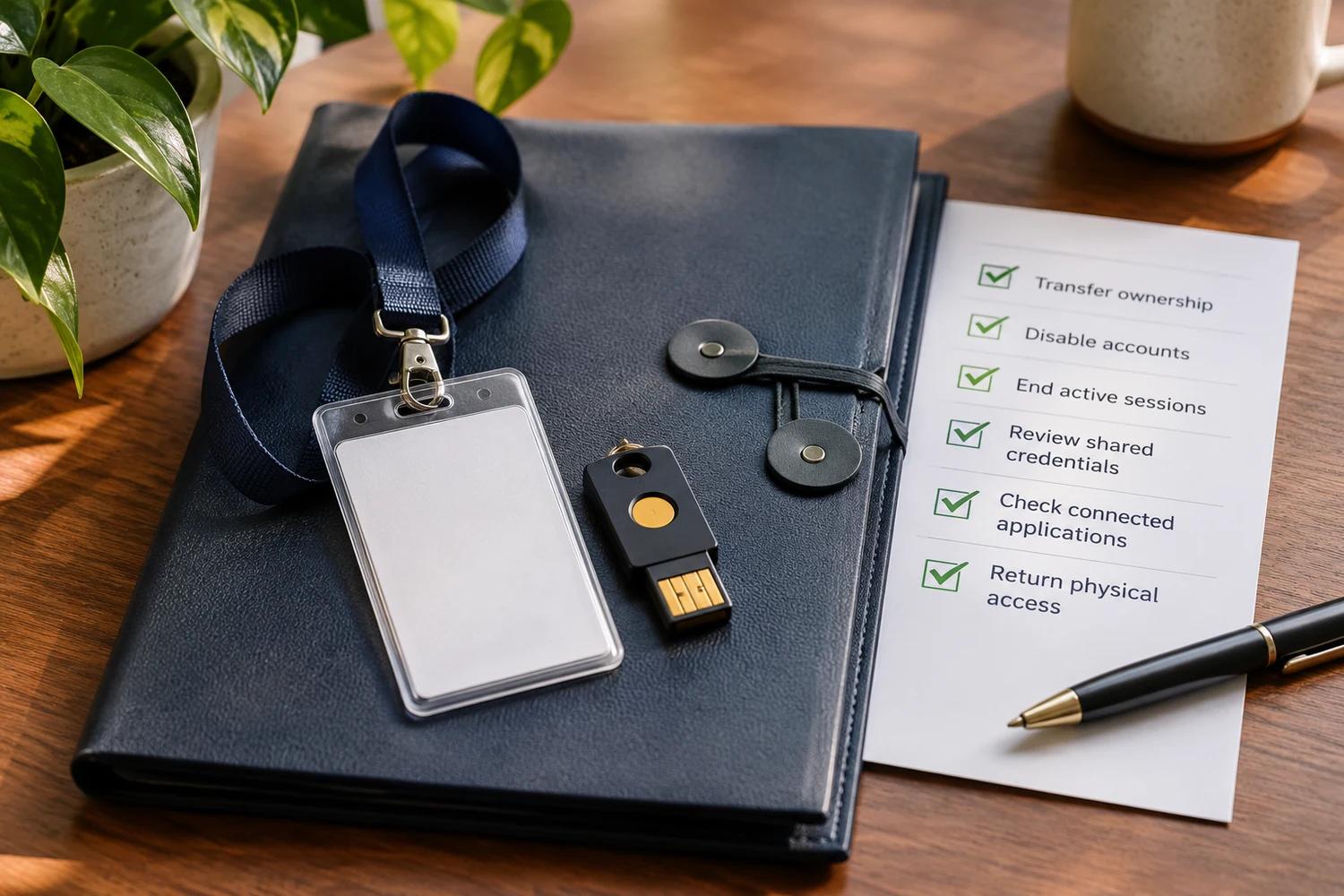
When an employee or contractor leaves, transfer essential business ownership and remove access at the agreed time. Check individual accounts, active sessions, shared credentials, connected applications and physical access without assuming the person has done anything wrong.
Employee and Contractor Offboarding: A Security Checklist
Jump to a section
A departure can accidentally leave an account active or make a business asset inaccessible. Coordinate the transition with the people responsible for personnel, IT and the relevant service, following applicable privacy and employment requirements.
Before the departure, identify what must continue
- List business email, file ownership, websites, domains, social media, finance tools and customer systems the person manages.
- Identify an authorized replacement owner or administrator. Transfer business-owned assets and preserve necessary records under the organization's policies.
- Identify devices, keys, security tokens and badges that need to be returned.
- Check for service accounts, integrations, shared passwords or API keys the person could use. Assign an owner before changing them.
Do not rely on one person's personal email as the only recovery route for a business account. For Meta assets, the Facebook business recovery guide explains the difference between a personal profile, a Page and a business portfolio.
At the agreed time, remove individual access
- Disable or remove the person's individual sign-in access in the identity provider and important services.
- Revoke active sessions, authentication methods and device access where supported. Signing out of one system does not necessarily revoke every connected app.
- Remove administrator roles, delegated access, vendor or partner access and permissions granted directly within applications.
- Collect or deactivate physical badges, devices and security tokens in line with company policy.
Provider controls and permissions vary. Microsoft's offboarding guidance distinguishes blocking sign-in from ending sessions for Microsoft 365 accounts.
Verify that access has actually ended. Some sign-in tokens or application-owned sessions can remain usable for a period after an account is disabled. Check each important service and revoke its own sessions or permissions where supported. Microsoft's access-revocation guidance explains these limitations for Microsoft Entra-connected applications.
Before deleting an account, removing a license or wiping a device, confirm how the provider handles business data, ownership and retention. Follow the organization's preservation obligations and policies; a device wipe can be irreversible.
Review shared credentials without breaking operations
Change shared passwords and rotate secrets the person could access, including API keys where appropriate. First identify the systems that depend on them and coordinate a replacement with their owners. An exposed or unnecessary credential should be revoked promptly, but blindly disabling a production integration can stop essential services.
For a suspected leak, the API key exposure guide explains revocation, replacement and usage review. Do not put the secret itself in an offboarding checklist or incident ticket.
Confirm the handover is complete
Use a short record of each system, the action, its owner and the date completed. Verify that the replacement can perform essential tasks and that access has actually ended. Keep the record private and retain it according to your policies. Review outstanding supplier access or shared accounts separately.
Good offboarding protects both continuity and access. It is an ordinary part of a role change, not evidence that a departing employee or contractor is a threat.