
A useful backup plan identifies what your business needs to restore, keeps copies protected from the same incident and proves that the data can be recovered. Start with essential records and test a small restore before you need it.
Small Business Backup Plan: How to Protect and Restore Your Data
Jump to a section
Backups can help after device failure, accidental deletion or ransomware. They do not prevent an attacker from stealing data, and a synchronized folder alone may also reproduce an unwanted change or deletion.
Decide what needs a backup
List the records and systems you would need to restart work: accounting exports, customer and supplier information, business documents, website content, configuration and important cloud data. Identify who is responsible, where each original is stored and any privacy or retention requirements.
| Item | Decision to record | Example test |
|---|---|---|
| Accounting records | How frequently can recent changes be lost? | Restore a recent export and open it. |
| Shared business documents | Which folders and permissions are included? | Restore a representative file to a separate location. |
| Website or application | Are content, database and settings covered? | Ask the provider to test a safe restoration. |
Decide how often to back up based on how much recent work you could afford to lose. Prioritize recovery according to which functions the business needs first. Your answers can differ by system.
For example, if a backup runs each evening and a device fails the next afternoon, work created since the last successful backup may be missing. The actual gap depends on the last usable copy, not simply the schedule. Check that backups completed and decide whether that potential loss is acceptable.
Keep copies an attacker cannot easily change
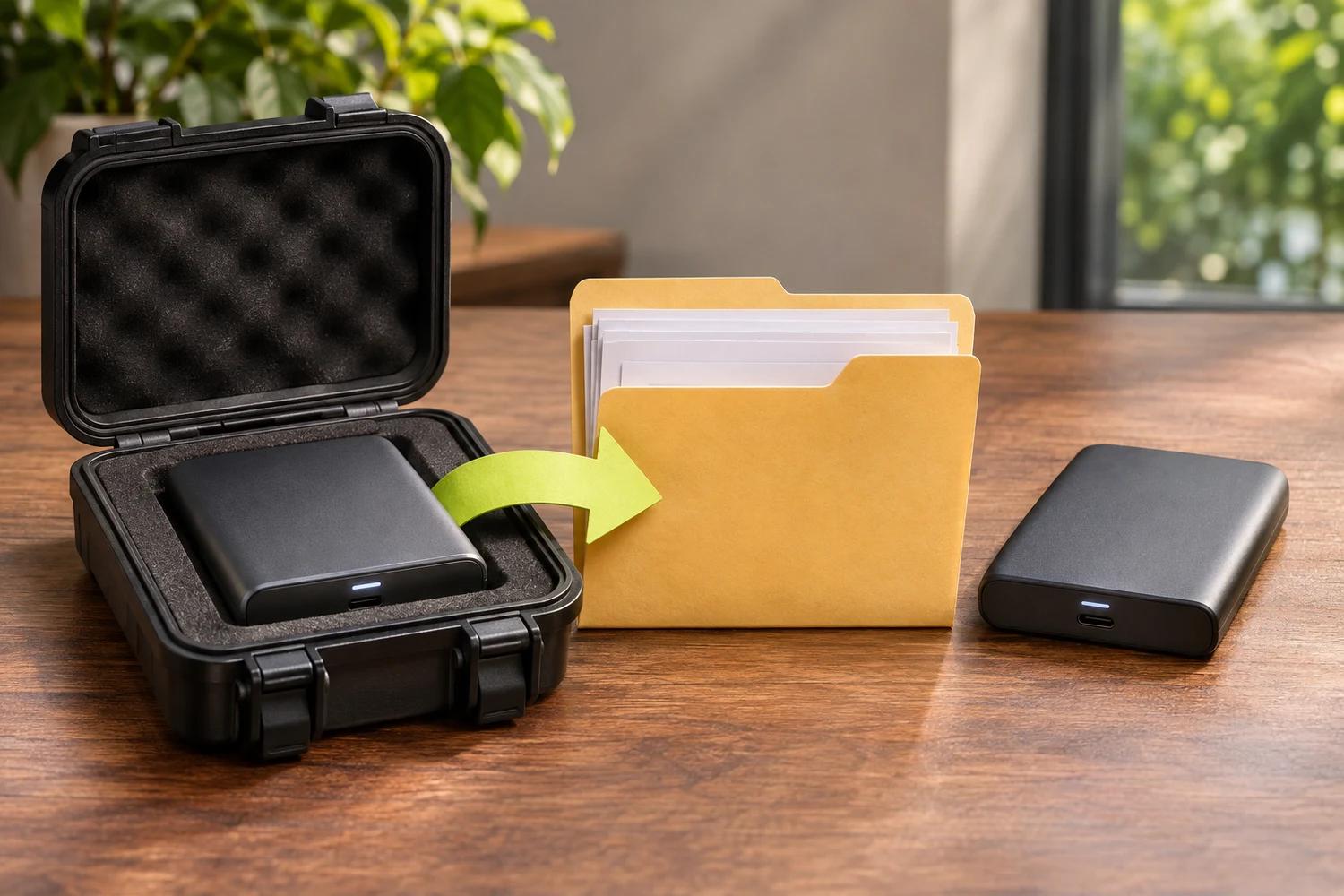
Use more than one copy and keep at least one offline or otherwise protected against unauthorized change and deletion. Separate backup administration from ordinary day-to-day accounts where practical. Protect the backup service and its recovery method with strong authentication, and restrict who can delete or modify backups.
Encrypt sensitive copies when appropriate and store recovery keys securely. An encrypted backup is not useful if the only key is lost. Ask cloud providers and software vendors what they actually back up, how long versions are retained, how restoration works and what remains your responsibility.
NIST's backup guidance discusses protecting copies and testing recovery.
Run a safe restore test
- Choose a representative file or system and record which backup and date you will use.
- Restore it to a separate, safe location. Do not overwrite the only working copy during a test.
- Open the restored file and check that it is complete and usable. For an application or website, confirm the necessary components work together.
- Record who performed the test, how long it took and any missing information or permissions.
- Fix failures and test again. Agree how frequently the process should be repeated as your business changes.
One successful file test does not prove a whole business system can be restored. Test the more complex services with the relevant provider or IT professional. Keep more than one recovery point where feasible: the newest copy may contain an unwanted change or already be affected by the incident.
When ransomware is already active
Isolate affected systems and contact your incident responder before reconnecting or restoring at scale. Investigate how access was obtained, protect backup accounts and assess whether the recovery environment and backups are safe. A restored system can be compromised again if the attacker still has access.
For the immediate response, see what to do when ransomware hits a business. For prevention, see how to protect your business from ransomware.
A backup plan is an operational promise you can test: it should identify the data, the protected copy, the person who can restore it and the checks needed before normal work resumes.