
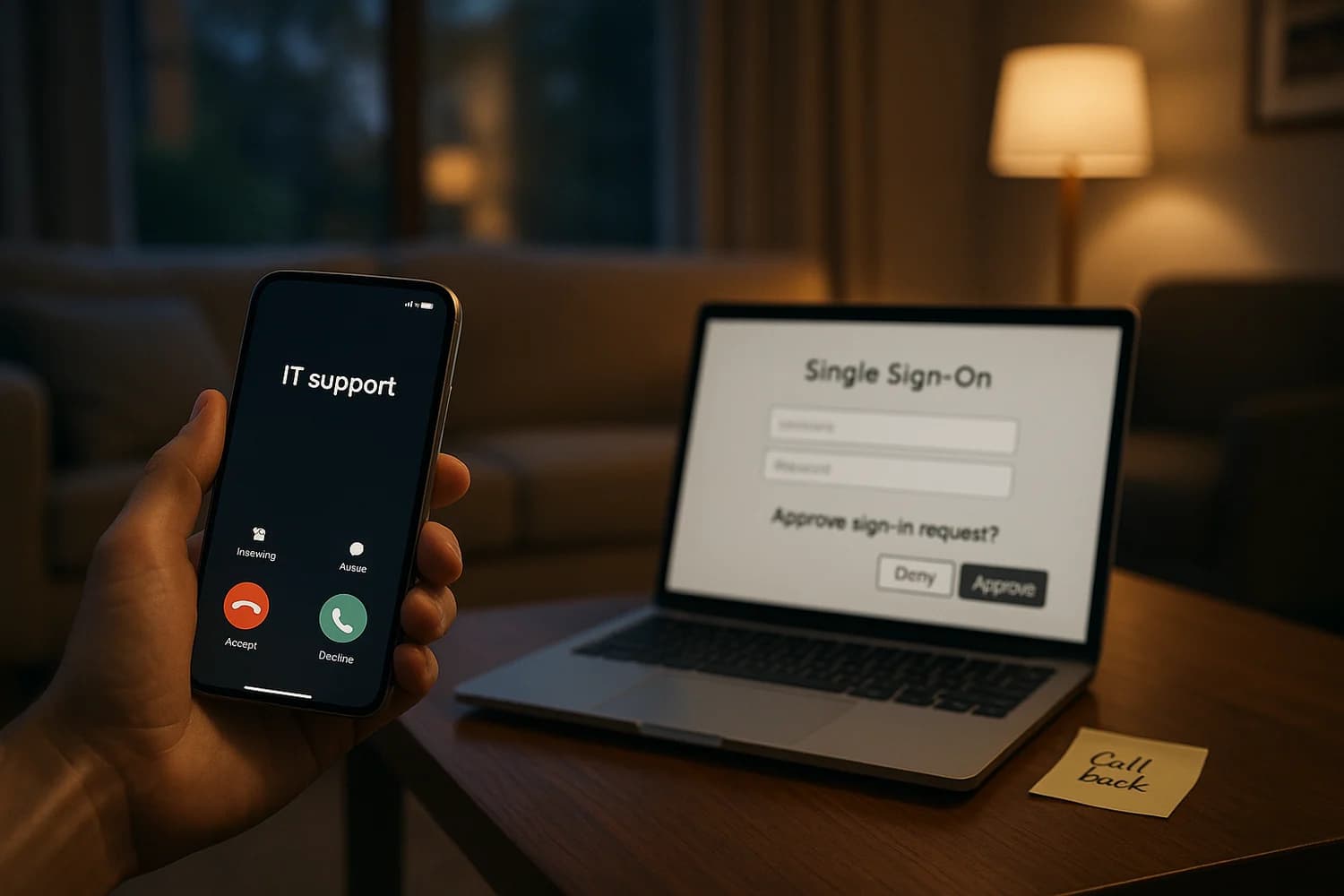
If a caller persuaded you to share a code or approve sign-in, contact your security team through a known channel. Revoke access and preserve the call details.
Okta describes callers coordinating with phishing pages in real time. A legitimate-looking sign-in screen does not authenticate the person who directed you to it. See Okta research on voice phishing.
Rule of thumb: if a caller asks for a one-time code or an MFA approval, end the call. Call back using a known number from your company directory, your banking app, or the official site.
If you shared a code or approved an MFA prompt, do this first
Do not debate whether the caller sounded legitimate. Use fast containment steps that assume compromise.
- Change the password from a clean device and end all active sessions.
- Reset MFA: remove unknown authenticators, re-enroll on your own device, and generate new backup codes if the platform supports it.
- Check recovery methods: email, phone number, and any "trusted device" lists.
- Check for persistence: connected apps (OAuth grants), email forwarding rules, and newly created API tokens.
- Notify the real support channel so they can review sign-in logs and stop additional resets.
Vishing is a form of social engineering. Treat it as an account takeover risk, not a "scam call" you can ignore after the fact. For the related push-bombing pattern, see MFA fatigue and push bombing.
What changed: kits built for live phone coaching
Okta’s threat intelligence reporting describes modern vishing kits that pair caller scripts with operator panels designed to guide victims through specific SSO and MFA flows. The attacker is not improvising. The kit tells them what to say and what the victim should see next. For the broader blended threat model, use the rising threat of AI-powered phishing and social engineering.
These kits commonly include:
- Prebuilt templates for popular identity providers and SSO portals.
- Real-time workflow guidance so the caller can keep the victim moving through the steps.
- MFA manipulation features that target common human verification failures, including pressure to approve prompts or read codes.
- Operational tooling such as notifications, lead tracking, and handoffs between multiple operators.
Primary source: Phishing kits adapt to the script of callers.
Why MFA still fails on the phone
MFA is a strong control when the user is making an independent decision. It fails when the attacker controls the context and the timing. The phone call creates a "verification tunnel": the victim is told exactly what the prompt means and what action to take.
Common failure modes:
- "I need the code to confirm it is you": the caller reframes the one-time code as support verification.
- Prompt fatigue: repeated prompts pressure a "yes" to stop the interruption (see MFA fatigue).
- Device enrollment abuse: the caller coaches the victim into adding a new authenticator or "temporary" device the attacker controls.
- Helpdesk resets: if support can reset MFA or email on weak verification, the attacker targets support instead of the user.
Fast detection: what the caller says vs what you do
| Caller pattern | What it usually means | Safe response |
|---|---|---|
| "Read me the code on your screen" | They are trying to complete a login or reset | Hang up and call back on a known number |
| "Approve the prompt so I can close the ticket" | They are attempting MFA prompt approval | Deny the prompt and report it |
| "We need to add a new authenticator for you" | They want attacker-controlled persistence | Do not enroll anything while on the call |
| "Install this remote support tool" | They want interactive device control | Stop, verify independently, and do not install |
Keep a record for recovery and follow-up
If the call led to a scam incident, organize its messages and evidence in a Scam Incident Record after notifying your security team. You remain responsible for sending any official reports.
Keep the caller details, claimed support role, sign-in prompts, approvals made, and identity-provider session logs. Record dates, times, and what you actually did. Separate confirmed events from the other person's claims, and retain original files alongside screenshots.
Leave passwords, login codes, backup codes, and private keys out of incident notes or reports. Submit identity documents only when the verified official recovery process requires them.
Controls that actually reduce vishing impact
The best defense is to make success require two independent verifications that the attacker cannot control in the same call.
For individuals
- Never share one-time codes, even with "support". Legitimate support does not need your MFA code.
- Use phishing-resistant authentication where possible (for example security keys or passkeys) and avoid SMS as your only method.
- Make call-back normal for any high leverage request: resets, payment changes, new device enrollments.
For organizations
- Harden helpdesk verification and treat resets as privileged operations with strict identity proofing and audit.
- Limit new MFA enrollments with additional checks, and alert on new authenticator registration.
- Restrict OAuth and app consent so a compromised user cannot silently grant persistence to a third-party app.
- Train on vishing specifically (see vishing) because email-only training does not cover phone pressure.
Vishing works when the attacker chooses the verification channel for you. The durable fix is to choose your channel first. If the request is high leverage, the answer is not "respond faster". The answer is "verify slower".
When organizations normalize call-back on known numbers and treat resets as privileged operations, vishing becomes expensive. Attackers can still call, but they lose the ability to steer the flow in real time, and that is what these kits are built to exploit.