
What is known: Meta introduced official AI ad connectors, while some advertisers have separately described restrictions after using AI tools. The individual reports have not been independently verified, and Meta has not confirmed that using an AI agent alone causes a ban.
If you are affected: Stop the automation, preserve the notice and activity history, identify which asset was restricted, and check Meta’s available review or security steps. Hacked.com can help assess a restricted Meta ad account, but only Meta can decide whether to restore it.
AI Agents Are Helping Run Meta Ads. Some Advertisers Say Their Accounts Were Restricted
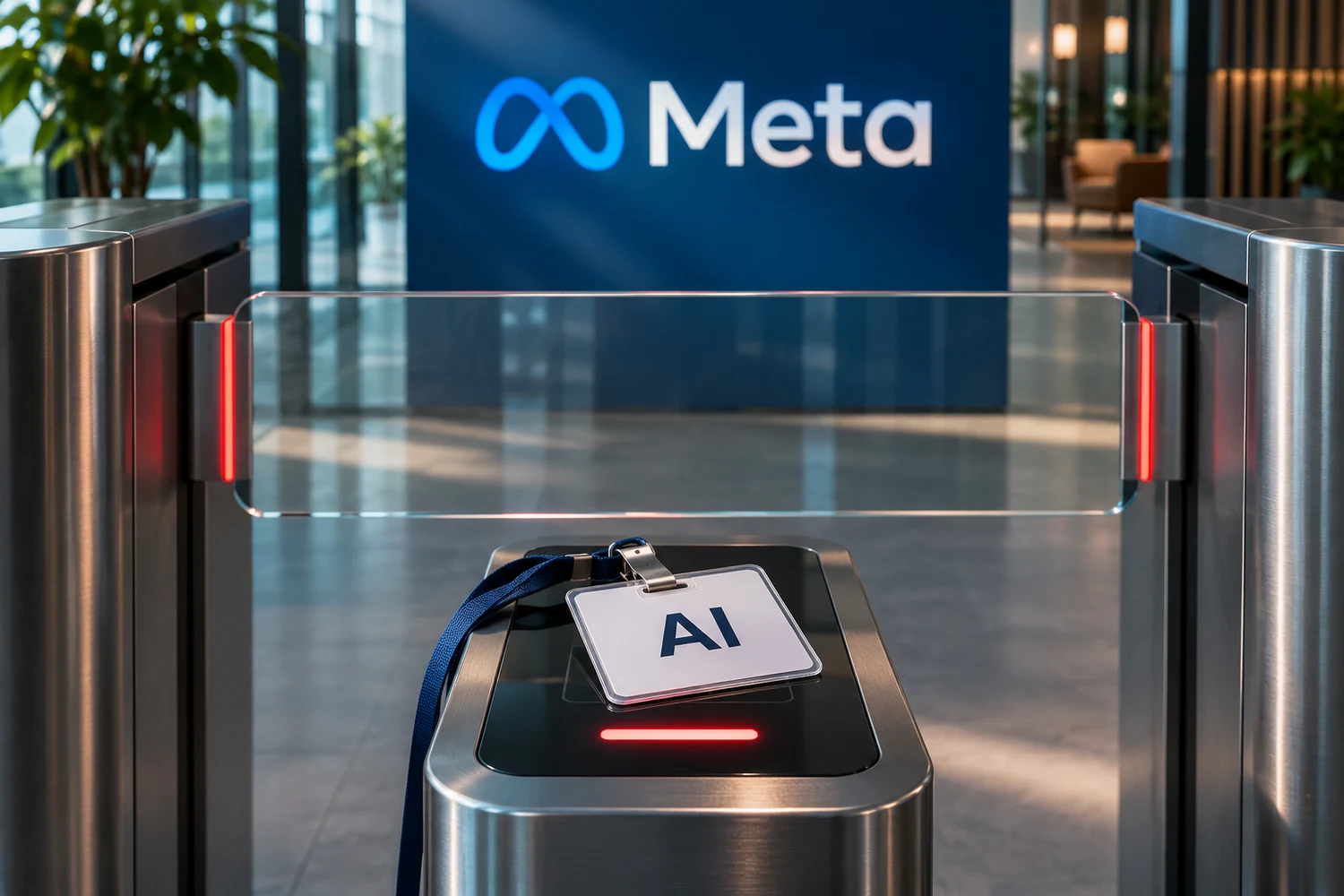
Advertisers say their accounts have been restricted after using AI agents, even as Meta offers its own AI advertising connectors. The reports do not establish why any individual account was restricted, but they expose a difficult question for businesses giving AI access to their ads.
Jump to a section
You give an AI assistant permission to help manage your ads. Then your ability to advertise disappears.
That is the scenario some advertisers say they have encountered as AI agents move from writing ad copy to acting inside advertising accounts. For a business that depends on Facebook and Instagram campaigns, a restriction can interrupt customer acquisition while the owner tries to work out what happened and how to appeal.
There is a complication: Meta is not simply telling advertisers to stay away from AI. In its first-quarter 2026 prepared remarks, the company announced Meta ads AI connectors in open beta so advertisers could connect an ad account directly to an AI agent. Digiday reported on the launch in April.
The result is a gap between a tool’s availability and an advertiser’s confidence about how its activity will be assessed. That is a real operational concern, not proof that Meta has a policy of banning AI users.
What advertisers say happened
In a November post in an advertising forum, one advertiser said an ad account was restricted after using Claude with what they described as Meta’s official ads connector. The poster reproduced what they said was a notice about automation and said they had used the tool to help create ads and review performance.
Hacked.com has not independently verified the account, the notice, the connector setup or the reason for Meta’s decision. The post does not establish that the connector caused the restriction. It also cannot tell us how often this happens.
Earlier, marketing commentator Jon Loomer described advertiser reports of AI-related shutdowns in March. His suggestions about a possible technical explanation were speculation, not confirmation from Meta. The newer account is a separate report, not evidence of a newly announced Meta enforcement campaign.
Meta offers an AI connector. Why would an account still be restricted?
An AI agent is software that can carry out tasks using tools or services it is given access to. A connector is the bridge between that assistant and an ad account. Depending on the tool and permissions, it may read campaign performance, prepare changes or carry out actions.
Meta’s own connector and an unrelated third-party browser tool are not the same thing. Neither are reading reports, editing a live campaign and repeatedly submitting rejected ads. The company’s developer documentation describes its ads connector; access and available controls can vary by account.
Meta reviews advertising content and business assets under its policies. Its advertising standards training material says an ad that violates the standards can be rejected and associated business assets may be restricted. A restriction can also have a security, identity, billing or other explanation. An API rate-limit error, which can temporarily limit requests, is not the same as an ad account ban.
We cannot say which of those factors, if any, caused a specific advertiser’s restriction. Equally, an official integration is not a promise that every action taken through it will comply with advertising rules or that a restriction will never happen.
The overlooked risk: the assistant can act, but the business owns the consequences
Consider a hypothetical small business that lets an agent prepare several campaign variations. A person may think they are asking for drafts. The actual result depends on the tool, its permissions and any approval or publishing controls. If an agent can edit a live campaign or make a large batch of changes, the business needs to know what it changed and who approved it.
That is a different problem from an employee merely asking a chatbot to write an ad. Our reporting on shadow AI at work examined what happens when employees use tools outside their organization’s oversight. Here the consequential asset is an advertising account, with campaigns, permissions and potentially active spend attached.
The practical question is not whether a tool has an AI label. It is how it connects, which account it can reach, what actions it can take and whether a person can reconstruct those actions afterward.
What to do if your Meta ad account is restricted
- Pause the automation and preserve the evidence. Stop scheduled agent activity and retries. Save the exact notice, affected asset ID, time, recent campaign changes, connector name and relevant activity history. Do not include passwords or access tokens in screenshots.
- Identify what Meta restricted. A rejected ad, a disabled ad account, a restricted personal advertiser, a Page and a business portfolio are different problems. An administrator can check Meta Business Support Home for the affected asset, stated reason and available next steps.
- Check for security and billing issues. Review administrators, partners, connected apps, recent changes and payment activity. An unfamiliar user, charge or ad can indicate a compromise, but a restriction by itself does not prove hacking. If an administrator profile was taken over, use Meta’s hacked-account process from a trusted device.
- Correct what can be corrected and request review when available. Address the issue Meta identifies, such as a policy problem or verification request. If you believe a restriction is mistaken, follow the review option shown for the affected asset. Availability depends on the account and Meta’s decision. Do not create replacement accounts to evade enforcement.
- Document the business impact. Record paused campaigns, affected clients and any unauthorized charges. Preserve original evidence and keep an accurate timeline for your team, the platform and, if needed, your payment provider.
Meta’s training material describes Business Support Home as the place to monitor asset issues and request another review when available. Review is not guaranteed to restore access, and the timing and options can vary.
For a more detailed route, including what to do when the review button is missing or Meta has already denied a request, follow our guide to a restricted or disabled Meta ad account.
How Hacked.com can help
If your Meta ad account, business portfolio or advertising access is restricted, our team can help you identify the affected asset, review the notice and available evidence, assess security concerns, and prepare for the platform’s review process. See our Meta ad account restriction and recovery support to discuss the next step.
If an eligible dispute remains unresolved, we can also discuss a formal demand letter or small claims case preparation. The client remains self-represented, and availability depends on the case and jurisdiction. We are independent of Meta. We cannot override its policies, guarantee reinstatement or promise a particular review or court outcome. If the problem also involves lost administrators, unknown partners or a compromised business portfolio, our Facebook Page and Business Manager recovery guide covers the broader response.
How to use AI more carefully after a restriction
Before reconnecting anything, understand the decision and resolve the issues Meta identifies. Confirm whether the connection is Meta’s own or a third-party product, and read the permissions and terms for that exact setup. If the account and integration support it, begin with reporting access and require a named person to approve consequential changes. Check whether restrictions on budgets, campaigns or other actions are available in your account.
Keep a record of who authorized each connector, what it can access, what it changed and how to disconnect it. Review ad copy, destinations, targeting and budgets yourself before publishing. Do not assume an agent’s output is compliant simply because it looks polished.
And treat unexpected invitations to connect an AI tool as a security question. An attacker can use a convincing sign-in request to gain access to an account. Our GitHub Copilot phishing analysis explains one way a genuine sign-in flow can be abused; it is a different scenario, not evidence that these Meta restrictions were caused by phishing.
AI can make advertising easier to operate. It cannot take responsibility for the account away from the business that owns it.