
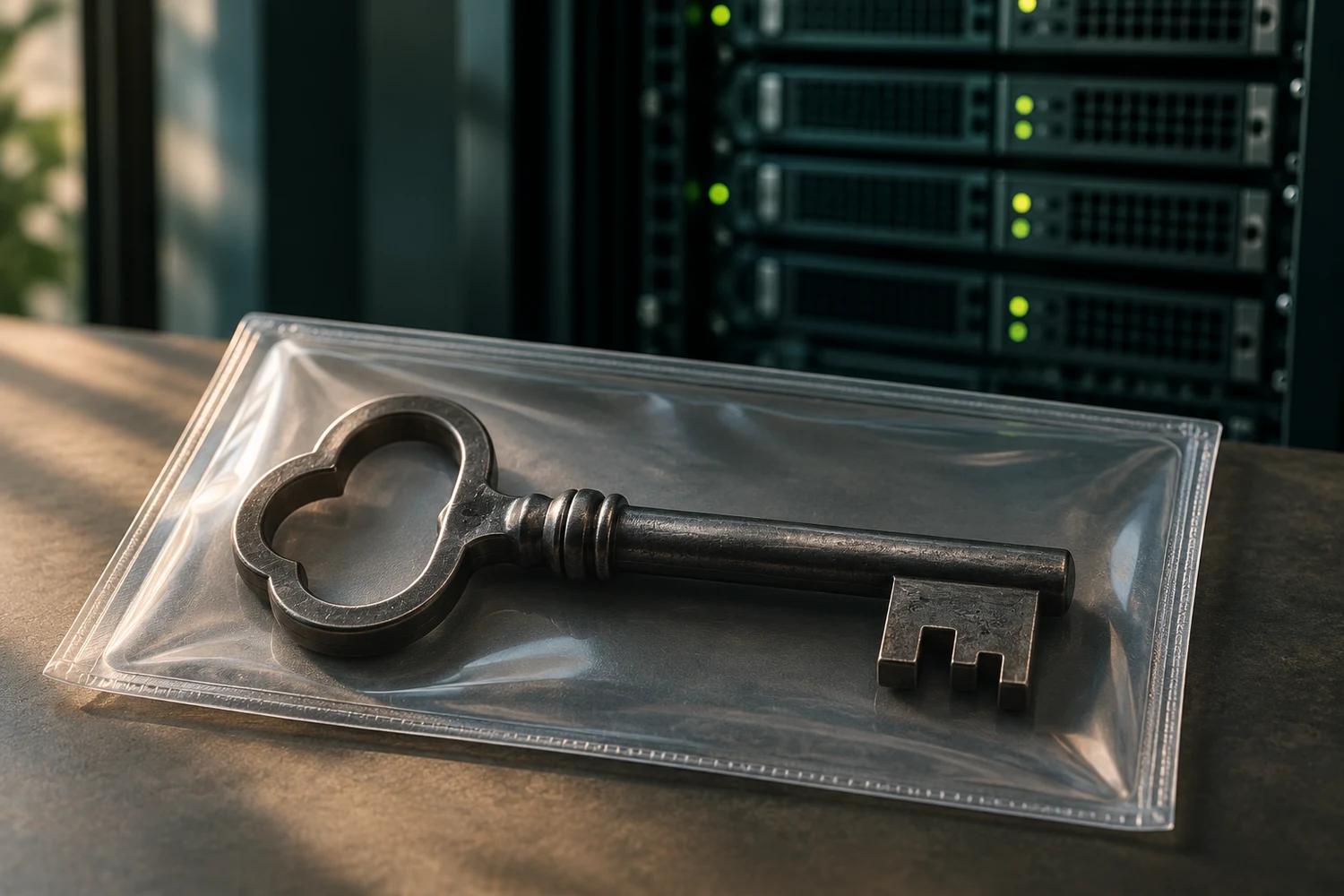
An SSH key is one part of a cryptographic key pair commonly used to authenticate access to a remote computer or service. SSH stands for Secure Shell, a protocol used for secure remote connections.
How SSH keys work
The private key should be kept secret. The matching public key can be placed on a server or service that is configured to accept it. The pair lets the user prove possession of the private key when connecting. GitHub explains how SSH authentication works.
What if a private key is exposed?
From a trusted environment, remove or revoke the matching authorized public key at every destination that accepts it. Generate a new key pair, install the replacement public key where needed and work with system owners to review access logs. Removing the private key from one device does not revoke copies or remove another server’s authorization. GitHub recommends reviewing and removing compromised SSH keys.
A strong passphrase adds protection to an encrypted private key, but an exposed key still needs to be revoked and replaced. Never share a private key or passphrase in a support message.
SSH keys and API keys
An API key is a different kind of credential, commonly used by software to access an online service. Both can create access beyond the system where they were stored. See our credential leak response guide and our reporting on the credentials stolen in the Fugaku cyberattack.