
What to know: Varonis describes a tool called TheMailer that can generate and test phishing messages. Receiving an email does not mean you have been hacked. If it asks you to sign in, pay or share a code, verify the request through a channel you already trust.
TheMailer AI Phishing Kit Tests and Rewrites Emails to Evade Spam Filters
Researchers say a phishing platform can use commercial AI models to rewrite messages after test emails land in spam. The finding shows why a convincing message in your inbox still deserves scrutiny.
Jump to a section
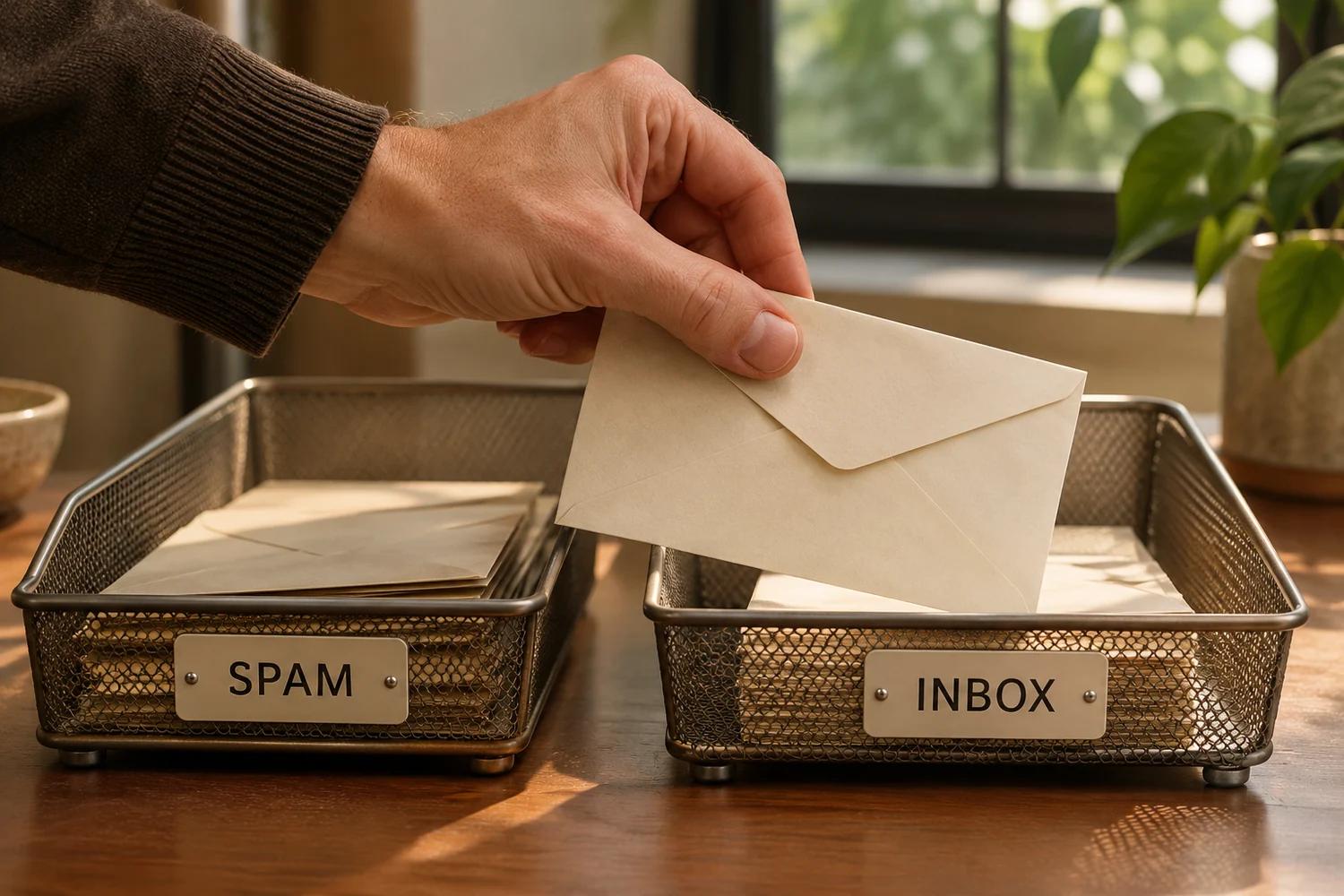
An email lands in a test spam folder. Its sender rewrites it and tries again. Security researchers say TheMailer, a phishing platform advertised for sale, can use AI to repeat that process before a campaign reaches its intended recipients.
In research published November 17, Varonis Threat Labs described a self-hosted platform advertised on a cybercrime network since March. The researchers say it can connect to commercial AI services, including models from OpenAI, Anthropic and Google, using an operator-supplied API key. The platform can generate messages and test whether sample emails reach an inbox.
Varonis says the seller advertised lifetime licenses for $3,000 to $6,000, depending on the package. That is a seller’s asking price, not proof of how many licenses were sold. Forum views and screenshots do not establish the number of customers, messages delivered, successful campaigns or victims. Varonis’s reporting describes the platform and its marketing; it does not establish that every phishing email uses this tool.
From a better sentence to a feedback loop
Early conversations about AI phishing often focused on bad grammar disappearing. A polished sentence can make a scam less obvious, but the more consequential change in Varonis’s account is the testing loop.
The researchers say TheMailer checks a test mailbox controlled for testing to see whether a message landed in spam. If it did, an AI model can rewrite the message before the operator tries again. Varonis also describes features that tailor content to email providers and produce different versions for recipients. A successful test in one mailbox is not a guarantee that the same message will reach other inboxes.
That is a way to experiment against a filter, not proof that any email service’s protection can always be bypassed. A test message reaching an inbox does not establish that a recipient trusted it, entered a password or lost money.
Phishing is the attempt to trick someone into giving up information or taking an action that benefits an attacker. The request may arrive by email, text, a website or another channel. An email can be dangerous because of what it asks you to do even when it looks professional and contains no obvious spelling mistake.
The connection to stolen AI keys and outage scams
Varonis says TheMailer operators supply their own AI service credentials. Its research does not establish that those credentials are stolen in every case. Our separate reporting on stolen AI keys explains why unauthorized access to model services is an attractive resource for criminals. These are related risks, not evidence that the same actors or credentials were involved.
There is also a practical link to our Microsoft 365 outage phishing story. Microsoft described a separate campaign that used a real service disruption as a reason to send fake restoration messages. A timely pretext and a polished message can work together, regardless of which tool wrote the text.
Think about the claim before judging the writing: is someone asking you to act urgently, sign in through a link, approve an unexpected request or send money? A real outage or a familiar company name does not make a message genuine.
What to do when a message looks suspicious
- If you only received it: Do not follow its instructions. Receiving or reading a message alone does not prove an account was compromised. Report it using your email provider’s phishing controls or your employer’s process.
- Verify the request separately. Open a saved app or type the organization’s known address. For a payment or unexpected change, call a number you already know rather than one in the message.
- If you entered a password: From a trusted device, change it through the provider’s official site. If it was reused, change it on other affected accounts too. Review sessions, recovery information and security settings; contact your employer promptly for a work account.
- If you approved a sign-in or shared a code: Contact the provider or your security team, revoke suspicious sessions where supported and review account activity. A password change alone may not end every active session.
- If you sent money: Contact your bank or payment provider immediately through a known channel. Preserve the message, transaction details and any relevant receipts.
- If you installed software or ran a command: Disconnect the affected device from networks if appropriate and seek trusted technical help. For a work device, alert your employer’s security team promptly.
Microsoft’s phishing investigation guidance distinguishes opening a message from submitting credentials or running an attachment. That distinction helps responders choose the right action without assuming every recipient was compromised. The FTC also recommends contacting a company through a number or website you already know, rather than information supplied in an unexpected message.
What this means for organizations
Attackers can vary the words while keeping the same objective. Security teams should combine email authentication, sender and domain checks, link and attachment inspection, and an easy way for staff to report suspicious requests. Authentication can reduce certain forms of address spoofing; it does not establish that the sender’s account is trustworthy or that every message is safe. Use phishing-resistant sign-in methods where supported and investigate exposure based on what the recipient actually did.
Our guides explain how to identify scam emails and what to do after a data breach. For an urgent payment request, see what to tell your bank.
A message reaching your inbox means it passed one set of checks. It does not answer the question that matters most: who is asking, and what are they trying to make you do?