
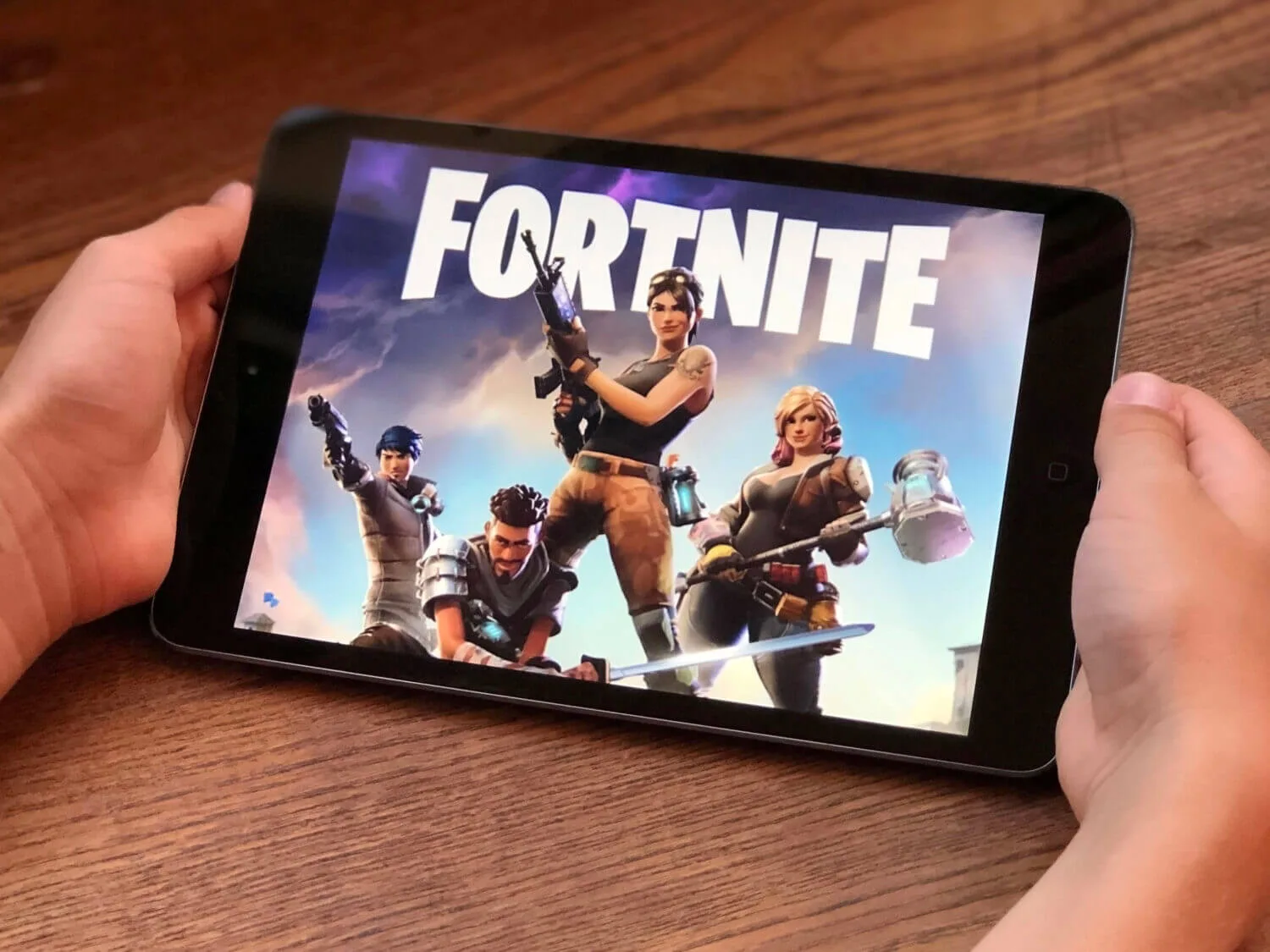
Fortnite safety is mostly decided by three controls: who can contact your child, how easy it is to spend money, and how secure the sign-in account is. The game itself is not the main risk. Unwanted contact, scams, and frictionless purchases are.
Rule of thumb: lock down contact and spending at the platform level first, then tune Fortnite's in-game settings.
Start here (the setup that prevents most problems)
- Use the child's own account, not an adult account that has saved cards and broad permissions.
- Turn on two-factor authentication (2FA) for the account used to sign in, and use a unique password.
- Restrict chat and friend requests to friends-only or off for younger kids.
- Put spending behind approvals and remove saved payment methods where possible.
- Agree on one safety rule: no sharing personal info, passwords, or one-time codes with anyone met in-game.
If the account is already messy, or if you suspect compromise, start with containment: how to check if you've been hacked.
Where risk comes from
Fortnite is a social platform with a game attached. The risks are the same risks seen in other social systems: stranger contact, impersonation, scams, and account theft.
| Risk area | What it looks like | High-leverage control |
|---|---|---|
| Voice and text chat | Harassment, grooming attempts, pressure to move to other apps | Friends-only or off, plus reporting and blocking habits |
| Friend requests | Strangers contacting kids after a match | Restrict who can add friends and invite |
| Spending | Impulse purchases, social pressure to buy skins | Approvals, spending limits, no saved cards |
| Account takeover | Lost inventory, strange logins, new devices | Unique password, 2FA, session audits |
| Scams and "free V-Bucks" | Phishing links, malicious downloads | Never click "free currency" offers, treat them as scams |
Safety note: "free V-Bucks" offers are a top scam pattern. Many lead to credential phishing or malware. There is no safe shortcut.
Contact controls (chat, invites, and who can interact)
Unwanted contact is the highest-risk surface for kids. Your goal is that strangers cannot reach your child easily.
Recommended defaults
- Voice chat: friends-only or off
- Text chat: friends-only
- Friend requests and invites: restricted
As kids get older, you can loosen these settings gradually, but start strict and earn trust. The easiest way to keep play safe is to keep the social graph small.
Spending controls (reduce impulse and coercion)
Spending problems are not solved by arguments after the fact. They are solved by adding friction so a purchase requires an adult step.
- Remove saved payment methods where possible.
- Require PIN or approval for purchases on the console or platform account.
- Set monthly spending limits if your platform supports it.
Start with how to stop your children spending money online, then apply the platform-level controls: parental controls for video game consoles.
Account security (protect inventory and stop takeovers)
Most "Fortnite hacks" are stolen logins. If your child's account is taken over, the attacker can change settings, steal inventory value, or use the account to scam friends.
High-signal indicators of takeover
- Login alerts from unfamiliar locations or devices
- Settings changed without you
- New friends added or messages sent
- Unexpected purchases
Hardening that holds up
- Unique password (no reuse with email or school accounts)
- 2FA enabled and recovery options you control
- Review sessions and devices periodically
If compromise repeats after resets, treat it as a device problem too. Use how to detect spyware.
Platform differences (why console settings matter)
Fortnite runs across consoles, PCs, and phones. The platform you play on controls key safety outcomes: who can message, what purchases can happen, and how accounts are recovered.
- On consoles, family and privacy settings often control chat and purchases more effectively than in-game menus.
- On PCs, device integrity and browser hygiene matter more because malware and "free currency" downloads are more common.
Ratings and expectations
Ratings are not a security system, but they help calibrate expectations about content and interaction. ESRB publishes ratings context for games including Fortnite: ESRB rating for Fortnite.
For a parent-oriented summary of content and social considerations, Common Sense Media is a useful lens: Fortnite review.
When Fortnite is not safe enough for a specific child
Safety is not only settings. It is behavior under pressure. Some kids are more vulnerable to manipulation, impulse spending, and social pressure. If you see repeated boundary issues, the safest move is to tighten controls and step back to private play with known friends only.
If you need a broader online safety framework beyond Fortnite, use how to protect your child from online abuse, hacking, and cyberbullying.
Fortnite can be safe enough for kids when boundaries are predictable: contact with strangers is constrained, spending requires approval, and the sign-in account is protected. Those three conditions prevent most expensive mistakes and most serious social risks.
Once the baseline is stable, you can loosen settings gradually. The goal is not perfect safety. It is removing the biggest failure modes while preserving the fun that makes the game worth playing.
If you keep one durable rule, keep the one that prevents both scams and takeovers: never share passwords or one-time codes, and never click "free currency" links.