
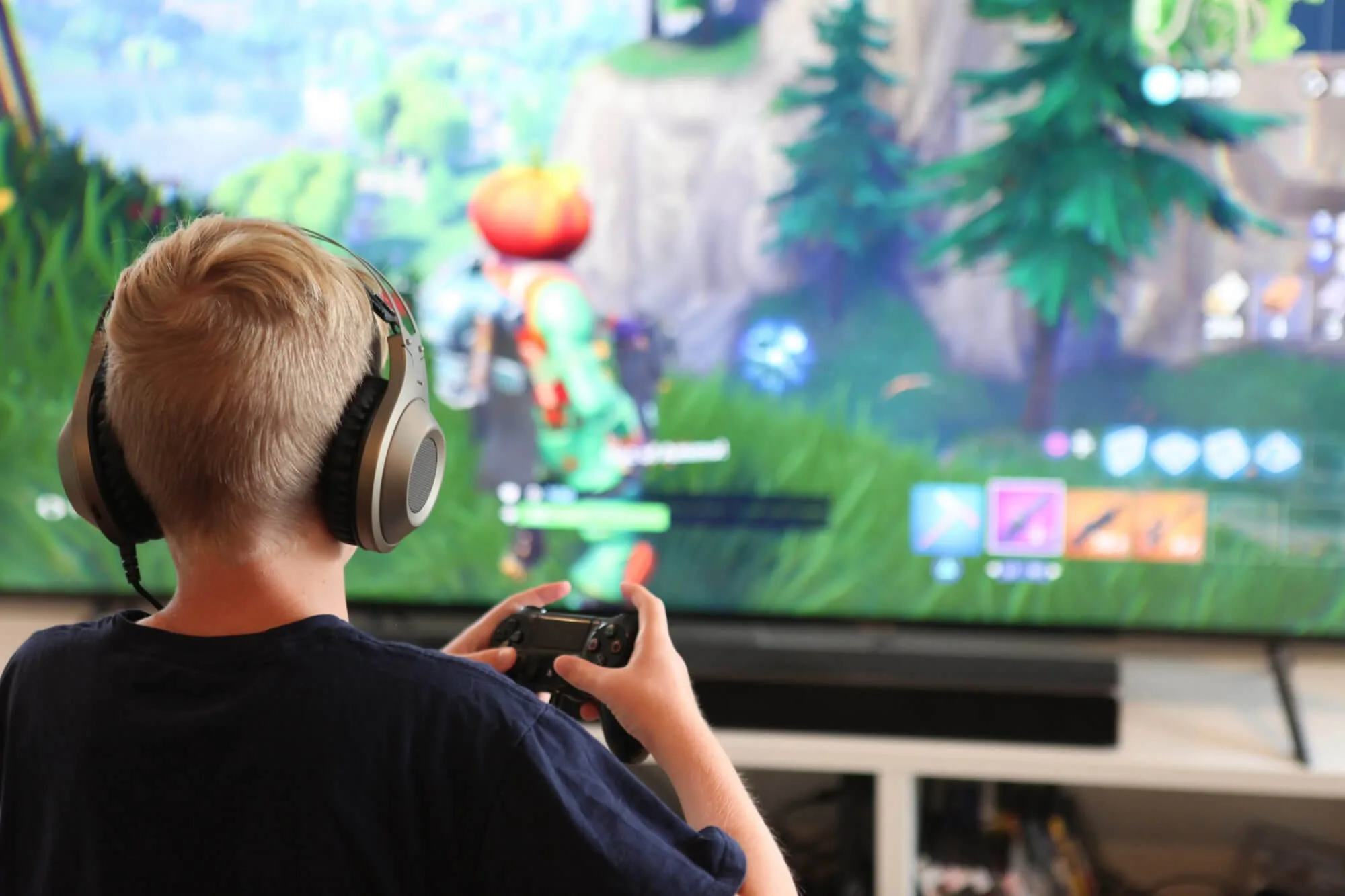
Children's game safety is determined less by branding and more by built-in risk surfaces like chat, purchases, and recommendation loops.
A safer outcome comes from default controls that reduce exposure before a child encounters pressure or manipulation in-app.
Once chat or trading enters the picture, the problem often becomes social engineering, not only screen time.
Parent setup first
- Decide which game features are allowed: chat, friend requests, spending, and user-generated content.
- Turn on purchase approval and remove saved payment methods.
- Restrict chat and friend requests to known friends, or disable them for younger kids.
- Review device permissions and deny anything unnecessary (microphone, camera, contacts, location).
- Set time boundaries that protect sleep and school.
Safety note: For most kids, the highest-risk feature is contact. If strangers can message your child, the game is not “just a game”.
Risk surfaces to evaluate
| Surface | Why it matters | Preferred default |
|---|---|---|
| Chat and DMs | Grooming, coercion, bullying, scams | Off, or friends-only with supervision |
| Friend requests | Strangers become “contacts” quickly | Approval required |
| User-generated content | Kids can be exposed to unsafe content | Restricted or moderated modes |
| In-app purchases | Unauthorized spending and pressure loops | Purchase approval |
| Ads and rewards | Manipulation pressure, accidental taps | Short sessions, no clicking habit |
| Permissions | Unnecessary data access | Deny anything not needed |
Contact risk: chat, groups, and “meet me on another app”
Many incidents start as “friendly chat”. A child is praised, invited to a private chat, then pressured to move off-platform. That move is a red flag because it removes moderation and increases secrecy.
If a game has chat, set a clear rule: if anyone asks for photos, personal details, or a move to another app, the child stops and tells you immediately.
Spending and ad pressure
Spending pressure is not only about money. It creates arguments and urgency, which reduces judgment. If a game constantly sells upgrades, it is training the child to respond to prompts rather than to think.
Lock down purchases first. If your child is older and you want to allow spending, make it explicit and bounded (a small monthly budget), not an open tap-to-buy environment.
Privacy and permissions
Many games request permissions for convenience or analytics. A safe default is to deny anything that is not required for the game to function. If a feature breaks, you can re-enable one permission intentionally rather than granting everything upfront.
Time boundaries and routine
Long sessions are a safety problem because fatigue reduces judgment. A device bedtime rule often works better than negotiating minutes inside every game. Predictable boundaries reduce conflict.
What to do if the game is already installed
- Audit settings for chat, friend requests, and profile visibility.
- Remove payment methods and enable purchase approval.
- Disable notifications if they create urgency loops.
- Ask one concrete question: “Has anyone messaged you in the game?”
Related guides: parental controls for video game consoles, parental controls for apps, the worst apps to find on your kid’s phone, and My Talking Tom Friends safety.
Most kids games can be made safer by removing two things: open contact and open spending. When those are locked down, the remaining risk is usually time and content, which is easier to manage with routine boundaries.
What you are building is a repeatable system: safe defaults, short sessions, and a child who tells you early. That system works across the next game and the next trend, which is the only durable advantage parents get.
If a game requires secrecy, constant spending, or constant engagement to be “fun”, it is not aligned with a child’s safety. Choose the game, or the mode, that supports the habits you want to reinforce.