
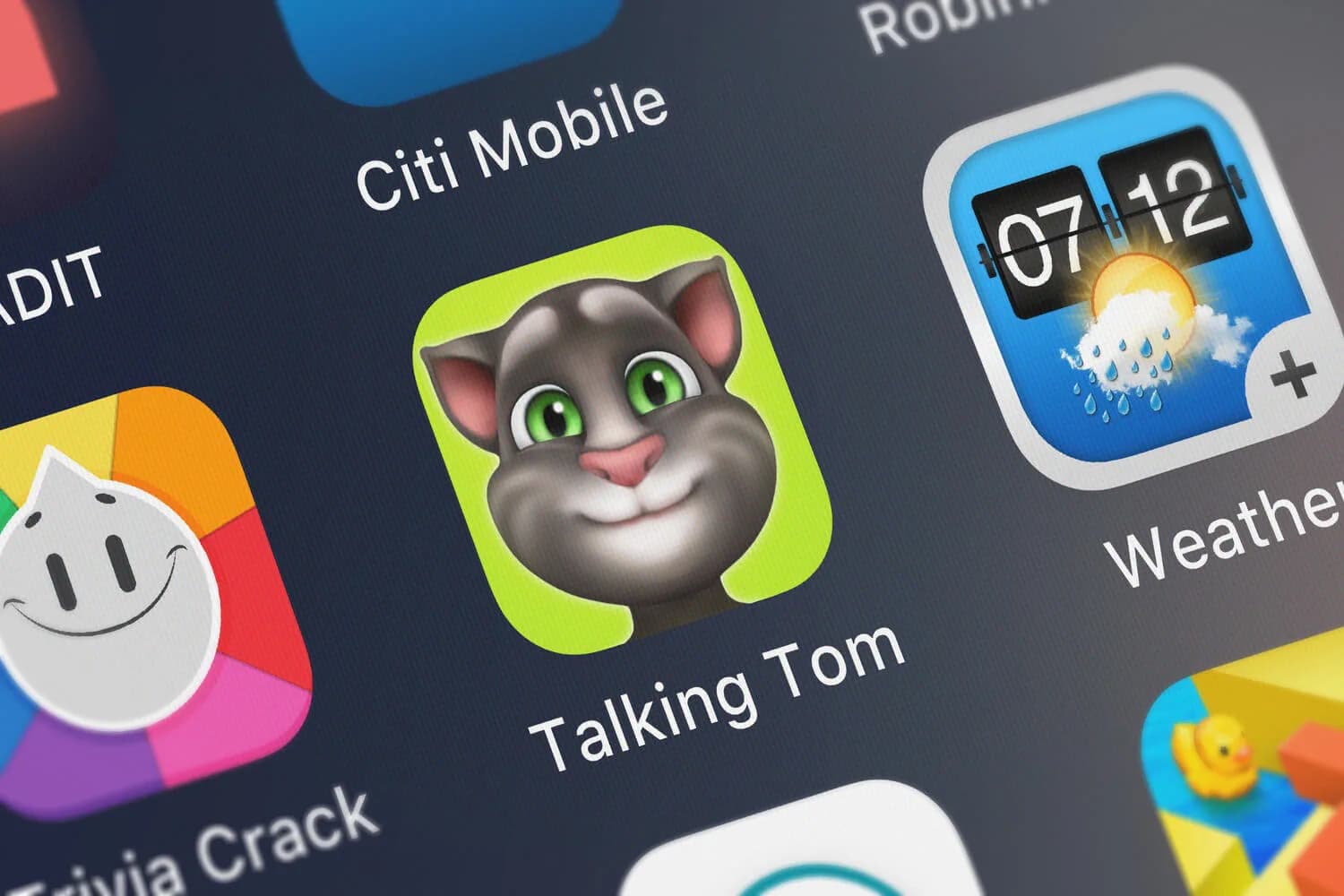
Virtual pet games can create predictable pressure points, in-app spending, ad prompts, notification loops, and data collection.
A safer setup uses strict payment and permission defaults plus time boundaries that prevent habit-forming overuse.
Risk controls for younger users
- Turn on purchase approval and remove saved payment methods on the device.
- Disable or limit notifications so the game cannot pull your child back in on its schedule.
- Set a time boundary that protects sleep and school (a device bedtime rule is often the easiest).
- Review what the game can access (microphone, camera, contacts, location) and disable anything you do not need.
- Explain the “tell early” rule: screenshots, then tell a trusted adult if anything feels scary, manipulative, or confusing.
Key idea: Most harm comes from predictable mechanics: spending pressure, notification pressure, and long sessions. Defaults matter more than a one-time lecture.
What makes a kid’s mobile game risky
| Surface | What can go wrong | High-leverage guardrail |
|---|---|---|
| In-app purchases | Unauthorized spending, guilt loops, subscription surprises | Purchase approval and no saved payment methods |
| Ads and “rewards” | Manipulation pressure, accidental taps | Teach “no clicking” and keep sessions short |
| Notifications | Habit loops and conflict (“the pet needs you”) | Disable notifications or restrict them tightly |
| Privacy and permissions | Unnecessary data access and identity leakage | Disable permissions that do not support gameplay |
| Time collapse | Sleep disruption and reduced judgment | Device bedtime rule and predictable limits |
Risk 1: In-app purchases and spending pressure
Many kid-focused mobile games monetize through purchases, subscriptions, and time-based “limited offers”. The child does not need to understand pricing psychology for it to work. The lever is friction: require approval for purchases and remove payment methods from devices kids use.
If the game is still fun without spending, it can be a reasonable choice. If the game becomes frustrating without spending, it is telling you what it is optimized for.
Common mistake: Setting a screen time limit, but leaving purchases open. Time limits reduce exposure. Purchase approval prevents the most expensive mistake.
Risk 2: Habit loops and notification pressure
Virtual pet mechanics often rely on urgency: pets are hungry, a reward will expire, a streak will break. That urgency is designed to pull attention back into the app. For kids, it can feel like responsibility or guilt.
A practical boundary is to disable notifications entirely, or restrict them to the minimum. If a game cannot operate without notifications, it is not a great fit for a child who struggles to disengage.
Risk 3: Ads and off-platform prompts
Even when ads are not “dangerous”, they train a child to react to prompts. That habit carries into other apps where the prompts can be scams. Teach a simple rule: if the game asks you to click a link, claim a prize, or type in information, stop and ask.
Risk 4: Privacy and identity leakage
Privacy risk is usually not a single catastrophic event. It is accumulated exposure: usernames, device permissions, and what a child shares while playing. Review permissions and disable anything that is not needed for core use. When in doubt, prefer less access, not more.
How to set safer defaults
You do not need to memorize a single app’s settings to do this well. Use a repeatable setup process for kid apps.
- Use a child profile or family account on the device if available.
- Enable purchase approval and remove saved payment methods.
- Disable notifications for the game.
- Set time boundaries that protect sleep.
- Review permissions and turn off anything unnecessary.
Baseline: How to use parental controls for online services and apps.
Incident plan
Most families do not need a complex plan. They need a script a child can remember.
- Screenshot what happened.
- Stop and close the app.
- Tell a trusted adult early.
Related guides: How safe are these kids games?, The worst apps to find on your kid’s phone, and what to teach your kids for safe online participation.
My Talking Tom Friends can be workable for many families when spending is locked down, notifications are controlled, and sessions are bounded. Those guardrails turn the game into a toy rather than a constant attention extractor.
If you find yourself repeatedly negotiating purchases, bedtime, or “one more minute” because the game creates urgency, treat that as a signal. The child is not failing. The incentives are doing what they were designed to do.
Choose the setup that makes the safe behavior the easiest behavior. When the defaults do the hard work, you can spend your energy teaching judgment instead of arguing with an app.