
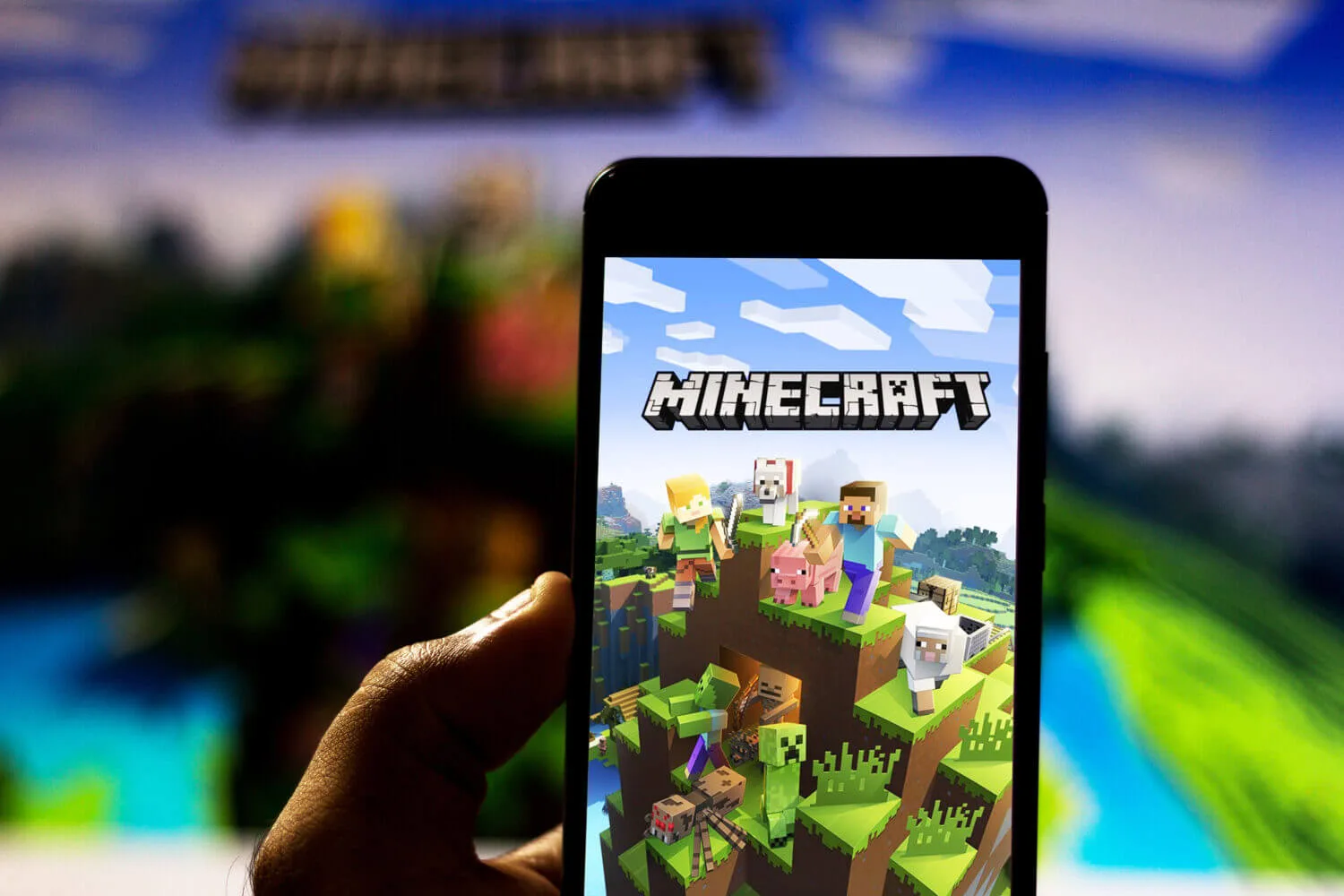
Minecraft is safest when it is treated like two separate products: a creative building game, and a multiplayer internet platform. The game is not the main risk. The risk comes from who can contact your child, what servers they can join, and how easy it is to spend money or install unsafe downloads.
Rule of thumb: default to single-player or private play, then open multiplayer gradually. Most "unsafe" outcomes come from strangers and frictionless spending, not from building blocks.
Start with the three controls that matter
- Identity control: protect the Microsoft or console account used to sign in with a unique password and 2FA.
- Contact control: restrict voice and text chat, friend requests, and invites to known people.
- Spend control: require approvals for purchases and remove saved payment methods where possible.
Everything else is secondary. If those three controls are solid, most failure modes are contained.
Where risk increases (and what to choose instead)
Minecraft can be played in multiple environments. The environment determines whether your child is effectively playing alone, with friends, or with the public internet.
| Environment | Main risk | Best default |
|---|---|---|
| Single-player | Low | Safe baseline for younger kids. |
| Local play with family | Low to moderate | Good step before internet multiplayer. |
| Private multiplayer with friends | Moderate | Known players only, invites limited, chat restricted. |
| Public servers | Higher | Only if chat controls are enforced and an adult understands the server rules and moderation. |
| Mods and third-party downloads | Higher | Only from reputable sources, with device protections in place. |
Safety note: "free skins", "free coins", "account verification", and "mod installers" are common phishing and malware lures aimed at kids.
Chat, invites, and friend requests
Unwanted contact is the most common parent concern. The durable fix is to restrict who can communicate with your child, not to rely on teaching alone.
- Set messaging and voice chat to friends-only, or disable it entirely for younger children.
- Restrict who can add friends and who can invite to games or groups.
- Teach one simple rule: do not move conversations to other apps (Discord, Instagram, SMS) without an adult.
On Xbox and Microsoft accounts, these controls are managed through family and safety settings. Start with the official family hub and the family settings app.
Public servers: what can go wrong
Public servers are moderated unevenly. Some are well-run communities. Others are effectively unmoderated chat rooms with a game attached. The risks are predictable:
- Harassment and slurs in chat or voice.
- Scams: "log in here", "verify your account", "claim rewards".
- Social engineering: attempts to get personal info, get a child to click links, or install software.
- Account theft through credential reuse or phishing.
If you allow public servers, treat it like letting a child into a public online forum. Use stricter chat settings, supervise initially, and require that any links or download prompts get adult review.
Mods, custom clients, and downloads
Many "Minecraft hacks" are not game hacks. They are malicious downloads packaged as mods, installers, or optimization tools. The safer approach is to keep the device hardened and reduce install permissions.
- Only install mods from sources you trust and understand. Avoid one-off download links from chat or video comments.
- Keep the operating system and browser up to date.
- If strange popups, redirects, or login prompts started after a download, check the device for spyware: how to detect spyware.
Spending and marketplace controls
Accidental spending is mostly a payments problem. The durable fix is approvals and removing stored payment methods. The goal is that a purchase requires an adult step.
Start with how to stop your children spending money online. On consoles, apply family controls: how to use parental control for video game consoles.
Microsoft Family Safety settings can also help with web filtering and activity controls across devices.
When a Minecraft-related account problem is actually an account takeover
If your child suddenly cannot sign in, friends report strange messages, or purchases appear that no one recognizes, treat it as an account incident. Recover the account through the official provider (Microsoft, console platform), change passwords, enable 2FA, and remove unknown devices or sessions.
Minecraft is safe enough for kids when boundaries are predictable: contact with strangers is constrained, spending requires approval, and the sign-in account is protected. Once those controls are in place, you can expand freedom gradually without turning playtime into constant moderation.
The real goal is not perfect safety. It is reducing the most damaging failure modes while preserving the fun and creativity that make Minecraft worth playing.
If the setup still feels fragile, move one step back: private play with known friends only. That single decision eliminates most of the exposure.