
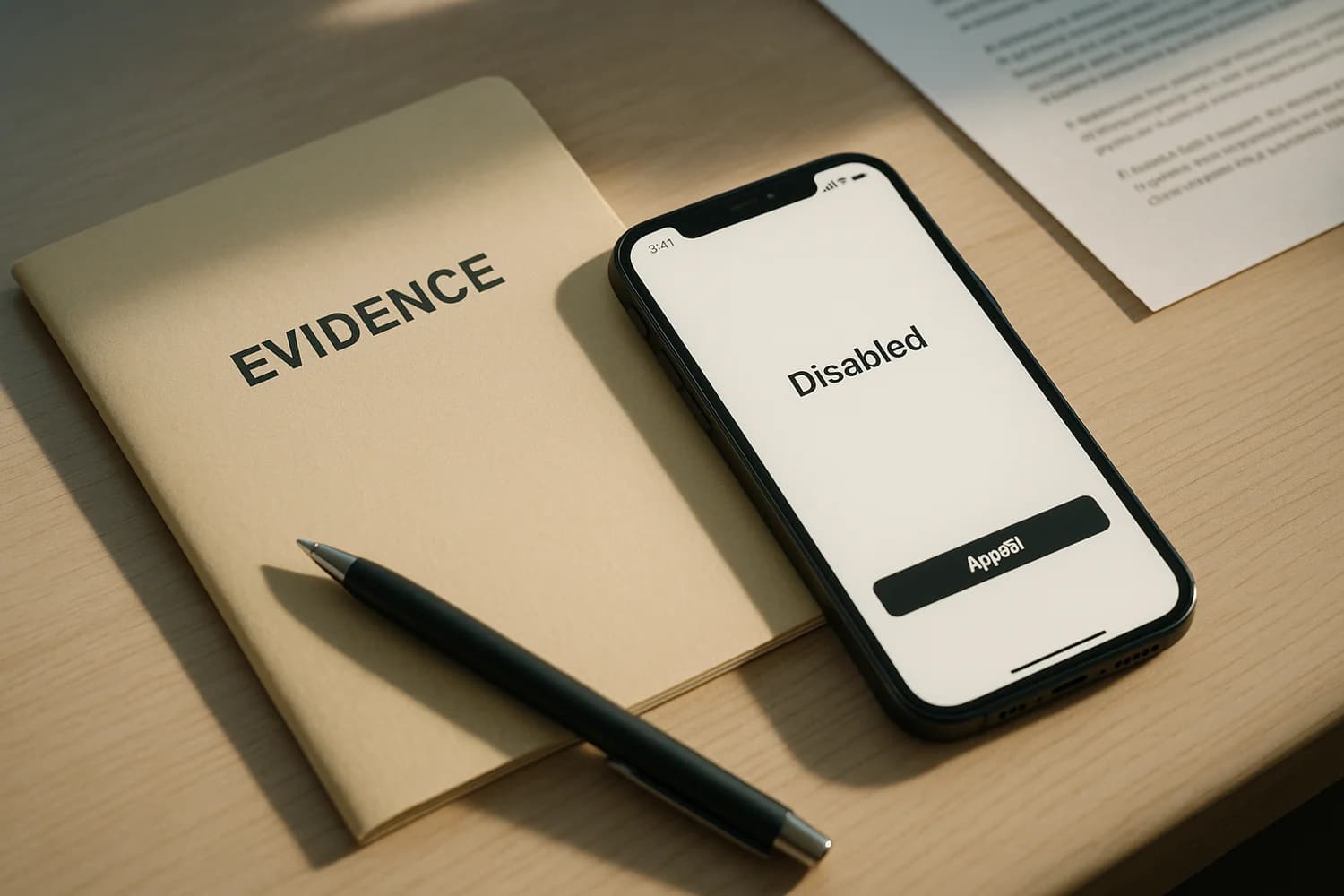
A disabled Instagram account after a hack is not a normal password reset problem. It is usually two problems at once: the account was compromised, and enforcement systems reacted to attacker behavior. The fastest path is to fix the compromise first, then appeal with a clean, consistent record.
Start here (triage by symptom)
| What you see | What it often indicates | Best next move |
|---|---|---|
| You cannot log in and it says disabled or suspended | Enforcement state, possibly triggered by attacker activity | Secure email and devices, then use the official appeal path |
| You can log in but actions are restricted | Temporary integrity or security hold | Fix security state, then follow in-app review steps |
| Password reset loops or codes never arrive | Control-plane compromise (email or phone) or device trust issues | Secure the control plane first, then retry recovery |
Key idea: an appeal is weaker if you cannot prove you control the inbox and devices used on the account. Fix the compromise first, then appeal.
How disable events happen after a hack
After a takeover, an attacker often triggers enforcement by doing things that look abusive: spam DMs, scam links, account automation, or content that violates rules. You may be the legitimate owner, but the platform still sees the behavior on the account.
Operational implication: your appeal should be factual, not speculative. The most persuasive pattern is consistent: compromise happened, you remediated the compromise, and you now control the control plane again.
1) Stabilize the control plane (email, phone number, device trust)
Start with the assets that approve resets and receive alerts:
- Secure your primary email inbox: change password, enable 2FA, remove unknown forwarding rules and sessions.
- If you lost cell service or received carrier notices you did not initiate, treat it as SIM swapping until proven otherwise.
- If compromise repeats, assume the device is untrusted and start with how to detect spyware.
If you need the broader incident sequence, use Been hacked? What to do first.
2) Use official Instagram entry points (avoid third-party "appeal" links)
When your account is disabled, start from official Instagram surfaces and navigate there yourself:
- Hacked support flow: instagram.com/hacked
- Account recovery: instagram.com/accounts/account_recovery
- Password reset: instagram.com/accounts/password/reset
- Appeal surface: instagram.com/accounts/appeal
Labels and menus vary by device and region. The stable goal is: submit one clear appeal using official surfaces, then keep your story and identifiers consistent.
3) Build an evidence packet before you submit anything
Appeals fail when the record is inconsistent. Build a packet you can reuse:
- Screenshots of the disabled message and any error codes.
- A timeline of what you observed (first suspicious email, first login alert, when the account was disabled).
- Which recovery methods you still control (email, phone, trusted devices).
- If money was involved (ad spend, scams, payments), document it separately and keep it factual.
Common mistake: spamming appeals with changing stories. Inconsistent details can reduce trust signals and slow review.
4) Submit the appeal, then keep conditions stable
After you submit an appeal, avoid rapid retries from new devices and new locations. Keep conditions stable. If you must retry, use the same device and network you used historically, and keep identifiers consistent.
If you regain access during review, stop and harden immediately. A second takeover during an appeal window can reset the whole process.
5) If you regain access, remove persistence immediately
Getting back in is not the end state. Clean up the access paths attackers use to return:
- Change to a unique password stored in a password manager.
- Enable 2FA with a method you can keep long term.
- Review login activity and remove devices you do not recognize.
- Remove third-party apps you do not need.
Companion guides:
If you are being pressured by "support" messages
Disabled accounts attract scammers. They offer reinstatement, ask for payment, or ask you to "verify" by sharing codes and screenshots. Treat that as a continuation of the original attack. Use how to identify scam emails as your verification discipline and never move off official channels.
Instagram disable events are frustrating because they mix enforcement and compromise. Your leverage is clarity: stable control of the inbox and devices, a consistent evidence packet, and official recovery surfaces.
Once you remove attacker access and stop adding noise, review becomes a waiting problem rather than a guessing problem. That is the stable posture to aim for.
If you cannot regain access, keep the focus on the control plane. Recovery is easier when you can prove ownership signals and keep them consistent across attempts.