
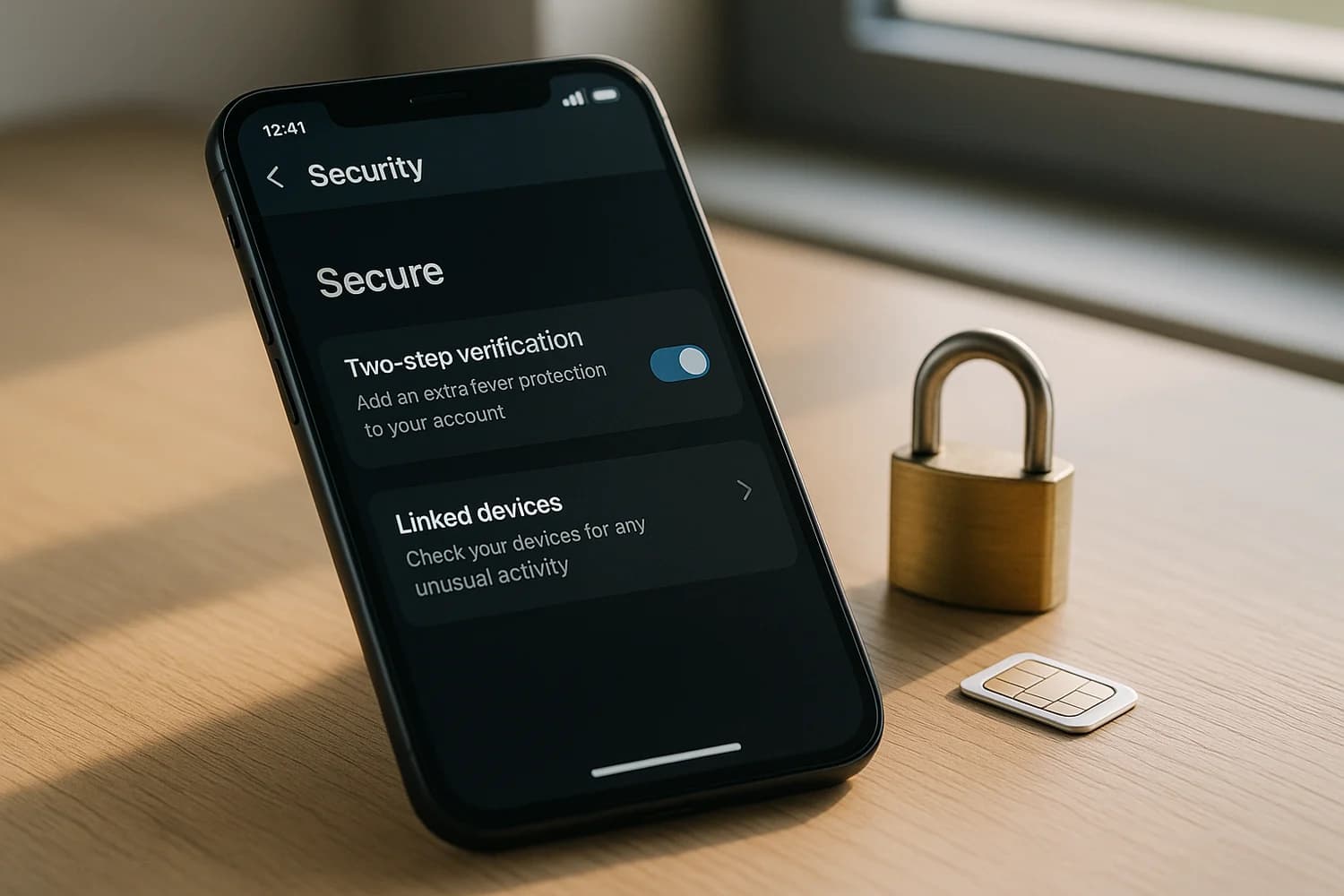
WhatsApp security is phone-number security. If an attacker can receive your verification codes or pressure you into sharing one, they can register your number on their device and impersonate you. The most effective controls are simple, operational, and easy to verify.
Baseline controls (set these first)
| Control | What to do | What it blocks |
|---|---|---|
| Two-step verification | Enable it and attach a recovery email | Re-registration by an attacker who only has your SMS |
| Carrier protection | Add a carrier PIN and port-out protection | SIM swapping and number takeovers |
| Linked device hygiene | Remove any device you do not recognize | Long-lived sessions on web and desktop |
| Verification habit | Never share codes, even with support | Code-theft scams and impersonation |
Do not: read a WhatsApp verification code to anyone. There is no legitimate support workflow that requires you to share it.
Enable two-step verification (and make it recoverable)
Two-step verification is high leverage because it adds a second requirement beyond the SMS registration code. Set it up so you can recover during a stressful incident:
- Choose a PIN you can reproduce under stress. Avoid patterns that can be guessed from public info.
- Add a recovery email that is secured with two-factor authentication (2FA).
- Make sure you can access the recovery email without relying on the same phone number that WhatsApp uses.
Recovery readiness is part of security. If your recovery email is weak or inaccessible, you can harden yourself into a lockout.
Harden the carrier layer (reduce SIM-swap risk)
Phone-number theft is the cleanest way to take over WhatsApp. A few carrier controls change outcomes:
- Add a carrier account PIN or passcode.
- Enable port-out protection if available.
- Secure the carrier portal with a unique password and strong sign-in.
- Turn on carrier alerts for SIM changes and ports if your carrier offers them.
If you ever lose service unexpectedly, treat it as a security signal. Investigate quickly. Most repeat takeovers happen because people assume it is a random outage and delay.
Keep linked devices tight
Linked devices create persistence. The safest end state is a short list of devices you actively use. Review linked devices periodically and remove anything you do not recognize.
A simple habit that works: after any travel, device repair, or major OS update, do one linked-device review and remove anything you do not need.
Make code-theft scams fail by default
Attackers rely on urgency, shame, and authority cues. Your defensive behavior should not depend on detecting every scam. Use fixed rules:
- You never share codes.
- You do not authenticate through links sent in messages.
- If a message claims enforcement or support, you verify through official channels on your timeline.
Terms that help you reason about these attacks: smishing and vishing.
Keep the device layer trustworthy
Account fixes fail when the device is not trustworthy. Basic hygiene prevents repeat compromise:
- Keep the operating system and WhatsApp updated.
- Use a device lock and avoid shared devices for high-value accounts.
- Remove apps and extensions you do not trust or do not use.
If your phone behaves strangely or compromise repeats, treat it as a device-integrity issue and start with how to detect spyware.
Takeover signals to treat as urgent
- You receive a WhatsApp verification code you did not request.
- Your phone loses service unexpectedly.
- Contacts report strange messages asking for money, gift cards, or codes.
- You see linked devices you cannot explain.
Recovery workflow: how to recover a hacked WhatsApp account.
WhatsApp security becomes predictable when you treat it like access control. Control the phone number, control the inbox, and keep linked sessions tight.
The goal is not perfect detection. The goal is default behaviors that make re-registration and impersonation attempts fail fast.
Once those defaults exist, your WhatsApp account becomes hard to reuse as a scam channel, which is the attacker outcome to prevent.