
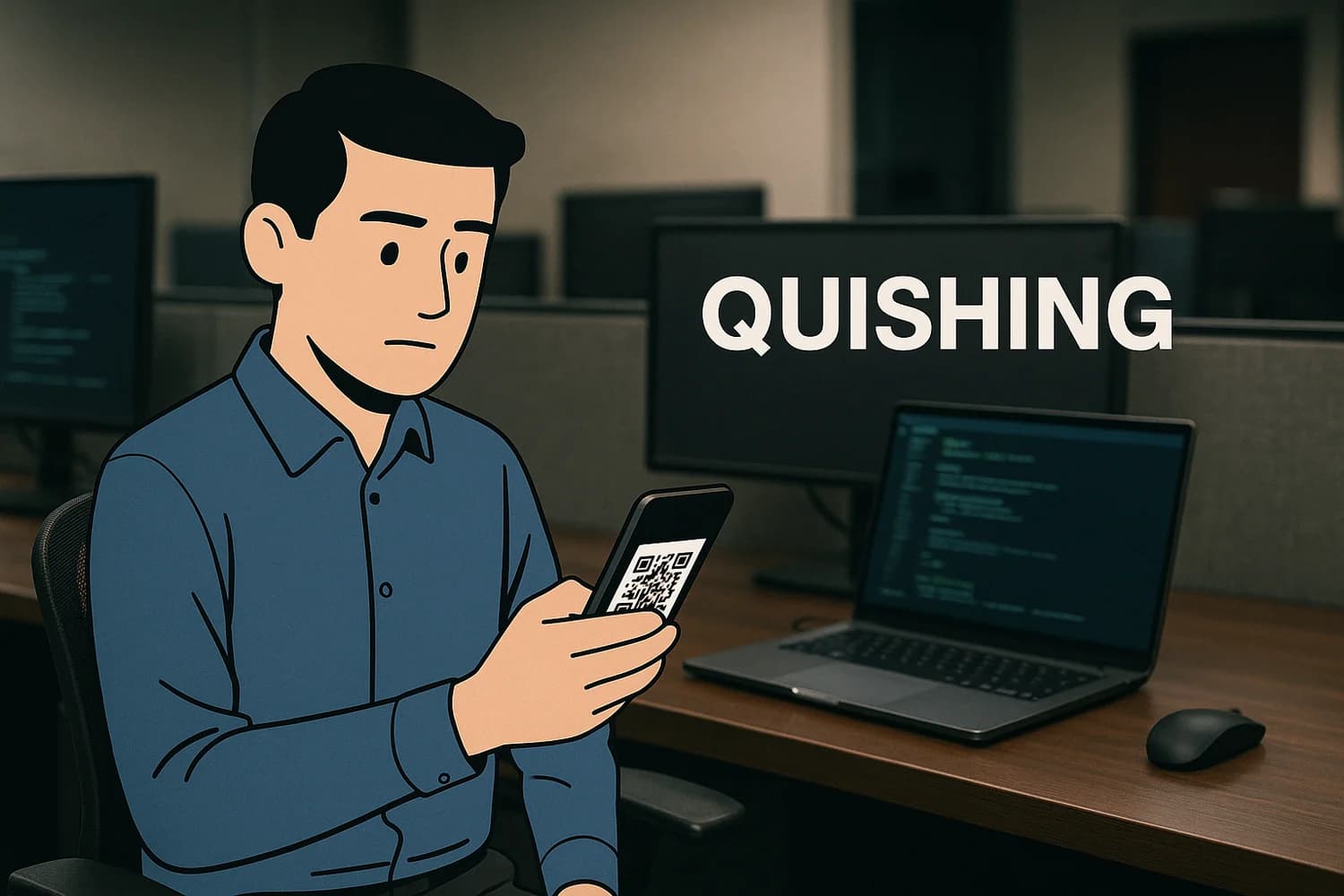
Quishing is QR code phishing: using a QR code to route you to a malicious site, fake login page, or fraudulent payment flow.
It works well because QR codes hide the destination URL and are often scanned on mobile, where domain checks are weaker and attention is split.
Why it matters for account recovery
Quishing can lead to credential theft, payment fraud, and session compromise. If you scanned and signed in, treat it as a control plane risk and assume the attacker may attempt follow-on resets.
Common failure modes and misconceptions
- Trusting 'official looking' printed codes: Attackers can overlay a malicious QR code on top of a legitimate one.
- Assuming QR codes are safer than links: A QR code is just an encoding of a link. The risk is the destination.
- Skipping URL review on mobile: If you do not check the domain carefully, you lose the best signal you have.
Safe best practices
- Preview the URL before opening it, and do not sign in if the domain is unfamiliar or misspelled.
- When possible, navigate directly in the official app or type the site manually instead of scanning.
- Avoid scanning QR codes for payments unless you can verify the destination and the recipient through a trusted channel.
- If you already entered credentials, change passwords from a trusted device, end sessions, and review recovery methods.
Related terms
Related guides
- QR code phishing (quishing): how to verify before you scan
- How to detect fake websites and online stores
- How to identify scam emails
- WhatsApp Web security: linked devices, QR scams, and what to do
The stable defense is procedural: verify the destination through a known channel. If the QR code chooses the destination for you, you are already in the attacker's preferred workflow.