
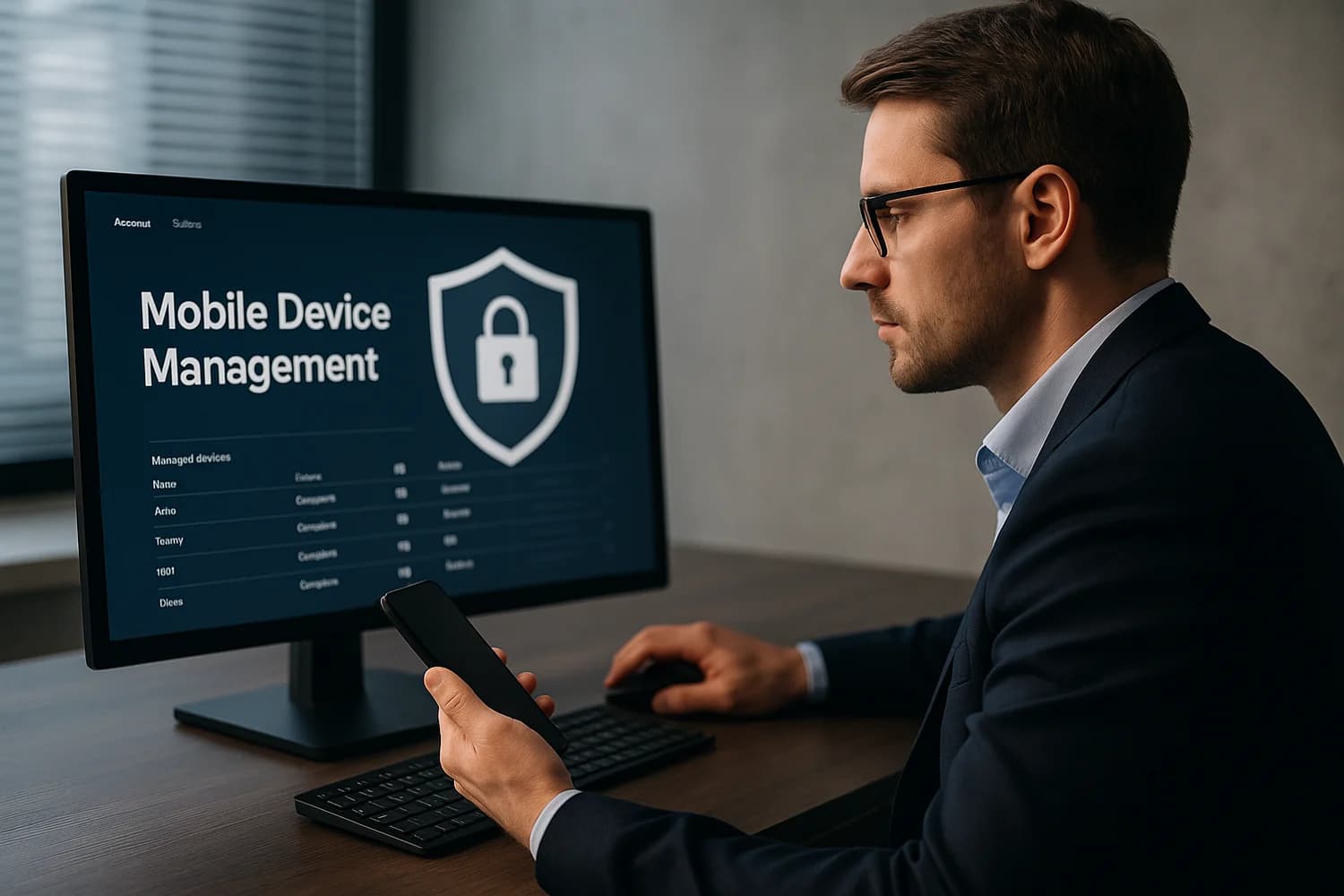
Mobile Device Management (MDM) is a framework organizations use to apply security and configuration policies to phones and tablets. MDM can require passcodes, enforce app rules, configure email/VPN, and remotely wipe business data.
MDM is common and legitimate on school and work devices. It can also be misused when management is installed without clear authorization.
Why MDM matters for account recovery
Device management can look like compromise because it changes settings, restricts apps, and can block removals. During recovery, the key question is whether management is expected policy or unexpected control. If it is expected, removing it can break access to work resources. If it is unexpected, treat it as a high-signal issue and investigate carefully.
Rule of thumb: On a company-issued device, verify policy with IT before removal. On a personal device, unknown management deserves immediate review.
Common failure modes and misconceptions
- Assuming all management is malware: enterprise controls are not automatically malicious.
- Ignoring enrollment source: if you cannot explain when and why the profile was installed, risk is higher.
- Treating device cleanup as enough: if email and identity accounts are weak, management can be reintroduced after cleanup.
Safe best practices
- Confirm device ownership context first: personal, school, or employer-managed.
- Review profile names, certificates, and management server details before taking action.
- Secure primary accounts (email, Apple ID/Google account) from a trusted device before major changes.
- If management is unauthorized, document findings and remove it through official platform settings when safe.
Related terms
Related guides
- How to check if your phone is hacked
- How to protect your online information
- How to check if you've been hacked
MDM is best understood as control infrastructure. The recovery question is not whether control exists, but whether the owner of that control is legitimate and aligned with your situation.