
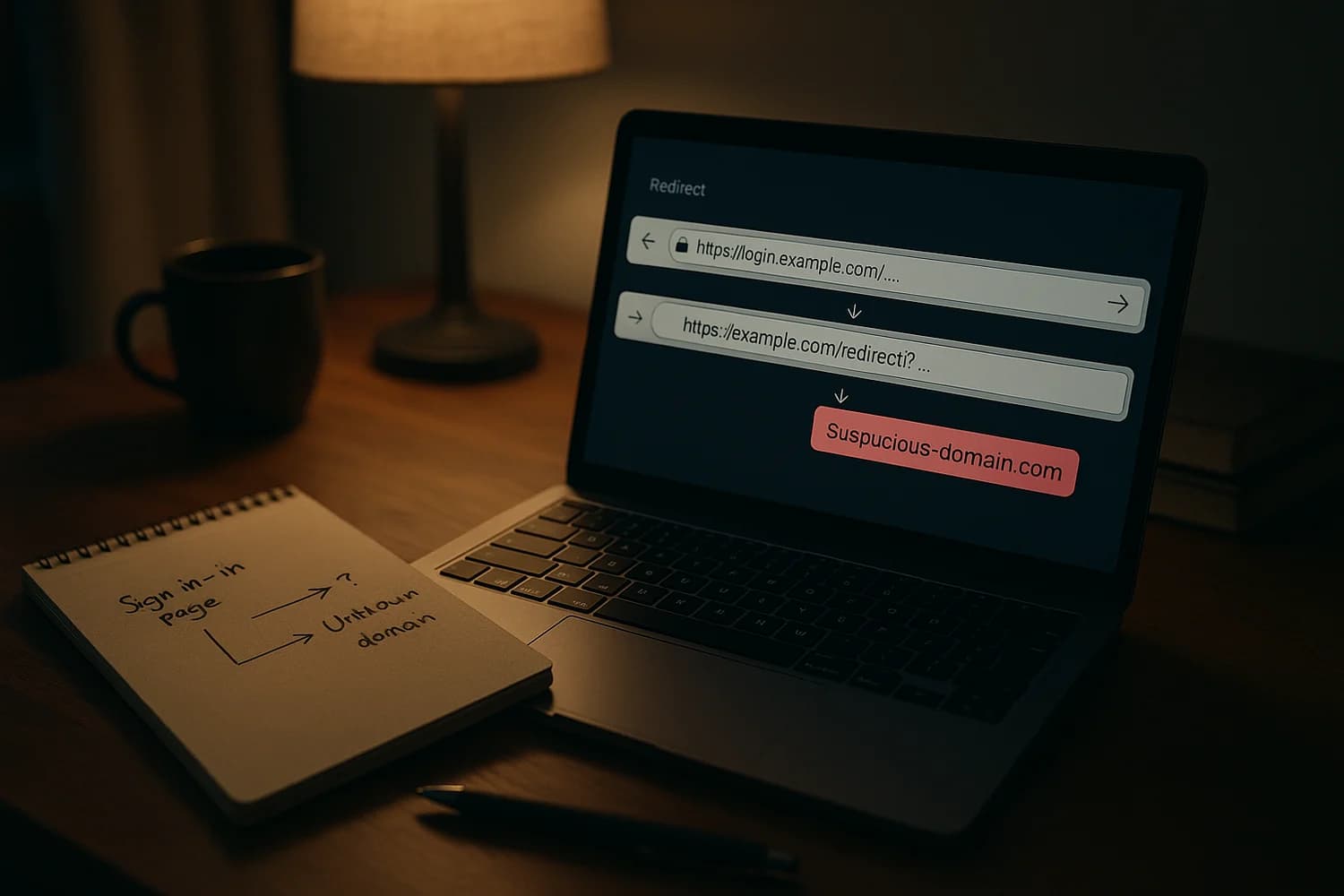
A phishing chain can start on a legitimate sign-in domain and still end on an attacker page. That breaks the most common safety heuristic: "if the login URL looks real, it is safe".
Key idea: treat sign-in links as untrusted, even when they start on a real identity provider. Navigate to the app yourself and verify where you land after any redirect.
Immediate steps if you clicked one of these links
What you do next depends on what happened after the redirect. Use the track that matches your situation.
If you only clicked and closed the page
- Assume your browser history is now your best evidence. Open your history and record the final destination domain you were sent to.
- Run a quick endpoint check if a download started, a browser extension prompt appeared, or a "security update" installer was offered.
- Do not click the link again. If you need to access the service, open the official site or app directly.
If you entered credentials or approved a sign-in prompt
- Change the password from a clean device and end active sessions.
- Check for persistence: recovery email and phone, forwarding rules, connected apps, and any newly added MFA methods.
- Watch for secondary abuse such as password reset attempts on other accounts that share the same email or password.
If you are unsure whether you were phished, use what phishing is and how to identify scam emails to classify what you saw without guessing.
If you downloaded a file or ran an installer
- Disconnect the device from the network if you suspect malware executed.
- Prioritize account control-plane protection on another device: email, password manager, and any SSO accounts used for work.
- Plan for session theft. Some malware and browser add-ons steal cookies and tokens instead of passwords. Review malicious browser extensions for the response model.
What the news is actually about
Microsoft reported campaigns that abuse OAuth redirection behavior to deliver victims from a trusted authorization URL to attacker-controlled destinations. The trick is not "fake Microsoft". The trick is using real OAuth flows in a way that still gets the victim to the attacker at the end of the chain.
High-level model:
- The attacker sends a link that begins on a legitimate OAuth authorization endpoint (for example, a Microsoft or Google login domain).
- The link is constructed so the flow ends in an error state or other redirect that still results in navigation away from the identity provider.
- The victim lands on an attacker-controlled domain where the phishing page, fake document login, or malware lure lives.
Microsoft’s write-up is the best primary reference for the observed campaign behaviors and why they work: OAuth redirection abuse enables phishing, malware delivery.
Why a real sign-in domain is not a safety boundary
OAuth and OpenID Connect are designed around redirects. In normal use, an app sends you to an identity provider to sign in, then you are redirected back to the app.
Attackers exploit that expectation. If the first domain in the chain looks legitimate, many people stop checking. The safest habit is to treat the last hop as the decision point: where did you end up, and does your password manager recognize that exact domain as the one you normally use?
How to verify you landed on the right place
- Check the final domain, not the first. In most browsers you can click the address bar and confirm the registrable domain (the part before .com, .net, .org).
- Use a password manager as a domain validator. If it does not offer to fill, treat that as a warning signal.
- Avoid signing in from message links. Open the app directly or type the known URL. Redirect chains are harder to reason about under time pressure.
- Be suspicious of surprise downloads and "verify to view" pages that appear after a redirect.
Account checks that catch the most common persistence
After phishing, attackers often aim for persistence that survives a password change. Do these checks on the identity account that was targeted (work SSO, Microsoft account, Google account), then on your primary email account.
| What to check | Why it matters | What "bad" looks like |
|---|---|---|
| Active sessions and devices | Ends attacker access that does not require re-login | Unknown devices, unusual locations, new "trusted" sessions |
| Recovery email and phone | Prevents takeover loops and reset interception | New recovery methods you did not add |
| Email forwarding and inbox rules | Stops silent data exfiltration and reset interception | Rules that forward to external addresses or hide security emails |
| Connected apps and OAuth grants | OAuth access can outlive passwords | New third-party apps, unfamiliar "permissions", refresh token access |
| MFA methods | Attackers add their own method to lock you out later | New authenticator enrollments, new backup codes created |
OAuth persistence is subtle. If you have not reviewed connected apps recently, read OAuth consent phishing and then remove anything you do not recognize.
When to treat this as a full incident
Escalate from "suspicious link" to "incident" when any of the following is true:
- You entered credentials on a page you reached via a redirect chain.
- You approved a sign-in prompt that you did not initiate.
- A download ran, a browser extension was installed, or a remote-access tool was requested.
- You see unknown sessions, unknown connected apps, or rule changes.
If any of those happened, treat it as a potential account takeover and prioritize control-plane recovery first: your primary email account and password manager, then everything else.
Admin defenses that reduce redirect-chain success
If you manage an organization, the defensive goal is to reduce the number of "unexpected" sign-ins that can be initiated from a link, and to reduce the impact if someone is tricked.
- Restrict OAuth app consent and require admin approval for high-risk scopes where possible.
- Prefer phishing-resistant authentication for privileged users and high-risk roles, not only SMS or push approvals.
- Monitor for anomalous consent and token activity, not only failed logins. Redirect abuse often aims at what happens after a click.
- Make "navigate directly" the norm: train that links can start on real identity domains and still be malicious by the end.
Redirect abuse is mainly a verification problem. If the default behavior becomes "open the app yourself and check the final domain", attackers lose the fastest path they depend on.
When this type of lure works, it works because the victim is rushed and the first domain looks safe. Slow the decision down and move verification to a known channel, and the same campaign becomes much less efficient.