
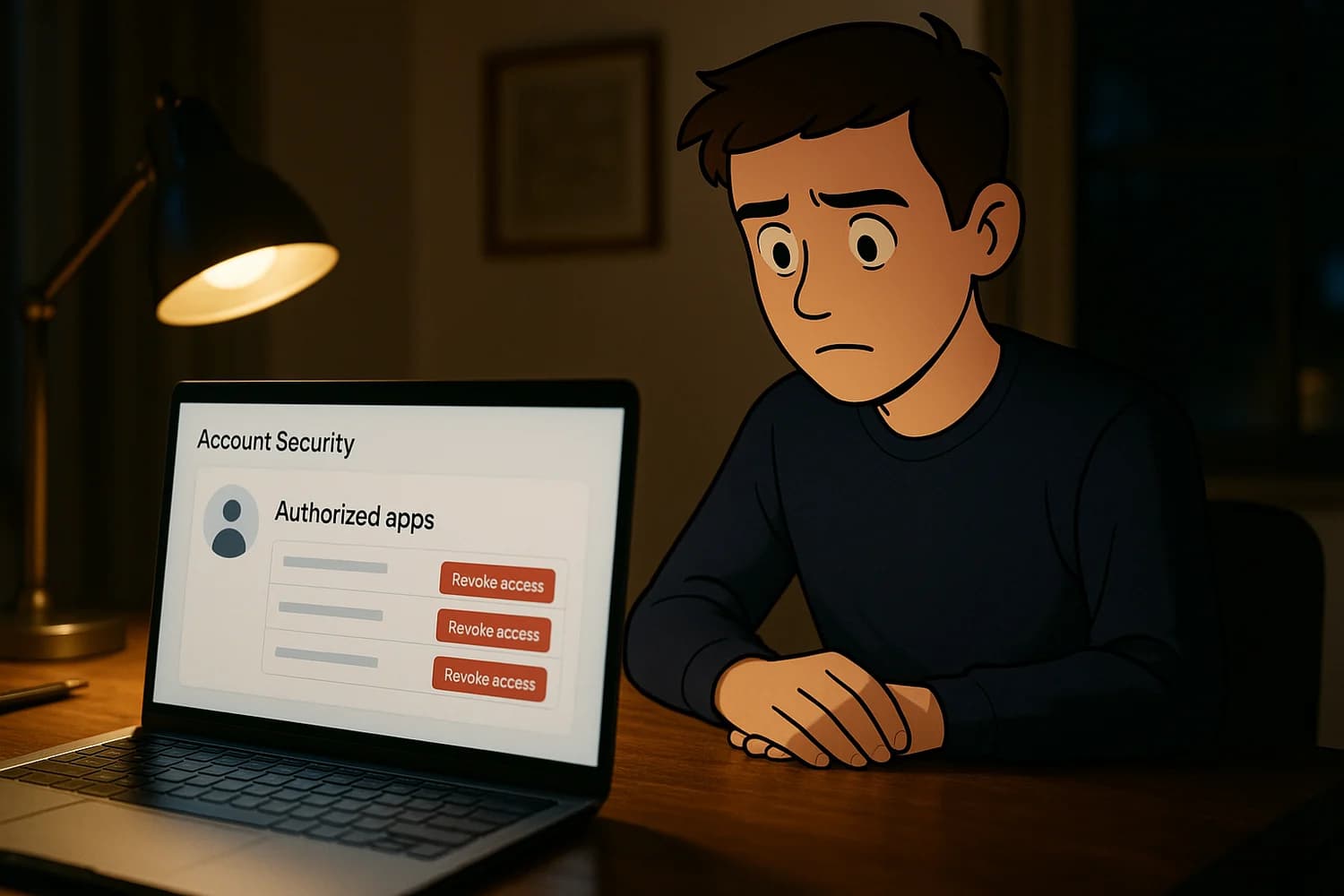
A compromised Discord account is usually a pivot point. Attackers use it to spam your contacts, push scams through servers, and sometimes hit billing. Recovery is fastest when you secure the control plane first: the email inbox and device that can reset Discord.
Do not: trust unsolicited DMs claiming to be Discord support. Support is handled through official Discord domains, not random accounts offering to "verify" you.
Immediate steps (pick the situation)
| Situation | Do this first | Then do this |
|---|---|---|
| You can still log in | Change password and enable 2FA | Revoke Authorized Apps, then scan the device |
| Your Discord email was changed | Use the email "undo" link if you still control the inbox | Then rotate credentials and enable 2FA immediately |
| You cannot log in at all | Secure the email account first | Then use Discord's official hacked-account support path |
| You see unexpected billing (Nitro, boosts, purchases) | Stop additional payment methods from working | Report it through official Discord support and your card issuer |
| A server you manage is being abused | Remove compromised admin access | Audit roles, bots, and webhooks |
If other accounts were hit as part of the same incident, use been hacked: take these steps immediately and treat Discord as one part of a larger control-plane problem.
1) Secure the email inbox that can reset Discord
If an attacker can read your email, they can undo everything you do in Discord. Stabilize the inbox first.
- Change the email password from a trusted device.
- Enable two-factor authentication (2FA) on the email account.
- Review recent sign-ins and sign out devices you do not recognize.
- Look for persistence: forwarding rules, mailbox delegates, and recovery-method changes.
2) If your Discord email was changed, try to undo it immediately
When Discord emails are changed, there is often a short window where the original inbox still has the best leverage: an "undo" or "revert" link in the security email. If you still control the old inbox, search for that message and act quickly.
Discord documents this recovery path here: My Discord Email Was Changed and I Want to Undo It.
3) Reset your Discord password and enable 2FA
If you can access the account, change the password to a strong, unique password stored in a password manager. Then enable 2FA immediately.
- Prefer an authenticator app over SMS when possible.
- Store backup codes offline so 2FA does not become your next lockout.
Common mistake: changing a password but leaving a malicious app authorized. In that case, the attacker comes back without re-entering credentials.
4) Revoke Authorized Apps and other delegated access
Discord takeovers frequently involve delegated access rather than a "cracked password". The attacker either steals a session token, tricks you into authorizing an app, or gets you to run something that extracts credentials and tokens.
- In Discord settings, review Authorized Apps and revoke anything you do not recognize.
- Review connected accounts and remove integrations you do not use.
- Re-check these lists after password changes. Delegated access can survive credential rotation until you remove it.
If the compromise started with a fake "Authorize" prompt, review OAuth consent phishing so you can recognize the failure mode and avoid repeating it.
5) Contain the blast radius inside Discord
Even after you regain access, your account may have already been used to spread scams. The cleanup goal is to stop ongoing harm and remove any persistence surfaces.
- Delete scam messages you can see and warn close contacts not to click links or send money.
- Review your friend list and recent DMs for accounts you do not recognize.
- Check account profile details (email, phone) for unauthorized changes.
6) Assume the device may be compromised and verify it
If you fix Discord on an unsafe device, you can hand the attacker fresh access. Many compromises involve malware or malicious browser extensions that steal session tokens and credentials.
- Update the operating system and browser.
- Remove unknown browser extensions and unknown apps.
- Run reputable malware scanning and follow remediation steps.
- If suspicious behavior returns quickly, consider a rebuild from a known-clean state rather than repeated partial cleaning.
If you suspect session theft, use infostealer malware response as the containment model. It is the same sequence: secure the control plane, revoke delegated access, then rebuild device trust.
7) Recognize common Discord compromise patterns
Fake downloads and "game" files
Attackers often push downloads through DMs or compromised servers. The file is the delivery mechanism for token theft or credential theft. If you installed something suspicious shortly before compromise, treat the device as compromised until proven otherwise.
QR code login trickery
Discord supports QR-based login in some flows. Scams can abuse that by presenting a QR that links the attacker's session to your account. If you scanned a QR from an untrusted source, prioritize Authorized Apps review and session cleanup.
Token and session theft
When a session token is stolen, you can feel "hacked" even after a password change. That is why cleanup steps include revoking access and fixing the device, not only rotating credentials.
8) Billing damage control (Nitro, boosts, unauthorized purchases)
If billing is involved, treat it like a financial incident as well as an account incident.
- Remove unknown payment methods and review active subscriptions, if you can access the account.
- Document unauthorized charges with timestamps and transaction IDs.
- Use official Discord support channels for hacked accounts and billing disputes.
- If your card was charged fraudulently, contact your card issuer. Use bank account hacked: immediate steps if you see broader financial compromise.
9) Escalate through official Discord support when you are locked out
If you cannot log in, your email was changed and you cannot undo it, or the account was disabled as part of the incident, escalate through official support. Discord documents the hacked-account process here: My Discord Account was Hacked or Compromised.
Support ticket checklist (what actually helps)
- The original email address on the account (and whether you still control it).
- Approximate time window when the account changed (password, email, billing, server roles).
- What you observed (unexpected prompts, email-changed notices, new apps authorized), not guesses.
- What you have already done (password reset, 2FA enabled, Authorized Apps revoked, device scan).
When you escalate, keep your story clean: what changed, when it changed, what you have already tried, and what you still control (email inbox, phone number, previous devices). A tight timeline improves support handling and reduces back-and-forth.
If your account is being used to DM scams
Discord compromises often spread through trust. Your account messages a friend or a server member, the message looks normal, and the link or file does the damage. The fastest containment move is breaking that trust loop.
- Post a short warning in the servers where you are active, using a trusted channel or a second admin account if your account is still unstable.
- Tell close contacts not to click links or run files you sent during the compromise window.
- Once you regain control, remove scam messages you can see and reset any profiles or nicknames that were changed to impersonate you.
Hardening moves that reduce repeat compromise
Most repeat compromises are repeat failure modes. The goal is removing the easy paths: weak control plane, delegated access, and unsafe devices.
- Keep 2FA enabled and store backup codes offline.
- Use a password manager so Discord's password is unique and not reused anywhere else.
- Treat QR codes as authentication. Only scan a QR code when you intentionally initiated a login on a device you trust.
- Reduce exposure to malicious downloads. If you are in high-risk communities, assume that "new game" files and "mod tools" are a common delivery mechanism.
Decision rule: when to rebuild a device instead of cleaning
If you keep getting re-compromised, the most likely cause is device-level persistence. Consider a wipe and reinstall when suspicious behavior returns quickly after cleanup, or when the compromised device is used for high-trust activity.
A rebuild is not about paranoia. It is about confidence. If the device was the theft source, cleaning only the visible symptoms can leave the underlying access path intact, and your account will keep flipping back into attacker control.
Server owner checklist (if you manage a community)
If your account has administrative access to servers, assume the compromise also created server-level persistence. The goal is to remove anything that can keep posting or keep privilege even after you reset your password.
- Review the server audit log for role changes, new bots, new webhooks, and permission changes during the compromise window.
- Remove unknown webhooks and bots. Webhooks are a common way to keep spamming even after you clean up user sessions.
- Reduce the number of admin roles. Put high privilege behind the smallest possible set of accounts.
- Rotate invite links if you suspect the server was used to distribute malware or phishing. You are trying to stop reinfection through the same distribution channel.
If you cannot log in and you do not control the inbox
If the attacker took the email inbox first, Discord recovery is secondary. The inbox is the reset hub. Recovery improves when you restore the inbox, then come back to Discord with strong signals: access to the original email address, stable devices, and a consistent timeline.
- Work the email account as the control plane and treat Discord as a dependent account.
- Do not spam login and recovery attempts from many devices. That can reduce trust signals and slow down recovery.
- Collect evidence you can provide to support: timestamps, the original email address, and any security emails you received.
Evidence to capture (keep it minimal and useful)
- Security emails about password changes, email changes, or new logins, with timestamps.
- Unauthorized billing details (amount, time, last 4 digits if shown), and any dispute or ticket numbers.
- Server audit log events if you manage a server, especially role and webhook changes.
If Discord disables or locks the account
Sometimes accounts get disabled or temporarily locked during or after a compromise. From your perspective it can look like a double failure: you lost access and the platform is not letting you sign back in normally. Treat this as a trust and verification problem, not a password problem.
- Do not keep retrying logins from many devices. Use one trusted device and one network.
- Use official support for hacked accounts and include a clean timeline of what changed and when.
- If you can access the inbox, include the original email address and the security emails you received. Evidence helps more than insistence.
When to pause instead of brute forcing recovery
Repeated rapid login attempts from new devices, new locations, or VPNs can make recovery slower. Discord and related identity systems often use trust signals. When you add noise, you look less like the legitimate owner.
- Use a device and network you have used with Discord before, if possible.
- Stop switching between many browsers and many devices. Stabilize one trusted path.
- If the inbox is compromised, pause Discord work and fix the inbox first. Otherwise every reset attempt can be reversed.
Post-incident hardening checklist
The purpose of hardening is not perfection. It is changing the attacker's economics so the same playbook fails the next time.
- Keep 2FA enabled and store backup codes offline.
- Use a unique password stored in a password manager.
- Keep Authorized Apps clean. If you do not recognize it, revoke it.
- Keep the device layer clean: updates on, unknown extensions removed, and downloads treated as untrusted by default.
- Limit high privilege in servers you manage and review audit logs after any suspicious event.
Discord recovery succeeds when the control plane is stable, delegated access is removed, and the device is trustworthy again. If you only do one of those steps, attackers use the others to come back.
Once you reach that state, most takeover playbooks collapse. You are harder to impersonate, harder to re-authenticate against, and faster to recover if anything changes again.
The best end state is boring: a unique password in a manager, 2FA enabled, a clean Authorized Apps list, and a device you trust. That is what turns Discord from an ongoing incident into a closed event.