
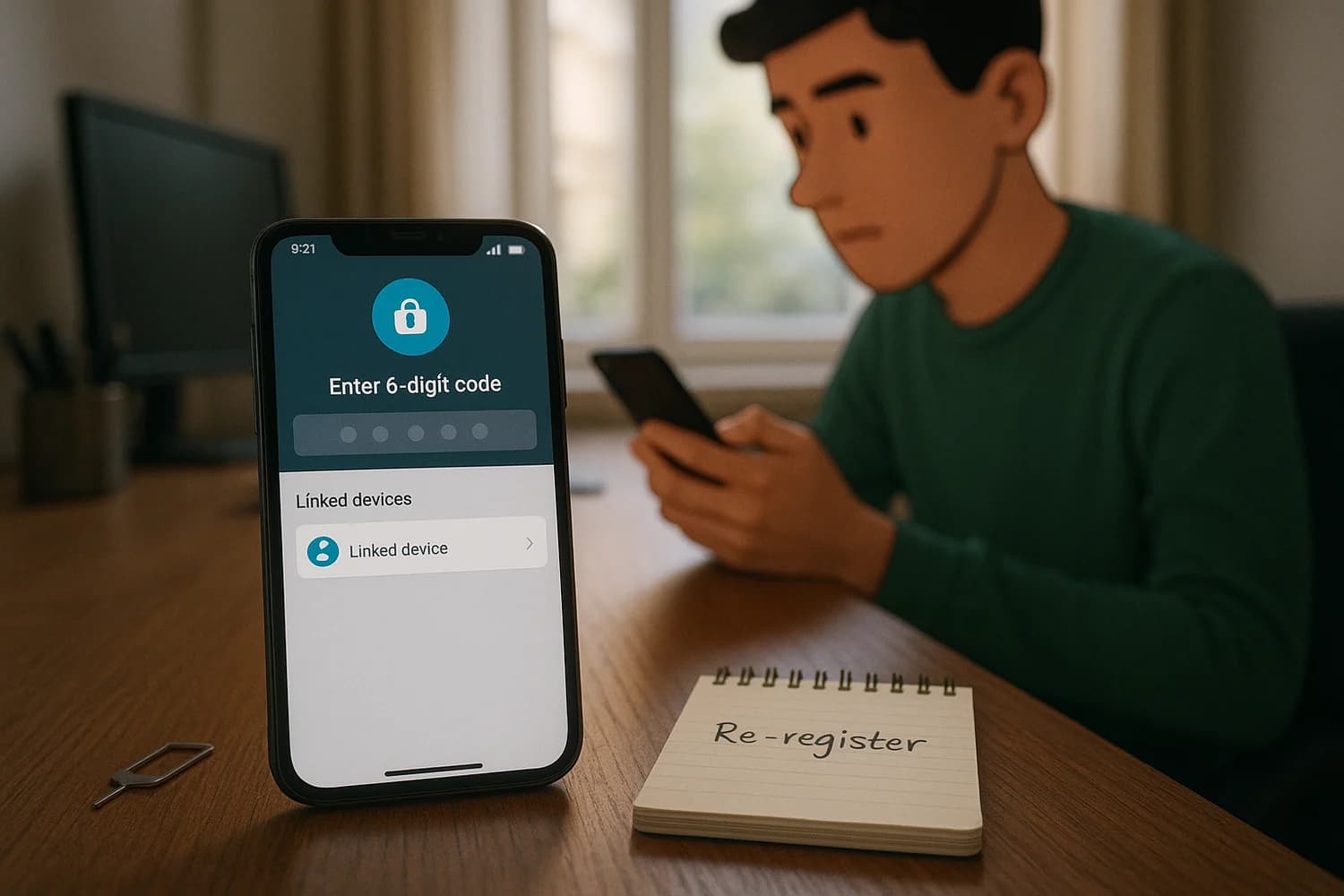
WhatsApp takeovers usually do not start with a sophisticated exploit. They start with a control failure: someone tricks you into sharing a registration code, they hijack your phone number, or they add a linked device session while you are distracted.
Safety note: WhatsApp support and recovery scams are common. Do not share one-time codes, do not install remote access tools, and do not trust help offered through DMs.
Start here: pick the right recovery lane
| Situation | Do this first | Then do this |
|---|---|---|
| You can still receive WhatsApp verification codes (SMS or call) | Re-register WhatsApp on your phone | Review Linked Devices and enable two-step verification |
| Your phone number looks compromised (no service, SIM swap, port-out) | Stabilize the carrier account and regain your number | Then re-register WhatsApp and remove linked devices |
| WhatsApp asks for a two-step verification PIN you do not know | Use the in-app "Forgot PIN" path if available | If reset is blocked, you may have to wait before signing in without the PIN |
| You see unknown Linked Devices (Web/Desktop) but your phone is still yours | Log out the unknown linked device sessions | Then rotate passwords on your control plane and harden WhatsApp |
| Your phone was stolen or you lost it | Block the SIM, secure email, and remove linked devices | Re-register on a replacement phone when your number is stable |
If you are dealing with multiple accounts at once, start with been hacked: take these steps immediately and treat WhatsApp as one part of the incident. Your control plane is usually your phone number, your primary inbox, and your device security.
Immediate containment (first 15 minutes)
1) Stabilize the phone number layer
- If you lost cell service unexpectedly, treat it as phone number takeover until proven otherwise. Use SIM swapping as the model and stabilize the carrier account.
- Lock down carrier access: account PIN, port-out lock, and recovery contact methods. Carrier options vary, but the goal is always the same: stop anyone else from receiving your SMS and calls.
2) Re-register WhatsApp on your device (when you can receive the code)
WhatsApp accounts are tied to your phone number. In most takeover scenarios, getting your number under control and re-registering WhatsApp on your phone is the fastest way to displace an attacker.
- Install WhatsApp from the official app store.
- Register with your phone number and enter the verification code you receive.
- After registration completes, immediately review Linked Devices and sign out anything you do not recognize.
Rule of thumb: password changes do not fix a WhatsApp takeover if the attacker still controls your phone number or has an active linked device session.
3) Check Linked Devices (Web/Desktop) and remove unknown sessions
Linked Devices can be a persistence path. If an attacker added WhatsApp Web/Desktop, they can keep reading and sending messages even after you fix other things.
- In WhatsApp settings, find Linked Devices and sign out sessions you do not recognize.
- If you share devices with others, verify which computers are legitimately linked and keep the list short.
4) Warn contacts about money requests and impersonation
Attackers often use a hijacked WhatsApp account to ask your contacts for money or verification codes. A short warning message to key contacts reduces secondary victims.
If WhatsApp asks for a two-step verification PIN you do not know
Two-step verification uses a PIN that can block account registration when an attacker enables it during a takeover, or when you enabled it in the past and lost the PIN. What you can do depends on whether a recovery email is set and what reset options WhatsApp offers in the app.
- If WhatsApp offers an in-app PIN reset path tied to email, use it and complete it from a trusted inbox.
- If you did not add a recovery email and you cannot reset the PIN immediately, WhatsApp can enforce a waiting period before you can sign in without the PIN. Use that time to secure the phone number, secure your inbox, and harden devices.
- Avoid repeated rapid registration attempts. That turns a contained incident into a longer lockout and adds noise to the recovery flow.
If the app explicitly tells you to wait before you can proceed without the two-step verification code, treat that timer as real. During the wait, the work that changes outcomes is control-plane work, not guessing the PIN.
How WhatsApp takeovers usually happen (and what to look for)
Verification code scams (the 6-digit code)
This is the most common path. Someone messages you claiming they "accidentally" sent a code to your number, or they pretend to be support, a friend, or a buyer. The goal is to get you to share the 6-digit registration code that arrives by SMS.
- If you shared a code, assume the attacker registered your number on their device.
- Re-registering WhatsApp on your device is often the fastest way to displace them, as long as your phone number is stable.
- If they also enabled two-step verification, you may see a PIN prompt after the code step.
QR and Linked Devices scams (Web/Desktop persistence)
Linked Devices are convenient, but they create a second sign-in surface. Scammers sometimes trick people into scanning a QR code that links a computer session to the account.
- After recovery, keep the Linked Devices list short and remove anything you do not recognize.
- If suspicious activity continues even after re-registration, treat Linked Devices as a persistence path and clear them again.
Call forwarding and voicemail abuse
Some takeovers rely on controlling the phone number layer indirectly. If an attacker can divert calls, they may be able to intercept verification calls or manipulate other recovery flows tied to your number.
- Check call forwarding settings with your carrier or in device settings. Labels vary by device and carrier, but the stable goal is no unexpected forwarding.
- Secure the carrier account with a PIN and port-out protection to reduce the chance of silent re-takeover.
SIM swap and port-out
If your SIM or number is compromised, WhatsApp recovery will fail because the attacker can receive verification codes. The carrier account becomes the priority target.
If your phone number was hijacked (SIM swap or port-out)
If your number is not stable, WhatsApp recovery will keep failing because the attacker can receive verification codes.
- Contact your carrier and ask them to restore service to your SIM or eSIM.
- Request stronger account protections (account PIN, port-out lock) and verify the recovery email and phone number on the carrier account.
- After the carrier layer is stable, re-register WhatsApp and remove linked devices.
If your phone was stolen or lost
- Block the SIM quickly to stop verification codes from reaching the thief.
- Secure your primary email account first. If someone controls your inbox, they can reset other accounts while you are distracted.
- Use the device platform tools to locate, lock, or wipe the phone if appropriate for your situation.
- When you have a replacement phone and the number is stable, re-register WhatsApp.
Backups and device migration (avoid self-inflicted lockouts)
Recovery often happens during a phone change, a factory reset, or a hurried reinstall. That is when two-step verification and device trust decisions matter.
- If you use cloud backups, make sure you still control the cloud account that holds them. Losing that account can turn a WhatsApp incident into a larger control-plane incident.
- Do not restore unknown apps or browser extensions blindly after a reinstall. Reintroducing the same malicious component can recreate the takeover conditions.
After access returns: harden so the same attack cannot repeat
- Enable two-step verification and set a recovery email you control.
- Reduce device exposure: keep OS updates on, remove unknown apps, and treat unexpected install prompts as suspicious. If you suspect malware, use infostealer malware response as the model.
- Defend against social engineering: the most common failure is handing over a code. Use social engineering as the mental model and do not negotiate with urgency.
- Harden the phone number layer: SIM swap defenses matter because SMS is still widely used for verification. Keep carrier protections enabled and do not treat the carrier account as an afterthought.
- Stop code leakage: use how to avoid SMS text scams as a baseline and assume that any "support" request for a code is hostile.
What you can and cannot recover
A WhatsApp takeover is not only about getting the login back. It is also about accepting what is not reversible.
- You can usually recover the account by regaining control of the number and re-registering.
- You may not be able to recover messages sent or deleted by an attacker while they had access.
- If the attacker used your identity to scam others, the priority is preventing further harm and documenting what happened, not arguing with the attacker inside the chat.
Evidence to capture before it disappears
- Carrier notifications (SIM change, port-out, account changes), with timestamps.
- WhatsApp security alerts and screenshots of Linked Devices you do not recognize.
- The first message that triggered the incident (verification code request, impersonation attempt), without forwarding private data publicly.
If you keep receiving verification codes you did not request
Unexpected WhatsApp codes are usually not noise. They are a signal that someone is actively attempting to register your number or pressure you into sharing a code.
- Do not share the code with anyone, even if they claim it is for support or verification.
- Verify your carrier account protections again (PIN, port-out lock) and confirm your number has not been moved.
- Re-check Linked Devices and remove anything you do not recognize.
- If codes keep arriving, treat it as an active attack and reduce your exposure: ignore new DMs, avoid clicking links, and prioritize device cleanup.
WhatsApp Business and work numbers
If your WhatsApp number is used for customers, leads, or internal operations, the incident has an operational impact, not only a personal impact. The recovery sequence is the same, but communication discipline matters.
- Use a secondary trusted channel to tell your team and key clients that messages from the compromised account should be treated as untrusted until you confirm recovery.
- Do not try to negotiate with the attacker inside WhatsApp. That often creates more exposure and more social engineering surface.
- After recovery, review who can access the phone number, who can access Linked Devices, and whether the number should be moved to a more controlled device and carrier account.
When to escalate (carrier, platform, law enforcement)
- If your number was ported out or a SIM swap occurred, escalate with the carrier. That is the root control that makes verification codes unsafe.
- If money was stolen or your identity was used to scam others, document the timeline and preserve evidence. Reporting requirements vary by jurisdiction, but a clear record helps.
- If you are being threatened or extorted, prioritize personal safety and use trusted local reporting channels. Do not continue the conversation with the attacker.
Repeat compromise is usually one of three things
If the account keeps getting taken back after you recover it, assume you missed a persistence path. WhatsApp takeovers repeat when one layer stays attacker-controlled.
- The phone number layer is still unstable: the attacker can still receive SMS or calls through a carrier compromise, forwarding, or port-out risk.
- A linked device session persists: an unknown Web/Desktop session is still attached, or a shared computer keeps re-linking.
- The device is not trustworthy: malware or a malicious app keeps stealing codes, sessions, or contact information. In that case, fix the device before you attempt more recovery.
Recovery works when you treat WhatsApp as a layered system: phone number control, device trust, and linked session hygiene. Once those layers are stable, the incident becomes finite and repeat compromise becomes harder.
The quiet win is not perfect certainty about what the attacker saw. The win is cutting off every path they can use to come back: your number, your linked devices, and your recovery channels.
If the same signals keep returning, stop repeating password changes and focus on persistence. Persistent takeovers almost always involve the phone number layer, a compromised device, or both.