
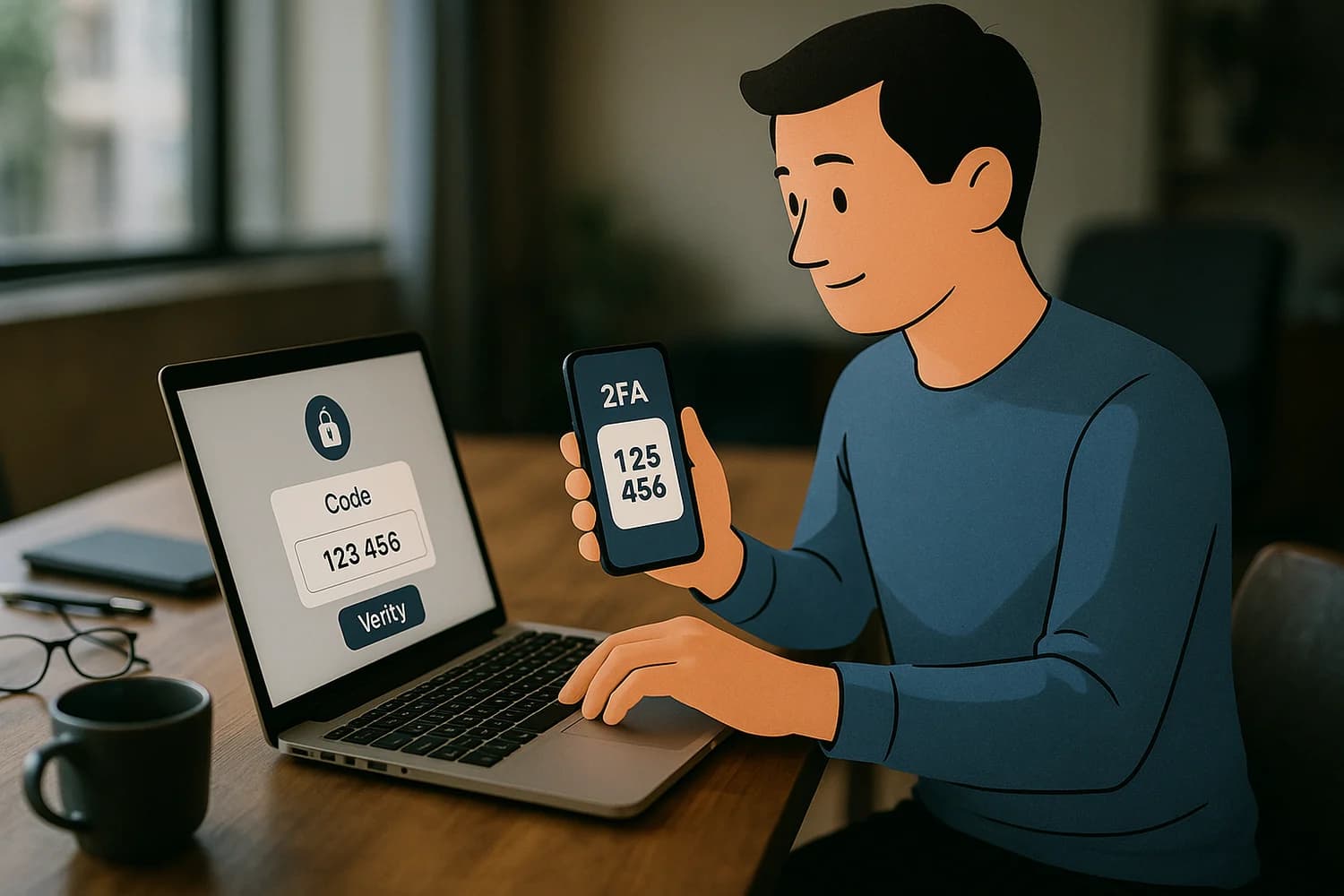
Two-factor authentication (2FA) is a login security method that requires two different proofs of identity. Typically this means something you know (a password) plus something you have (a phone, security key, or authenticator app) or something you are (biometrics).
2FA reduces the chance that a stolen password alone can take over an account. It is not perfect, but it changes the economics of many common attacks.
Why 2FA matters for account recovery
Most account takeovers happen through weak passwords, reused passwords, or password resets. 2FA helps by adding a second checkpoint that an attacker must pass. When your email account and phone number are protected with strong authentication, every other account becomes easier to recover and harder to steal.
Rule of thumb: Protect the control plane first: your email inbox and phone number. If those are compromised, “secure apps” often fall quickly through password reset.
Common 2FA methods
| Method | What it is | Common failure mode |
|---|---|---|
| Authenticator app | Time-based codes on your device | Device loss without backup, or phishing of codes |
| Push approval | Tap-to-approve prompts | Approval fatigue, or accidental approval under pressure |
| SMS codes | Text message codes to a phone number | SIM swapping, phone number takeover, message interception |
| Security key | Hardware key used to verify logins | Key loss without a backup key |
Common misconceptions and failure modes
- 2FA does not prevent phishing by itself: attackers can trick you into approving a login or entering a one-time code.
- SMS is better than nothing, but it is weaker than app or key options: phone numbers can be hijacked.
- Recovery is part of security: if you lose access to your second factor and your recovery options are weak, you can lock yourself out.
Safe best practices
- Prefer authenticator apps, passkeys, or security keys when available.
- Store backup codes in a safe place that is not your email inbox.
- Use a password manager and unique passwords so 2FA is not compensating for reuse.
- Be skeptical of unexpected login prompts and “support” messages asking for verification codes.
Related terms
Related guides
- SIM swapping
- How to protect your online information
- Been hacked? What to do first
- How to protect a new computer from harm
- How to secure your Google account
2FA is most effective when it supports a larger recovery plan: strong email security, controlled phone number access, and predictable account hygiene. If you build that baseline, most password-based attacks stop being catastrophic and start being manageable.