
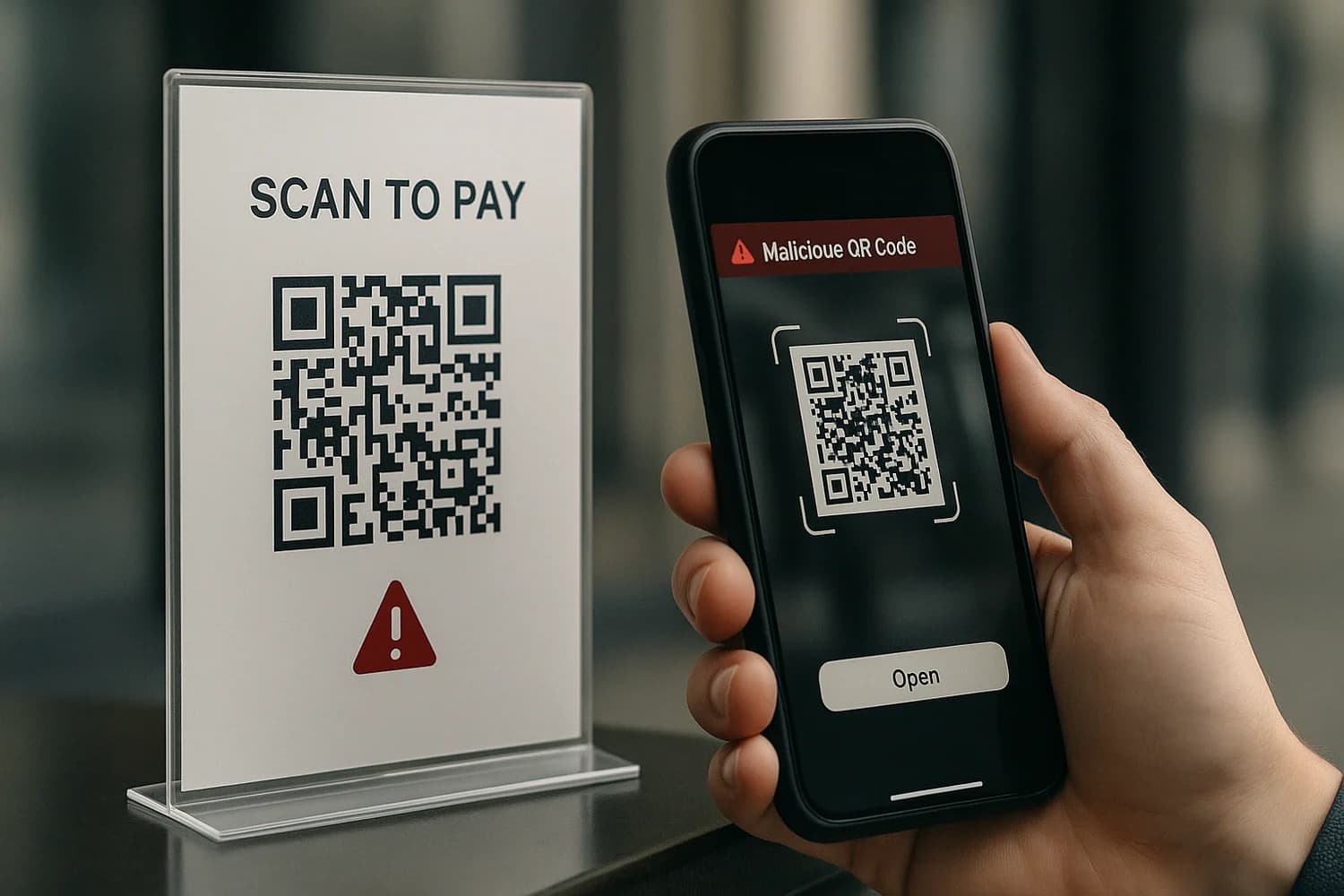
A QR code is just a URL wrapped in a graphic. That wrapper changes behavior: people who would hesitate to click a link will often scan without thinking, especially when the code is printed on something that looks official.
Key idea: treat QR scans like link clicks. The risk is not the camera, it is where the code sends you.
Fast verification workflow before you scan
- Ask what the code is supposed to do. Payment, login, menu, Wi-Fi, app install, form.
- Preview the destination before opening it. If your scanner does not preview, use one that does.
- Check the domain carefully. Lookalike domains and misspellings are the point.
- Do not log in from QR links in messages. Navigate to the service directly and sign in there.
- Do not install apps from QR codes unless you can verify the publisher inside the official app store.
Where QR phishing (quishing) shows up
QR phishing works best where people expect frictionless action.
| Scenario | Typical pretext | What attackers want |
|---|---|---|
| Parking, tolls, or "pay here" signs | Quick mobile payment | Card details or wallet login |
| Restaurant tables or event posters | Menu, tickets, updates | Phishing login or fake subscription |
| Office lobbies and shared devices | Wi-Fi setup or onboarding | Credential theft for corporate accounts |
| Email attachments and flyers | Invoice review, document sign | Account takeover through credential capture |
How to make scanning safer
Most QR phishing succeeds because people treat the code as an authority signal. Remove that assumption.
When the code is asking for a login
- Do not sign in from the QR destination.
- Open the service's app or type the service URL yourself.
- Check recent sign-ins and active sessions after you log in.
QR phishing is still phishing. The fundamentals in what phishing is apply.
When the code is asking for payment
- Prefer known payment channels (official app, official website, or a terminal you recognize).
- Be skeptical of urgent payment language and time pressure.
- If you are unsure, pay through the venue's front desk or the vendor's known website instead.
When the code is on a sticker
Sticker overlays are common because they are low effort and hard to notice. If you see a stickered code on top of another code, treat it as suspicious.
Common mistake: trusting a QR code because it is printed. Attackers print too.
If you already scanned a suspicious QR code
Scanning alone is not always compromise. What matters is what happened next: did you log in, install something, or enter payment details?
- If you entered credentials: change the password from a trusted device, enable stronger login protection, and sign out other sessions.
- If you entered card details: contact the bank using a known number, lock the card, and dispute fraud if needed.
- If you installed an app: uninstall it, review permissions, and scan the device with a reputable tool.
- If you are getting follow-up texts: treat them as part of the same campaign. Review how to avoid SMS text scams.
Business controls that reduce quishing risk
For organizations, QR phishing is a process problem more than a technical one. Make it easier to do the safe thing.
- Use a small set of approved QR destinations and keep them stable.
- Put the destination domain in human-readable text next to the code.
- Inspect public QR placements (lobby posters, event signs) for sticker overlays.
- Train staff to report suspicious codes the same way they report suspicious emails.
A practical training loop is outlined in train employees to spot phishing emails. The channel is different, but the verification habit is the same.
If you believe a scan resulted in real account compromise in a work context, treat it as an incident and prioritize containment. Use what to do if your business or employees are hacked as the starting sequence.
QR phishing is not magic. It is a delivery mechanism for the same attack: tricking you into giving up access or money.
When you build a consistent verification habit, QR codes lose most of their power. The best outcome is boring: you scan, you preview, you verify, and you move on without improvising.
The safest mental model is simple. Every QR code is a link, and every link deserves a quick domain check before you act.