
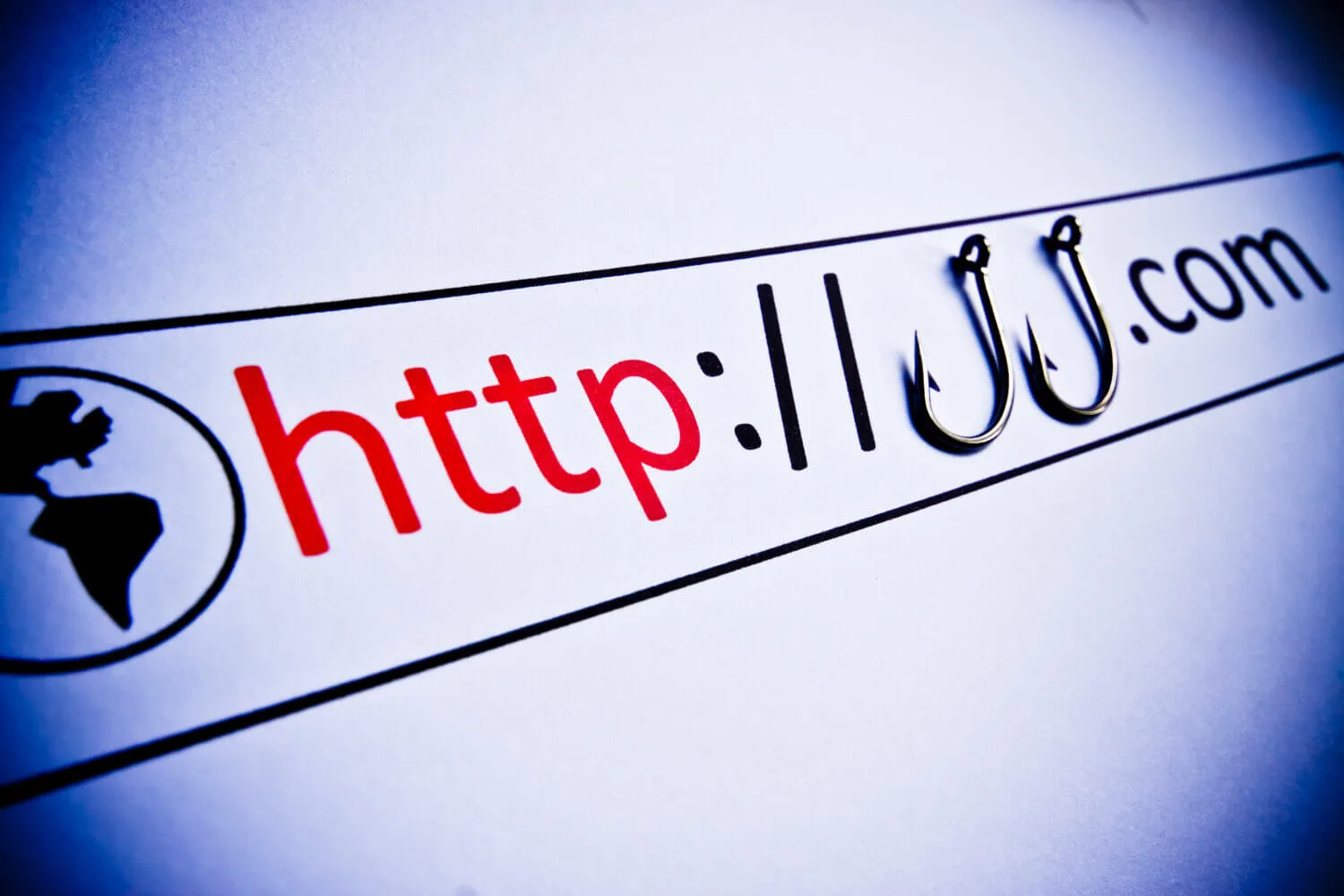
Fake online stores are designed to win before you have time to think. They borrow brand signals, offer unrealistic prices, and push you into a checkout flow that is hard to reverse.
If you only do one thing: verify the domain and seller identity before you enter payment details, then use a payment method with dispute leverage.
Fast triage (2 minutes)
- Type the domain yourself and make sure it matches the brand you think you are buying from. Do not trust ad links.
- Check the seller's identity: real company name, address, and a support channel that is consistent across the site.
- Check payment options: if the store pushes irreversible payments (wire transfer, crypto, gift cards), assume fraud.
- Check the return and shipping policy: vague, copy-pasted, or contradictory policies are a strong signal of a fake store.
- Run a quick reputation check: search the domain and brand name plus "scam" and look for repeated patterns across multiple sources.
If the store fails identity checks, do not "try it anyway." Your leverage is refusing to transact with sellers you cannot verify.
What a fake store is optimizing for
Most fake stores are not trying to build a long-term business. They are trying to capture one of these things quickly:
- Payment details: card numbers or bank transfer payments.
- Account credentials: passwords you reuse elsewhere.
- Personal data: name, address, phone, and email (useful for follow-up scams).
This is why a checkout page can be dangerous even if you never receive a product.
Verify the domain and ownership
Branding is cheap. Domains are harder to fake at scale, and domain checks often surface inconsistencies.
1) Treat the padlock as irrelevant
HTTPS only means your connection is encrypted. It does not mean the seller is legitimate. A scam site can have a valid certificate in minutes.
2) Look for lookalike domain tricks
- Misspellings and swapped letters.
- Extra words like "support", "billing", "secure", "outlet".
- Odd subdomains designed to confuse you (for example,
brand.example.com.evil-domain.com).
3) Check whether Google has flagged the site
Google's Safe Browsing tools can help you check whether a URL is associated with malware or social engineering warnings.
4) Look up the domain registration
Use ICANN's lookup to inspect basic domain details. A newly created domain is not automatically a scam, but it should raise your skepticism when paired with extreme discounts or weak policies.
Fake-store signals that predict fraud
Single signals can be noisy. A cluster of signals is highly predictive.
| Signal | Why it matters | Safer move |
|---|---|---|
| Prices are far below everyone else | Discount bait is a primary conversion tactic | Compare across multiple sellers and assume bait until verified |
| Contact details do not add up | Fake stores avoid accountability | Look for a real company name and consistent address and policies |
| Return policy is vague or copy-pasted | Dispute leverage depends on documented terms | Do not buy unless policy terms and timelines are clear |
| Only irreversible payment methods | Irreversible methods remove your recourse | Use credit card or card-based wallet, or walk away |
| Checkout requests unusual information | Extra data is useful for identity fraud and scams | Do not provide SSNs, bank logins, or unrelated identity docs |
| High-pressure banners and timers | Designed to bypass verification | Pause and verify independently, then decide |
| Social accounts exist but look thin | Scam shops create short-lived profiles for legitimacy | Check account age, engagement realism, and cross-links |
Common mistake: trusting a store because it has social media posts and comments. Fake engagement is cheap and often purchased.
Checkout choices that reduce damage even if you are wrong
Once you believe the store is legitimate, make your payment choice with leverage in mind.
- Prefer payment methods with buyer protection and disputes. Use which online payment option is safest as a decision framework.
- Do not reuse passwords on shopping sites. A fake store can turn your login into compromises elsewhere.
- Use a card-based wallet when available so your card number is not exposed to the merchant site.
- Be skeptical of follow-up emails or texts asking you to "confirm" the payment or re-enter details. Use how to identify scam emails.
If you already entered information or placed an order
Response depends on what you exposed. Focus on preventing additional loss and reducing follow-up scams.
If you entered card details
- Turn on transaction alerts immediately.
- Contact your card issuer if you see any unauthorized transactions.
- Save screenshots of the product page, policies, order confirmation, and any emails. Evidence improves disputes.
If you created an account on the store
- Assume the password is exposed.
- Change that password everywhere you reused it.
- Enable 2FA on important accounts, starting with email.
If you clicked links in follow-up messages
Fake stores often pivot into phishing after the purchase. If you clicked and the situation feels messy, use how to check if you have been hacked to structure containment.
Where to report suspected scam stores
- Report scams via the U.S. government's fraud reporting portal: ReportFraud.ftc.gov.
- Use USA.gov's scam guidance to find reporting options that fit your scenario: scams and fraud.
- If the site is a phishing attempt, you can report it to Safe Browsing: report phishing to Google.
Fake stores succeed when checkout is treated as normal browsing. Treat it as a security boundary: verify the domain and seller identity, then choose a payment method that preserves your leverage.
The goal is not perfect detection. It is refusing to buy when identity is unclear, and limiting damage when your guess is wrong.
If you build those two habits, fake-store scams stop being expensive surprises and start being obvious dead ends.