
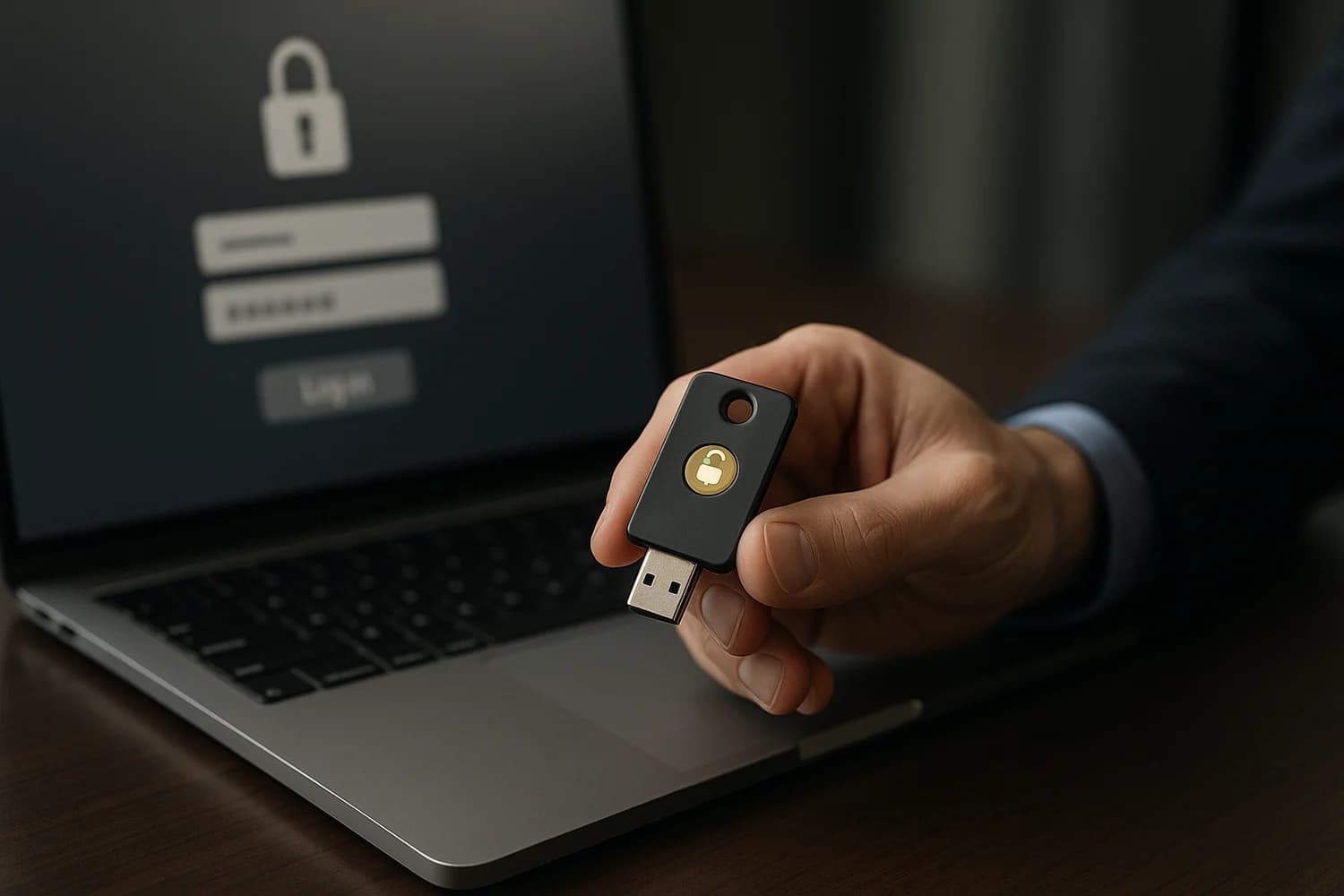
Security keys are physical devices that authenticate logins using standards like FIDO2 and WebAuthn. They can be USB, NFC, or Bluetooth, and they prove you have the key during sign-in.
Security keys are often used as a second factor, and in some setups they can be used for passwordless sign-in.
Why it matters for account recovery
Security keys are one of the most practical defenses against phishing, because the key binds authentication to the legitimate website and resists most lookalike login page tricks.
For recovery, keys change the failure mode: instead of losing a password, you can lose the physical key. That means backups and enrollment discipline matter.
Common failure modes and misconceptions
- No backup key: If you lose the only key, recovery can become slow and support-driven. Treat keys like house keys: keep a spare.
- Key enrolled on the wrong account surface: If your email control plane is weak, attackers can still reset other accounts through email even if one account has a key.
- Confusing keys with authenticator apps: Keys are hardware. Authenticator apps are software. Both can be useful, but they fail differently under device loss and phishing pressure.
Safe best practices
- Enroll at least two keys on high-value accounts (primary and backup).
- Store a backup key separately from your daily-carry key.
- Use keys to protect control plane accounts first (email, password manager, identity provider). See account takeover for why that order matters.
- If you are moving away from SMS codes, review SIM swapping risk and tighten phone number security.
Related terms
Related guides
Security keys pay off when you have a backup plan. If you treat them as a single point of failure, they can turn a security upgrade into an availability incident.