
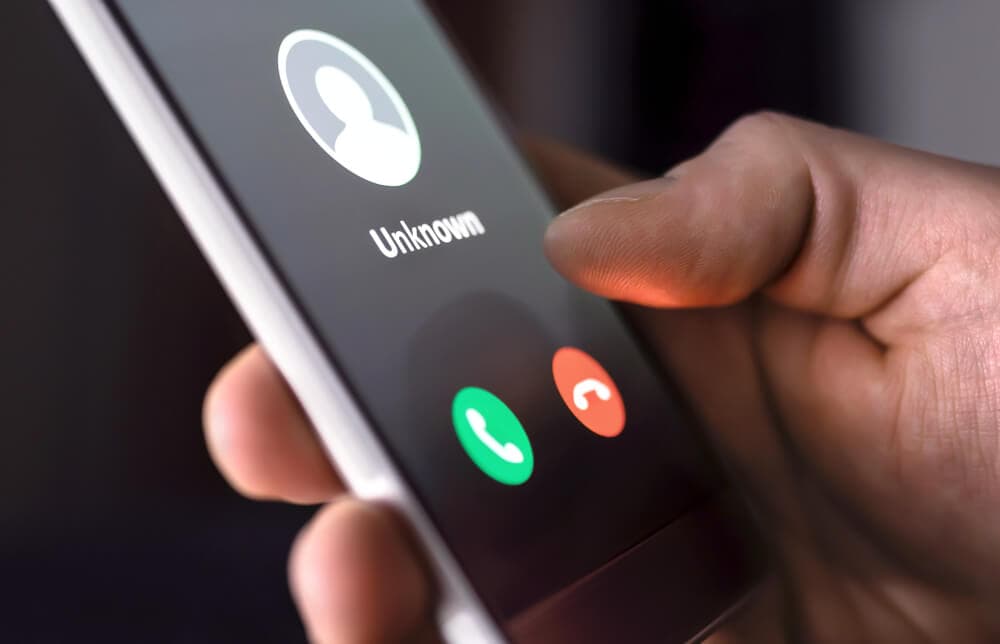
FluBot was a high-volume Android malware family spread through SMS (“smishing”) that pushed people to install a fake delivery or voicemail app. It stole credentials, harvested contact lists, and helped the campaign spread person-to-person. Even when FluBot itself is disrupted, the pattern remains active: text messages that create urgency and push an app install from a link.
| What happened | Do this first | Why |
|---|---|---|
| You received a delivery or voicemail text with a link | Do not click. Verify delivery status in the official carrier or retailer app. | The link is the infection vector |
| You clicked but did not install anything | Close the page. Delete the message. Monitor for follow-up phishing. | Most damage requires an install or credential entry |
| You installed an app from the link | Disconnect, remove the app, and secure accounts from a separate clean device | Malware can steal sessions, codes, and passwords |
| You entered a password into a linked page | Change that password immediately and secure the email inbox first | Email is the reset hub for other accounts |
| Your banking or payments look wrong | Contact the bank using the number on your card, not the text | Time matters for fraud containment |
Do not: install apps from links in texts. Install only from official app stores and verify the sender independently.
How this scam works (in plain terms)
Smishing malware campaigns use realistic delivery-language and small payments (“fee required”) to get a click. The link usually leads to one of two payloads:
- Fake login page: steals credentials and sometimes prompts for 2FA codes.
- Fake app install: installs malware, often via an APK download, and asks for permissions that allow interception or screen overlays.
The reason it spreads fast is social trust. When a compromised phone messages your contacts, the text looks more believable. That is why these campaigns can sweep across countries quickly.
Immediate containment if you installed something
If you installed an app from a link, assume the device is untrusted until you prove otherwise.
- Turn on airplane mode or disconnect from Wi‑Fi and mobile data to slow down exfiltration and further spam.
- Uninstall the suspicious app. If it resists removal or keeps reappearing, treat it as persistent malware.
- Run a device check using your platform security tools. If signs point to deeper compromise, follow how to detect spyware.
- From a separate clean device, change passwords for accounts you entered into the phone recently. Start with email, then financial accounts.
- Enable 2FA on email and any account that can reset others.
Safety note: do not “test” the link again to see what it does. The safest test is not opening it.
Account security after a smishing incident
These campaigns often steal credentials, not just infect devices. Even if you remove the app, you still need to harden the account layer.
- Secure your email inbox first and check for forwarding rules or new recovery addresses.
- Use unique passwords. If you reuse passwords, a phone incident can cascade into many account takeovers via credential stuffing.
- Review sessions and connected apps on your most important accounts and revoke anything you do not recognize.
Common text patterns and the safe decision rule
| Message pattern | Why it is risky | Safe rule |
|---|---|---|
| “Package held, pay a small fee” | Payment urgency drives clicks | Pay only in the official app or on the official domain you already trust |
| “Track your delivery here” | Link drives malware install | Track deliveries by opening your retailer or carrier app directly |
| “Voicemail received” | Uses curiosity and urgency | Check voicemail in the phone app, not via a link |
| “Account will be closed” | Forces panic actions | Open the real app and check alerts inside it |
Prevention that actually reduces risk
- Keep your phone OS updated and avoid sideloading apps. Sideloading is a major risk factor for Android malware.
- Install apps only from official stores, and be skeptical of “viewer” or “tracking” apps that exist only to open a link.
- Limit permissions. Delivery tracking does not need accessibility permissions or SMS access.
- Use a password manager so you do not reuse passwords across accounts.
- Learn the pattern once: see smishing and how to avoid SMS text scams.
When to reset the phone
If the phone is behaving strangely after removal attempts, if unknown apps keep appearing, or if you cannot regain a stable device state, a factory reset is often the fastest reliable route. Resetting only helps if you also fix the account layer first: secure email, rotate passwords from a clean device, and then re-enroll the phone into your accounts.
These campaigns work because they exploit habits, not because they are technically magical. If you move delivery tracking out of the message thread, refuse app installs from links, and keep the account layer protected with strong 2FA and unique passwords, smishing malware collapses into noise. The goal is a stable routine where a random text cannot change your device state or your identity state in a single click.