
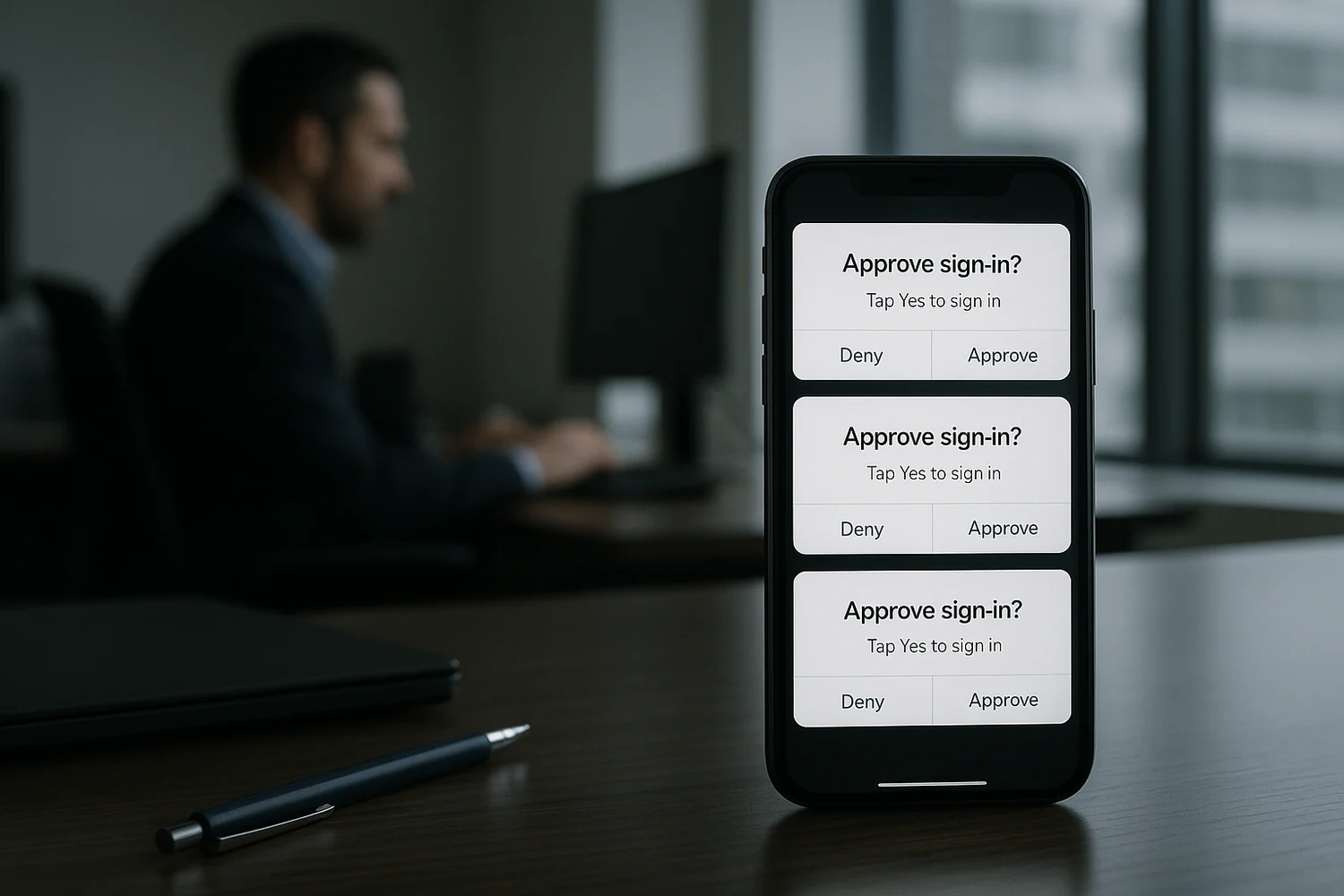
Repeated multi-factor authentication prompts you did not trigger are a sign someone is trying to force an approval. They might already have your password, or they might be testing leaked credentials at scale and hoping you will tap "Approve" out of confusion.
Do not: approve an unexpected sign-in prompt, even to make it stop. Treat it as an active takeover attempt.
Immediate containment (first 10 minutes)
- Deny every unexpected prompt. If the app lets you report it as fraudulent, do that.
- Change the password from a clean device (a device you trust and that is fully updated). Use a unique password.
- End active sessions on the account: sign out everywhere and remove unknown devices.
- Secure the recovery channel (email and phone number) before you chase details. If attackers control resets, recovery does not stick.
- Check for new MFA methods or new "trusted devices" you did not add. Remove what you do not recognize.
If you are unsure whether this is only a prompt issue or a broader compromise, use the evidence-first checklist in how to check if you've been hacked.
What MFA fatigue (push bombing) looks like
Push-based 2FA is designed to be fast. Attackers exploit that speed by creating a noisy situation where approving becomes the path of least resistance.
| Signal | What it usually means | Best first move |
|---|---|---|
| Repeated prompts at odd hours | Credential testing or active login attempts | Deny, change password, end sessions |
| One prompt after a suspicious email | Phishing attempt or fake support flow | Deny, verify sign-ins inside the account |
| Prompt followed by password reset email | Recovery probing and takeover attempt | Secure email first, then the account |
| Prompts stop after you deny, then resume later | Attacker is waiting for a better moment | Harden MFA method and recovery paths |
Why attackers can trigger prompts at all
Push prompts happen only after the attacker passes the first checkpoint. That typically means one of these is true:
- Your password was reused and matched a leaked password set.
- Your password was phished through a fake login page or fake support interaction.
- An attacker has an active session and is trying to change security settings (some platforms re-prompt for MFA).
In each case, the correct response is not guessing. It is executing a short sequence that removes access and makes the same method fail next time.
Remove access without locking yourself out
Containment fails when you create uncertainty about who can sign in. Do these in order:
- Confirm you control the inbox and phone number used for resets. Remove old recovery addresses and old numbers you do not control.
- Reset the password and revoke sessions. Do not keep old sessions alive while you "investigate".
- Re-check security settings for new devices, new passkeys, new authenticator registrations, and new trusted apps.
- Store backup codes safely so hardening does not create a future lockout problem.
If you need a recovery-first sequence across multiple accounts, keep been hacked? take these steps immediately as the baseline runbook.
Harden MFA so prompts cannot be abused
The goal is not "more prompts". The goal is fewer approvals that can be socially engineered.
Prefer phishing-resistant methods
- Passkeys reduce classic credential phishing and password reuse. See passkeys for tradeoffs and recovery edge cases.
- Security keys are hardware-backed and are designed to resist approval tricks. See security keys.
Make approval prompts harder to approve by mistake
- Turn on number matching or additional context prompts when available.
- Disable "remember this device" features on high-risk accounts if you cannot monitor sessions well.
- Reduce SMS fallback where possible. Phone takeover and SIM swapping can bypass otherwise strong sign-in.
Rule of thumb: if your login security can be bypassed by one distracted tap, treat it as a weak control for high-value accounts.
If this is a work account
Approval-based takeovers often aim at corporate email because it resets everything: payroll, SaaS admin, customer comms, and finance workflows.
- Report the event to IT or security immediately. Provide timestamps and any email or message that preceded the prompts.
- Assume credential exposure until proven otherwise. That usually means enforcing password rotation and session revocation.
- Check whether the user was added to new admin roles or whether mailbox forwarding rules were created.
When prompts stop, the risk might not be gone
Attackers often stop after being denied, then try again later when they expect you are busy. The goal is to make the same attempt fail silently: new password, sessions revoked, recovery locked down, and a stronger MFA method.
Most people lose time by looking for a perfect explanation. The productive question is simpler: can the attacker still authenticate, and can they still recover the account if you lock them out?
When you treat MFA fatigue as a real incident, you reduce both damage and repeat attempts. Strong authentication is not only a setting. It is an account state where approvals are meaningful, recovery channels are controlled, and any change is visible.
The win is not fewer alerts. The win is a security posture where unexpected prompts are harmless noise because approval does not grant access.