
Your meeting is confirmed, and our team is ready to help. Check your email for the invitation details and your Zoom link.
Before Your Meeting
- Install Zoom on the device you plan to use.
- Sign in a few minutes early so we can start on time.
- Have any relevant account details or screenshots ready to speed things up.
Download Zoom: https://zoom.us/download
Need to Reschedule or Cancel?
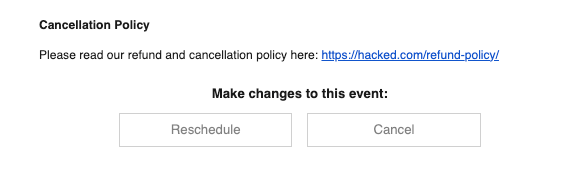
Use the reschedule or cancel link included in your Calendly confirmation email. The screenshot below shows where to find it:
If you cannot find your confirmation email, contact help@hacked.com and we will help you quickly.