
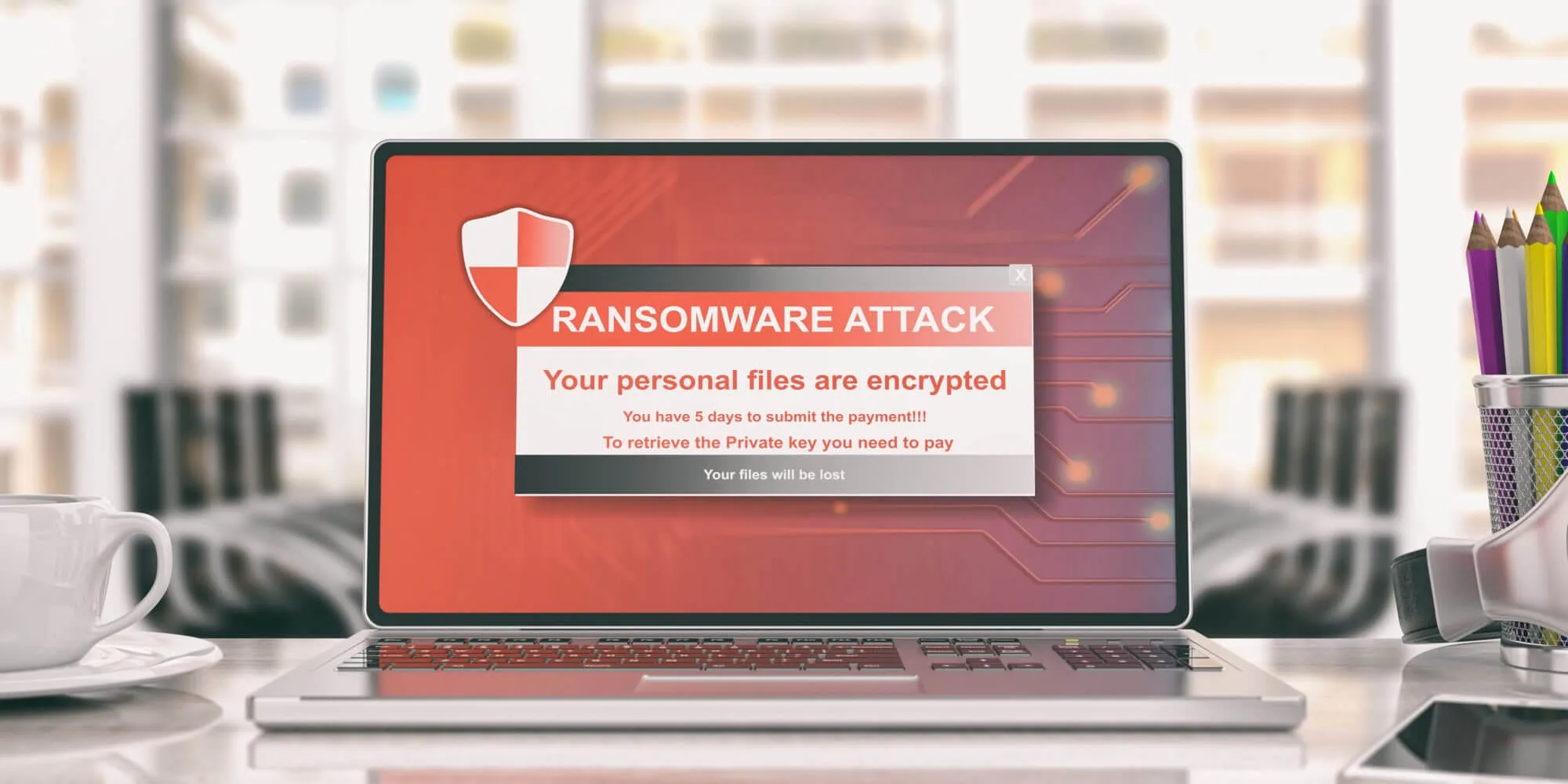
Linux ransomware incidents usually hit exposed servers, storage nodes, or virtualization infrastructure where downtime is expensive.
Recovery succeeds when containment, credential rotation, and tested offline backups are executed before rebuild work starts.
Containment and recovery baseline
- If you suspect ransomware is active, disconnect the affected host from the network and stop automated jobs that could spread damage.
- Do not wipe or rebuild immediately. Preserve logs, note timestamps, and confirm what was touched.
- Check backups: do you have a recent, offline or immutable copy, and have you tested restoring it?
- Assume credentials are compromised. Prepare to rotate SSH keys, passwords, API keys, and admin accounts.
- Identify the initial access path (exposed service, stolen credentials, vulnerable app) so you can close it before restoring.
- If critical business systems are involved, escalate early to incident response or professional help.
Rule of thumb: Do not restore until you understand how the attacker got in. Otherwise you rebuild the same system and hand it back to the same attacker.
Why Linux gets hit
Linux is common in infrastructure: web servers, storage appliances, containers, CI systems, and virtualized environments. Attackers target what creates leverage: shared storage, backup systems, and management planes.
| Target | Why attackers want it | Defensive priority |
|---|---|---|
| File servers / NAS | Maximum blast radius and downtime | Immutable backups, least privilege, segmentation |
| Virtualization hosts / VM storage | One compromise disables many systems | Patch management, management plane isolation, MFA |
| Public-facing apps | Initial access through vulnerabilities | Rapid patching, reduce exposed services |
| Backup servers | They remove your recovery option | Backup isolation, separate credentials, write protection |
How Linux ransomware typically happens
Most incidents follow a predictable chain:
- Initial access (stolen credentials, exposed remote access, vulnerable web app, compromised vendor access).
- Privilege escalation to root or to a service account with wide access.
- Lateral movement to storage, backups, and identity systems.
- Data theft (sometimes) to increase pressure through extortion.
- Encryption of the highest-leverage systems.
Common mistake: Treating ransomware as only “encrypted files”. In many incidents, the larger damage is credential theft and persistence across the environment.
Signs you might be dealing with ransomware
- File extensions change in bulk, or many files become unreadable at once.
- Encrypted files appear across multiple directories or network shares quickly.
- CPU and disk spike on a server that is usually quiet, especially outside normal hours.
- New admin users, new SSH keys, or unfamiliar scheduled jobs appear.
- Backups suddenly fail, are deleted, or are overwritten with encrypted data.
Initial access paths to audit first
If you want the fastest risk reduction, start by auditing what gives an attacker a remote foothold. Linux ransomware rarely begins with “Linux” and often begins with a weak boundary around a management interface.
- Exposed SSH or admin panels: restrict by VPN or allowlist, and remove password-only access where possible.
- Single shared admin accounts: replace with named accounts, least privilege, and short-lived elevation.
- Public web applications: treat internet-facing apps as a patching priority and isolate them from internal storage.
- Remote management planes: keep hypervisor, NAS, and backup admin interfaces on separate networks with separate credentials.
- Vendor and contractor access: time-box access, require strong authentication, and monitor for unusual hours and locations.
When you close these doors, you reduce not only ransomware risk, but also the broader class of account takeover and persistence problems that follow an initial breach.
Prevention: the controls that change outcomes
1) Build backups that ransomware cannot delete
Backups are only useful when attackers cannot reach them. A resilient pattern includes at least one copy that is offline, immutable, or access-controlled with separate credentials.
- Keep multiple generations so one bad day does not overwrite good history.
- Store backup credentials separately from server admin credentials.
- Test restore regularly. Many “we have backups” claims fail at restore time.
- Prefer backups that do not mount as normal writable filesystem shares.
2) Reduce remote access exposure
- Restrict SSH to VPN or an allowlist, not the whole internet.
- Remove password-based access where you can and avoid shared admin accounts.
- Disable unused services and close ports you do not need.
- Protect management planes separately from production networks.
3) Patch what matters, quickly
Patch management is not about perfection. It is about prioritizing the services that create external access and privilege. If a system is public-facing, shorten the patch window and reduce customizations that slow updates.
4) Separate privileges and segment the network
- Use least privilege for service accounts and automation.
- Separate backup infrastructure from general server access.
- Limit east-west traffic so one compromised host cannot reach everything.
5) Make investigation possible
Logging does not prevent incidents, but it changes recovery outcomes. Keep logs long enough to reconstruct a timeline, and centralize them if you can. Without visibility, you may never find the initial access path.
6) Protect against “backup poisoning”
Ransomware incidents often include a quiet phase where attackers prepare. They may try to delete backups, encrypt backup stores directly, or simply ensure your backups capture encrypted data for a few days so that every recent restore point is unusable.
- Keep longer retention than you think you need, especially for critical data.
- Keep at least one copy that is not reachable from ordinary admin sessions.
- Practice restoring older points so you can choose the last clean snapshot with confidence.
If your organization is building a baseline, this companion guide helps with broader controls: How to protect your business from ransomware.
What to do if you suspect Linux ransomware
Step 1: Contain first, then investigate
- Isolate affected hosts from the network (unplug or block at the switch/firewall level).
- Pause scheduled jobs that could propagate file changes (sync tasks, backup jobs that overwrite, deployment automation).
- Preserve evidence: capture logs, running processes, and notes about what you saw and when.
Step 2: Identify blast radius and priorities
List what matters most: identity systems, storage, backups, and customer data. Then answer two questions:
- What was encrypted?
- What was accessed or exfiltrated?
Encryption creates downtime. Data access creates longer-term risk: extortion, compliance impact, and identity fraud.
Step 3: Rotate credentials as part of recovery
Assume the attacker captured credentials. Plan a rotation wave:
- Admin accounts and SSH keys
- Service account secrets and API tokens
- VPN credentials and remote access accounts
- Cloud credentials if servers integrate with cloud services
Step 4: Restore safely
Restore from backups only after the initial access vector is closed. When you restore, treat it as rebuilding a trusted baseline:
- Rebuild from known-good images where possible, not from a potentially modified system.
- Apply patches before reintroducing the host to the network.
- Verify the restored data and services behave as expected.
Safety note: If you restore into the same network with the same credentials, you are restoring into an environment the attacker may still control.
When to escalate
Escalate early when any of these are true: you run business infrastructure, customer data may be involved, backups are uncertain, or the compromise may have spread across multiple systems. Time matters, and coordinated response often prevents a second wave of damage.
If you want a general incident workflow, start here: Been hacked? What to do first.
Linux ransomware is rarely about breaking Linux itself. It is about breaking the operational assumptions around access, privileges, and backups. The best defense is a small number of controls that keep working when stress is high: isolated backups, reduced remote exposure, rapid patching for entry points, and segmented access.
If an incident happens, the same principles apply. Contain first, preserve evidence, close the initial access path, then restore from a clean baseline. The goal is not only to decrypt files. It is to regain a system you can trust again.
Once you treat recovery channels and admin access as the control plane, your decisions get simpler. You stop improvising and start operating: isolate, verify, rebuild, and harden. That discipline is what makes ransomware survivable.