
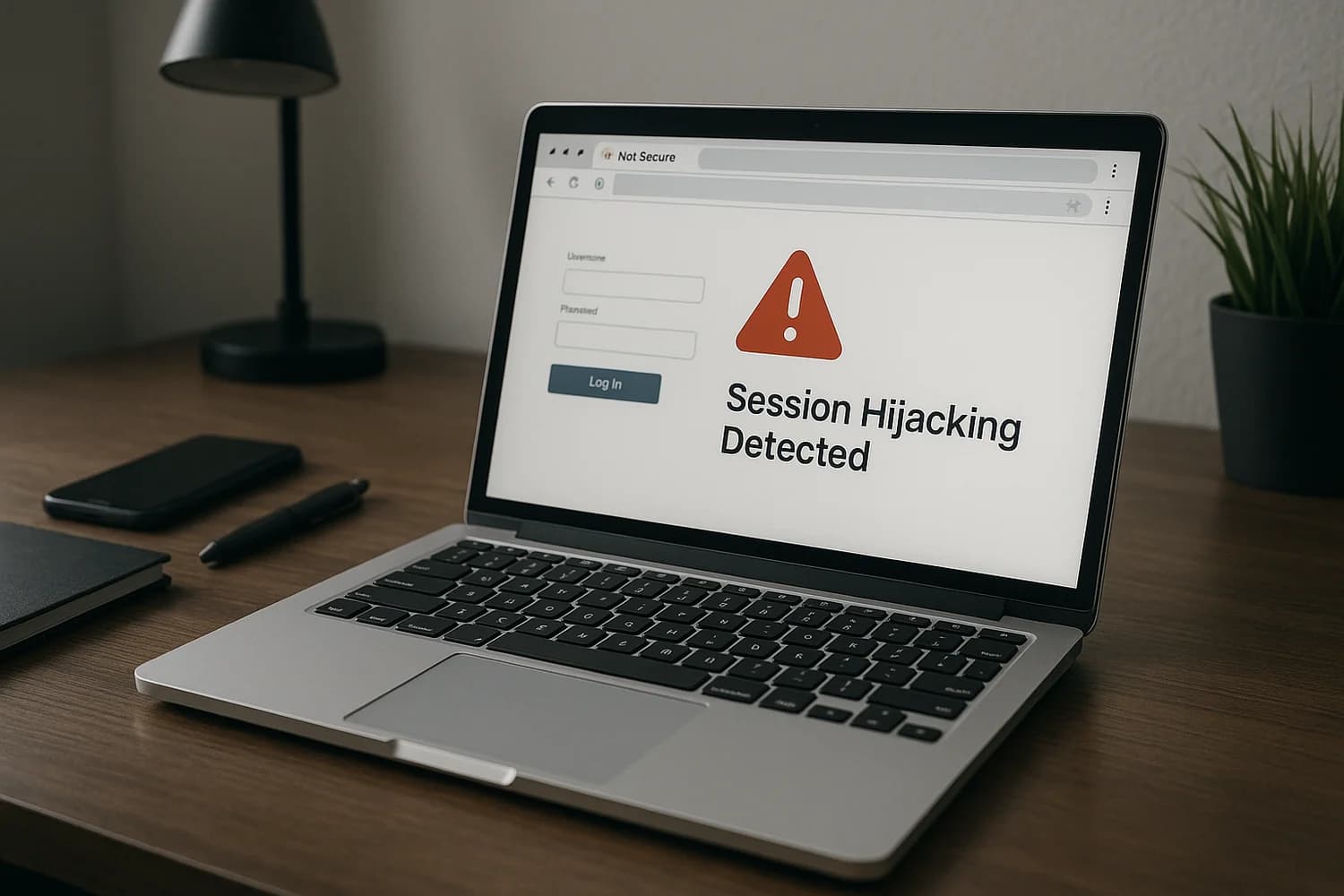
Infostealer malware is designed to steal what lets attackers move fast: saved passwords, browser cookies, and active sessions. That is why people sometimes change a password and still see suspicious activity. The attacker is not guessing anymore, they are reusing an authenticated session.
Safety note: if you suspect an infostealer, change critical passwords from a different trusted device first. Fixing credentials on an unsafe device can hand the attacker your new access.
Immediate containment (first hour)
- Isolate the suspected device. Disconnect it from networks. Do not start cleaning before you know what accounts to secure.
- From a trusted device, secure the control plane first: primary email, password manager, and financial accounts.
- Revoke sessions on high-value accounts. Look for "sign out everywhere" and remove unknown devices.
- Rotate passwords in priority order (control plane first, then everything else). Use unique passwords.
- Capture a minimal record of what you observed (timestamps, alerts, affected services). This helps you avoid repeating steps.
If you want a broader recovery sequence that prevents common mis-ordering mistakes, start with been hacked? take these steps immediately.
What infostealers usually steal
Infostealers focus on speed. They target the data that makes account takeover cheap:
- Saved browser passwords and autofill data
- Session cookies and tokens (the "already logged in" state)
- Browser extension data and local app tokens
- Sometimes crypto wallet and password manager artifacts (depending on the environment)
The operational impact is that attackers can pivot across services quickly. Your defense is not one password change. It is revoking sessions and rebuilding trust in the device.
Why changing a password can fail
If the attacker stole an active session, they may still be authenticated even after the password changes. This is covered under session hijacking and it is a common reason people feel stuck.
That is why "sign out everywhere" is not optional in an infostealer scenario. You are not only rotating credentials, you are invalidating access tokens that bypass them.
Fast triage: what to secure first
| Asset | Why it matters | What "safe" looks like |
|---|---|---|
| Primary email | Resets most other accounts | Unique password, strong authentication, sessions reviewed |
| Password manager | Controls credential rotation speed | Master password changed, devices audited |
| Bank and payment apps | Direct financial loss risk | Unknown devices removed, alerts enabled |
| Business admin accounts | One login can change everything | Sessions revoked, admin roles audited |
Containment sequence that avoids self-sabotage
1) Stop the attacker from resetting you
Before you rotate lots of passwords, make sure the attacker cannot undo your work through recovery.
- Check recovery email and recovery phone number for unexpected changes.
- Remove unknown forwarding rules in your email.
- Review connected apps and remove what you do not recognize.
2) Revoke sessions broadly
Do global sign-out on the accounts that matter most. If the service supports device lists, remove anything you cannot account for.
3) Rotate credentials in the right order
Rotate passwords starting with the control plane and finance, then work outward. Unique passwords matter because credential reuse is how attackers chain takeovers quickly.
Rule of thumb: "change passwords" is not a plan. "Change passwords in order, from a trusted device, and revoke sessions" is a plan.
Make the device trustworthy again
Infostealer response is partly account work and partly device work. If the device stays unsafe, your clean accounts become re-compromised.
- Update the operating system and browser fully.
- Remove unknown browser extensions and unknown applications.
- Run reputable malware scanning and follow remediation steps.
Background and detection guidance is covered in what malware is and what to do if you think you have it and how to detect spyware.
When to wipe and reinstall instead of cleaning
Sometimes the highest-confidence fix is rebuilding the device from a known-clean state. Consider a wipe and reinstall when:
- You cannot identify the initial infection source.
- Suspicious behavior returns immediately after cleaning.
- The compromised device is used for admin, finance, or other high-trust tasks.
If you wipe, do not restore everything blindly. Restore documents and photos, but reinstall applications from official sources and keep the initial app set minimal until the system is stable.
Financial and identity aftercare
Infostealer incidents often lead to follow-on fraud attempts. Treat the next weeks as a monitoring period.
- Enable transaction alerts and sign-in alerts on financial services.
- Review payees, linked accounts, and contact details for unauthorized changes.
- If you see unauthorized transfers, follow bank account hacked: immediate steps to stop fraud and secure access.
Why speed matters, but panic does not
Infostealers are optimized for rapid theft and rapid pivot. Your response should also be optimized for speed, but in a controlled sequence: secure recovery channels, revoke sessions, rotate credentials, then rebuild device trust.
Once you finish that sequence, the incident becomes smaller. Either activity stops because access is cut off, or it continues and you have stronger evidence that something is still wrong.
The durable outcome is not perfect certainty about what ran on a device. The durable outcome is a state where stolen sessions no longer work, stolen passwords no longer match, and the device you use for high-trust actions is clean.
That is what turns an infostealer incident from an ongoing mystery into a closed event.