
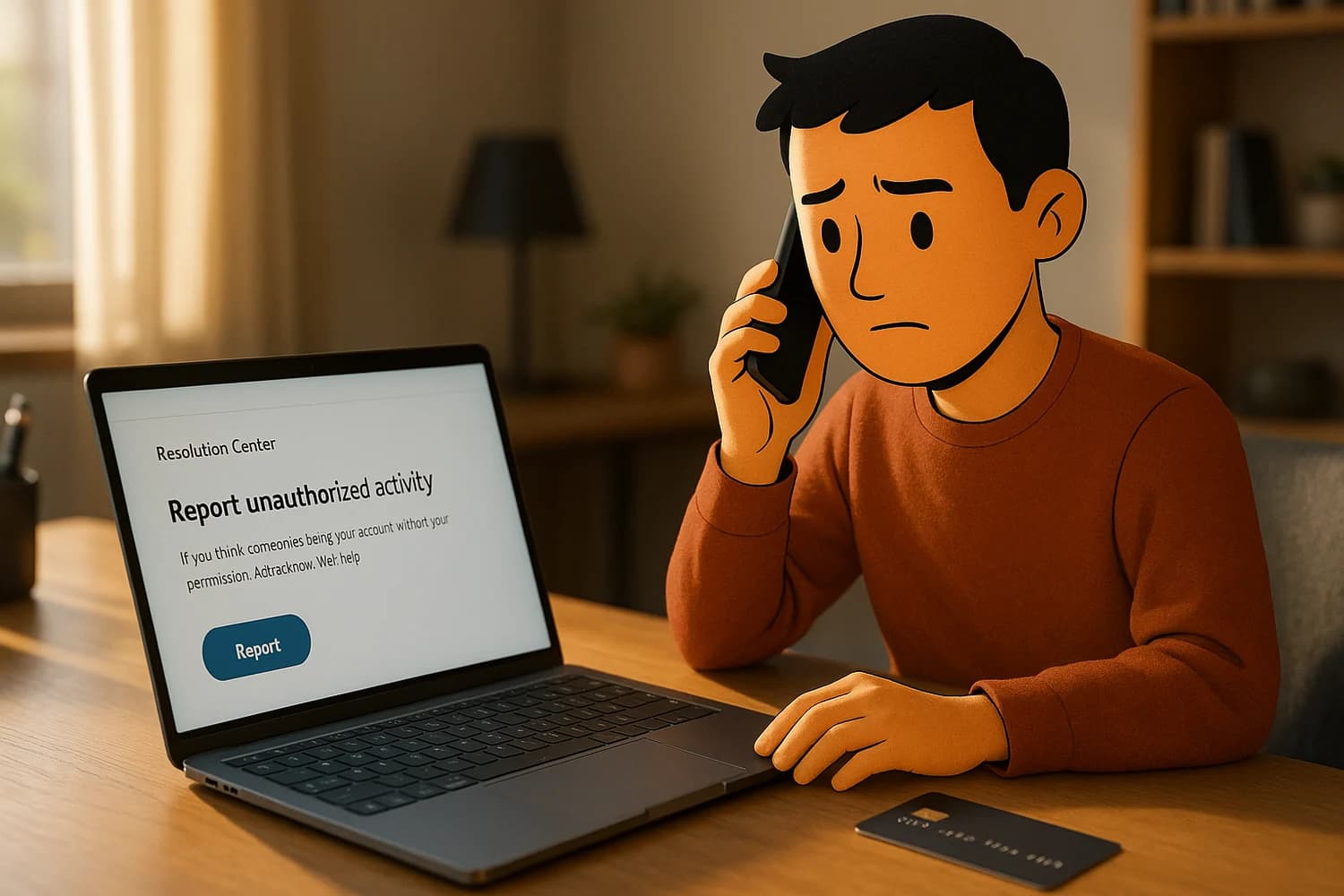
PayPal account compromise is a financial incident and a control-plane incident. If an attacker can access your PayPal, they can move money, change contact details, and use your identity to create follow-on disputes. The fastest recoveries start by using only official PayPal reporting paths and then locking down the email inbox and phone number that can reset the account.
Do not: call "PayPal support" numbers from ads, PDFs, or random search results. Support-number scams are designed to steal your login and one-time codes. Use official PayPal help paths only.
Triage checklist (choose the situation)
| Situation | Do this first | Then do this |
|---|---|---|
| You can still log in | Secure the account and report unauthorized activity | Audit contact info, payment methods, and automatic payments |
| You cannot log in | Secure the email inbox first | Then use official PayPal recovery and reporting paths |
| You see an unauthorized transaction | Report it through official PayPal channels | Then contact your card issuer or bank if needed |
| You see a subscription or automatic payment you do not recognize | Stop additional charges | Then report and document the activity |
| Someone opened an account in your name | Treat it as identity theft | Follow the identity-theft reporting path and lock down your inbox |
If other accounts were compromised too, follow been hacked: take these steps immediately and work outward from the control plane. The inbox that resets payments is often the real target.
First 30 minutes: stop money movement and stop re-entry
1) Stabilize the control plane (email and phone)
If an attacker controls your email inbox, they can reset PayPal again after you fix it. Secure email first.
- Change the email password from a trusted device.
- Enable two-factor authentication (2FA) on the email account.
- Review recent sign-ins and remove devices you do not recognize.
- Look for persistence: forwarding rules, mailbox delegates, and recovery-method changes.
2) Report the issue through official PayPal reporting paths
Use official PayPal reporting channels, not phone numbers you found on the open web.
- PayPal Security Center: report fraud or unauthorized activity.
- PayPal Help Center (official flow references): report an unauthorized transaction or account activity.
3) If a card or bank account was hit, contact the issuer
If you see card fraud or unauthorized transfers, contact your bank or card issuer quickly. PayPal reporting and issuer reporting are not mutually exclusive. They cover different parts of the problem.
- Enable transaction alerts.
- Review payees, linked accounts, and contact details for unauthorized changes.
- Use bank account hacked: immediate steps to stop fraud and secure access if money is moving outside PayPal.
Differentiate the problem before you pick a path
People lose time because they treat every PayPal issue as the same issue. The recovery path changes depending on what actually happened.
Unauthorized account access
Signs include new email addresses, new phone numbers, new funding sources, or activity you did not initiate. This is an account security problem. Your priorities are reporting, credential hardening, and auditing payment paths.
Transaction dispute without account compromise
Sometimes the account is not hacked. The issue is a merchant dispute, a subscription you forgot, or a charge you do not recognize but your account settings are intact. Still report through official channels, but do not assume your device is compromised unless you have evidence.
Support-number and "refund" scams
These scams try to move you from a legitimate problem into a bigger one. They often start with a fake support number and end with you giving a one-time code, entering credentials into a fake page, or installing remote access software.
Common mistake: searching for "PayPal support" and calling the first phone number you see. If someone asks for one-time codes, passwords, or remote access, assume it is a scam.
Report spoof and phishing attempts (reduce repeat targeting)
Payment-service scams scale because they are cheap. Reporting spoof emails, fake invoices, and unauthorized-activity lookalikes helps reduce the volume over time and creates a record that can support your dispute if the scam led to account compromise.
- Use PayPal's official spoof and fraud reporting path: report potential fraud or spoof.
- Do not forward one-time codes, and do not paste codes into chats. Codes are authentication, not proof.
If you can log in: secure PayPal access
- Change your PayPal password to a long, unique password stored in a password manager.
- Enable stronger sign-in options PayPal offers in your region. Where available, consider moving to passkeys or 2-step verification instead of password-only access.
- Review your profile details (email, phone, addresses) and revert unauthorized changes.
Audit the money movement paths
Account takeovers often persist through configuration changes. After you regain access, audit what can move money without asking you again.
- Review linked bank accounts and cards and remove anything you did not add.
- Review automatic payments and subscriptions and cancel what you do not recognize.
- Check notifications and communication settings so you will see new activity quickly.
If your PayPal email, phone, or address was changed
Attackers often change contact details to make recovery harder and to route future alerts away from you. Treat any contact-detail change as a takeover escalation.
- Check the profile for any new email addresses or phone numbers you did not add.
- Review addresses for unexpected additions. Shipping and payout destinations are high impact because they can redirect real goods and real money.
- Search your email for security notifications about these changes. Save them with timestamps.
- After you revert what you can, re-check a day later. Follow-on changes are a persistence signal.
Make unauthorized activity visible
Fast detection reduces loss. The goal is not only to recover access, but to ensure you will know if something changes again.
- Enable notifications and alerts in PayPal, and do not let them route to a compromised inbox.
- Enable alerts at the bank and card level too. Those alerts catch fraud that bypasses email.
- Keep a short monitoring window after recovery. Many incidents have a second attempt when the attacker realizes access was cut off.
Account audit checklist (things attackers change)
When PayPal accounts are taken over, attackers usually change configuration before or after moving money. The audit is what closes the persistence paths.
- Primary email and phone number on the PayPal profile.
- New addresses, especially shipping addresses you did not add.
- Linked bank accounts and cards you do not recognize.
- Automatic payments and subscriptions, including small recurring charges.
- Notification settings that could hide alerts.
- Open disputes or cases you did not create.
If you authorized a payment but it was a scam
Not every loss is an account takeover. Sometimes you sent money to the wrong person, paid a scammer, or bought something that never arrived. The account may be intact, but you still need to report through official channels to create a record and see what protections apply.
- Use PayPal's official reporting and dispute paths, not third-party phone support.
- Preserve the conversation history and the merchant identifiers. Evidence quality changes outcomes.
- Do not let a scammer move you off-platform into unofficial refund steps. That is how follow-on theft happens.
Chargeback caution
Chargebacks can resolve some fraud, but they can also create secondary problems if you use them without first understanding the platform dispute state. In a clean process, you report through official PayPal channels, preserve evidence, and coordinate with your card issuer or bank when the funding source was impacted.
If you do involve an issuer, keep your timeline consistent. Do not mix multiple explanations for the same transaction. Your goal is clarity: what was unauthorized, what you did to contain it, and what evidence supports that claim.
Evidence to capture before it disappears
- Transaction IDs, amounts, timestamps, and any dispute or case numbers.
- Security emails indicating profile changes (new email, new phone, new funding source).
- Screenshots of settings that were changed (funding sources, addresses), without sharing sensitive details publicly.
Common entry paths (so you can stop re-entry)
- Phishing: fake PayPal login pages and fake "support" outreach.
- Password reuse: an old leaked password reused across services.
- Compromised inbox: attacker can see one-time codes and reset links.
- Compromised device: malware or a malicious extension can steal sessions or credentials.
If the incident started with a convincing message, use how to identify scam emails and slow down the next time a payment service claims something is urgent.
If you cannot log in
If you are locked out, treat it as a control-plane problem first. In many cases the attacker changed your email, phone number, or password, or your inbox is compromised and keeps undoing resets.
- Secure the email account first. If you cannot trust the inbox, any reset flow can be intercepted.
- Use official PayPal recovery and reporting links only. Avoid sponsored ads and search results that lead to phone-number traps.
- Document what you can: the email addresses and phone numbers you previously had on the account, recent transaction details, and any security emails you received.
If someone opened an account in your name (identity theft lane)
If you did not create the account, treat it as identity theft. The goal is to create an official record, reduce follow-on accounts, and tighten the control plane that could be reused elsewhere.
- Use PayPal's identity-theft reporting path where available: report identity theft.
- Secure your primary inbox and phone number so new accounts cannot be opened or recovered through compromised channels.
- Consider local identity-theft reporting and monitoring appropriate for your jurisdiction. Requirements and options vary.
Aftercare (next 2 weeks)
Most financial incidents have a tail. Attackers test whether you notice, then they return. Treat the next two weeks as a monitoring period and assume that anything connected to the same inbox or the same device could be targeted again.
- Enable alerts on PayPal and on your bank and card accounts.
- Watch for small test charges and new automatic payments. Attackers sometimes probe first, then scale up.
- Re-check PayPal contact info, funding sources, and automatic payments after a few days. Follow-on changes are a common persistence signal.
Look for short-lived revert opportunities
When attackers change an email address, phone number, password, or funding source, platforms often send security emails. Those messages sometimes contain a short-lived "this wasn't me" or "revert" path. Even if you cannot undo the whole incident through one link, those messages are high signal evidence and can help you restore ownership faster.
- Search your inbox for PayPal security alerts during the compromise window.
- Save the messages and timestamps. If you escalate later, the timeline matters.
- If a revert option exists, use it only from a trusted device and only after you have secured the inbox.
Business accounts and shared access
PayPal compromise is worse when multiple people share an inbox, share a password, or reuse the same credentials across tools. If PayPal is used for a business, treat it like a finance control plane.
- Prefer named user access over shared credentials where possible.
- Keep the reset inbox controlled, with strong authentication and access logging.
- Reduce the number of people who can add funding sources or change payout destinations.
What "good" looks like after recovery
PayPal recovery is successful when money movement is controlled and the attacker cannot reset you again. That usually means the inbox is protected, the PayPal password is unique, stronger sign-in is enabled where available, and payment methods and automatic payments have been audited.
Once you reach that state, the incident becomes a short event instead of a recurring surprise. The durable outcome is not perfect certainty. The durable outcome is that unauthorized activity becomes difficult, visible, and reversible.
If unauthorized activity continues after you do the basics, stop repeating password changes and look for persistence: the inbox is still compromised, the device is still compromised, or money movement was enabled through a configuration change you did not notice.