
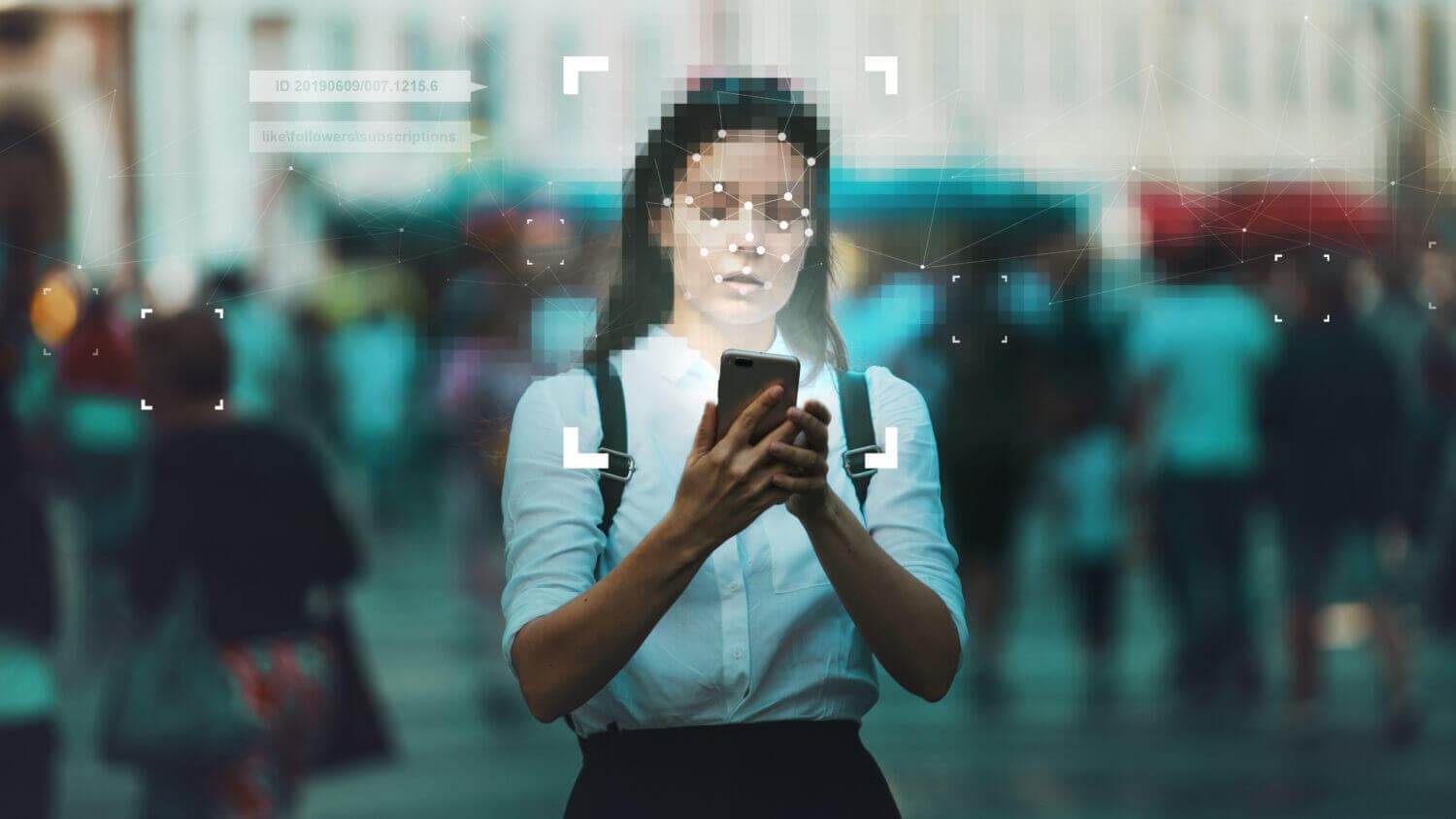
Social media privacy is operational control over three things: who can find you, who can contact you, and what your content reveals over time. Platform menus change, but the exposure surfaces do not.
Rule of thumb: reduce contact and reduce routine. Most privacy failures come from strangers being able to reach you easily, or strangers being able to predict your habits.
Start here (a fast privacy hardening sequence)
- Secure the account first: use a unique password and enable two-factor authentication (2FA). Privacy settings do not matter if the account is taken over.
- Reduce discoverability: limit search exposure, phone/email lookup, and friend suggestions where possible.
- Restrict inbound contact: lock down DMs, comments, tags, mentions, and group invites.
- Turn off location sharing: remove precise location from posts and disable location sharing features you do not use.
- Audit connected apps: remove third-party access you do not actively need.
If harassment is active, preserve evidence and lock contact surfaces first: what to do about online harassment.
The universal privacy audit (surfaces that exist on every platform)
This is the model that holds up even when UIs change. For each surface, pick the strictest setting that still lets you use the platform.
| Surface | What to review | Safer default |
|---|---|---|
| Discoverability | Profile visibility, search indexing, phone/email lookup, suggestions | Limit or disable where possible |
| Messaging | Who can DM you, who can send requests | Contacts only, or requests filtered |
| Comments and replies | Who can reply, who can comment, keyword filters | Friends/followers only, filters enabled |
| Tagging and mentions | Who can tag you, who can mention you publicly | Approval required |
| Location | Location sharing, check-ins, precise location permissions | Off by default |
| Audience for past posts | Old posts, old photos, old comments | Archive or limit audience |
| Connected apps | Third-party apps and integrations | Revoke what you do not need |
| Ad and tracking controls | Ad personalization, off-platform data use | Opt out where available |
Account security is part of privacy
Privacy settings are controls. Controls fail if an attacker can log in and change them. The minimum baseline is unique passwords, 2FA, and session audits.
- Review signed-in devices and active sessions and sign out what you do not recognize.
- Remove connected apps you do not use.
- Remove old recovery emails and phone numbers you do not control.
If you suspect you are already compromised, contain first: been hacked? what to do first.
Reduce discoverability (the biggest multiplier)
Discoverability is where privacy often collapses. If strangers can find you with a phone number, email, or old username, harassment and impersonation get much easier.
- Disable phone-number and email lookup where possible.
- Disable search engine indexing of your profile where offered.
- Hide friend/follower lists where possible.
- Consider changing old usernames that make you uniquely searchable.
If personal data is already showing up in search results, remove it directly: how to remove personal information from Google.
Control inbound contact (messages, comments, mentions)
Inbound contact is where abuse enters. Make strangers work harder to reach you.
- Set DMs to contacts only or to request mode.
- Enable keyword filters and message-request filters.
- Require approval for tags and mentions.
- Restrict who can add you to groups or invite you.
Common mistake: making the profile private but leaving inbound messaging open. You end up "private" and still reachable by anyone.
Location and routine: the quiet leak
Strangers build certainty from repetition. You do not need to post your address to leak your routine. A sequence of posts can do it for you.
- Turn off location sharing features you do not use.
- Avoid posting in real time when you are at a predictable location.
- Strip location metadata from images before posting publicly.
If you want a concrete checklist for device-level and account-level location controls, use how to stop location tracking.
Past posts: hide first, delete selectively
Past posts can expose identity, old relationships, and patterns. Most cleanup is better done by archiving or reducing audience first.
- Archive or limit audience for older posts.
- Remove tags that connect you to high-risk content.
- Delete selectively when the downside of keeping a post is higher than the value of preserving it.
Use how to hide old social media posts for a safe sequence. For a full reset, use how to wipe your social media data and reset your online presence safely.
Connected apps: invisible access paths
Third-party apps often keep access after you forget about them. In many platforms they can read data, post content, or access messages.
- Remove anything you do not actively use.
- Be skeptical of "analytics" tools and follower trackers.
- Re-check after you install new apps or sign into new services.
Reference links to major platform privacy centers
Exact menu names vary by device and region. These official pages help you find the current controls:
- Facebook Privacy Center: facebook.com/privacy/center
- Instagram privacy and security help: Instagram privacy and security
- TikTok account privacy settings: TikTok privacy settings
- X privacy and safety settings (requires login): X privacy and safety
- Google Privacy Checkup: Privacy Checkup
A monthly routine that keeps drift from becoming exposure
Privacy settings drift as platforms add features and as your life changes. A short routine keeps drift under control.
- Review discoverability and inbound contact controls.
- Review tagging and mentions.
- Review connected apps.
- Review active sessions and devices.
Privacy becomes simpler when you treat it as surfaces rather than menus. Reduce who can find you, reduce who can reach you, and reduce what your posts reveal repeatedly.
That model stays stable even when platforms change labels and rearrange settings. You stop chasing UI changes and start controlling exposure.
When those surfaces are tight, your accounts are harder to abuse, harassment is harder to scale, and your online presence becomes predictable for you, not for strangers.