
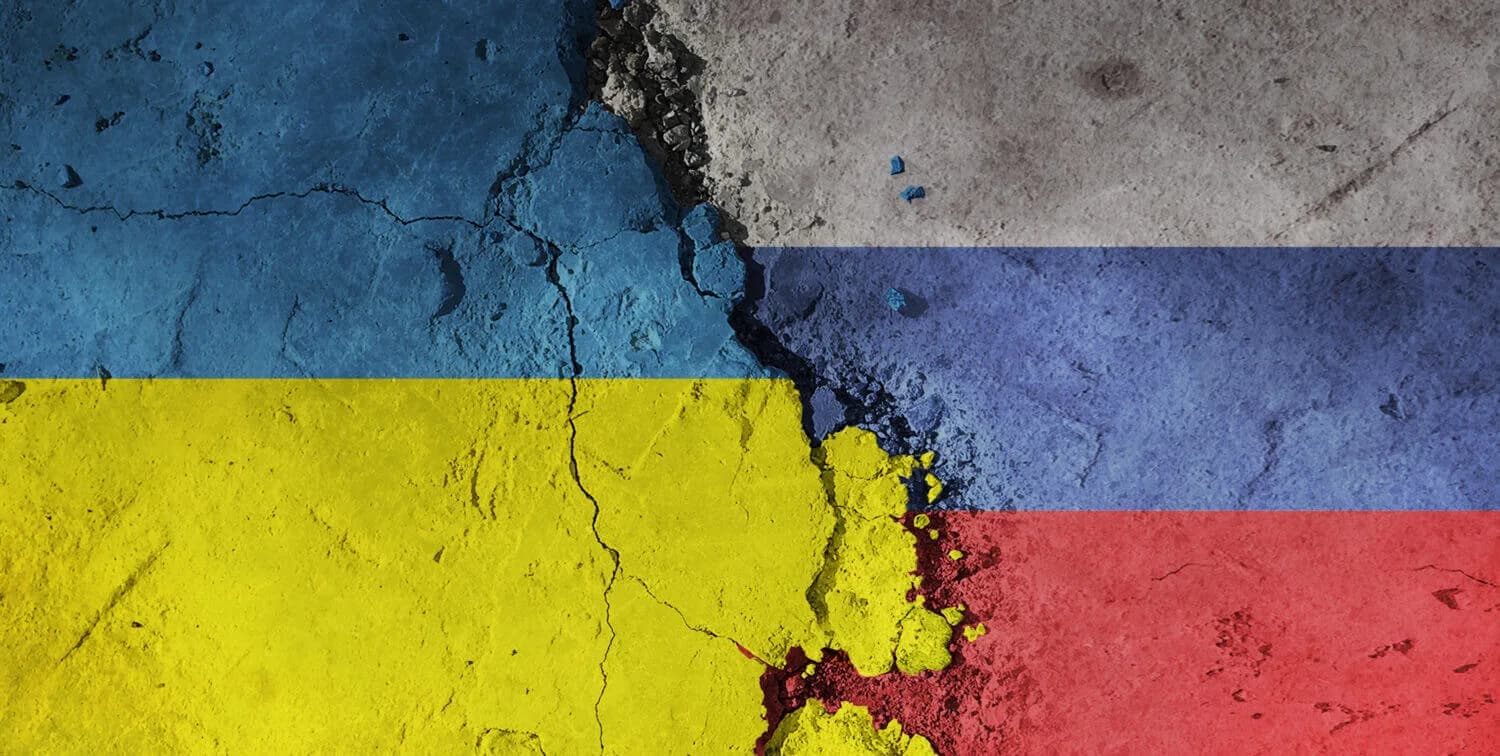
During major conflicts, cyber risk rises for ordinary people and small organizations in a predictable way: not through “cyberwarfare” reaching your laptop directly, but through phishing, impersonation, and fraud that use the headlines as pretext. Attackers exploit urgency, emotions, and donation flows.
Key idea: attention spikes create scam spikes. Verification matters more than news consumption.
First 15 minutes: reduce your exposure to headline-bait scams
- Do not open links or attachments from conflict-themed emails, texts, or DMs unless you can verify the sender independently.
- Do not donate through links in messages. Navigate to the charity or platform directly.
- Turn on sign-in alerts for email and social accounts and review recent logins.
- Patch devices and browsers, especially if you use them for finance or admin work.
- Warn your team or family about likely impersonation attempts (vendors, colleagues, “support,” donation requests).
What tends to spike during geopolitical crises
The most common crisis-adjacent threat patterns are boring and effective:
- Donation fraud. Fake fundraising pages, fake crypto addresses, and lookalike domains.
- Impersonation. Fake “journalist,” “aid worker,” or “official” accounts asking for help or credentials.
- Phishing. “Breaking update” links that lead to login traps or malware downloads.
- Support scams. Fake support numbers and fake recovery services for compromised accounts.
Do not: search for help and click the first number you see. Attackers buy ads and impersonate support during crises.
Verification rules that work under stress
Good verification is mechanical. It reduces dependence on judgment when you are distracted.
| Situation | Risk | Safer move |
|---|---|---|
| Donation link in a message | Fake site or redirected payment | Navigate to the organization directly and confirm the domain |
| Urgent request for credentials | Phishing | Never share credentials; verify via a second channel |
| “Document” or “video” about the conflict | Malware or fake login | Use trusted sources, avoid downloads, and do not log in from links |
| Account “security alert” by text | SMS phishing | Open the app directly and check alerts inside the account |
| Inbound “support” outreach | Support scam | Use official support pages or known contacts you already have |
Phishing remains the default entry path
Phishing is still the most scalable way to compromise people and accounts. Crisis-themed phishing succeeds because it feels time-sensitive and emotionally compelling.
Use these baseline references to strengthen your defenses:
Account security: protect the reset keys
During crisis-driven scam waves, attackers often aim for email and messaging accounts because they enable impersonation and password resets. Practical actions:
- Use stronger authentication for email and finance accounts.
- Review recovery emails and phone numbers and remove what you do not control.
- Revoke sessions after suspicious activity.
If you need authentication method selection, use two-factor authentication (2FA) and its many names.
Device and browser hygiene matters more than you think
Attackers often rely on the fact that devices are not updated and browsers have risky extensions installed. Crisis-themed lures push people into downloading “documents” and “apps.” Defensive posture:
- Keep browsers and operating systems auto-updated.
- Remove unused extensions and avoid extensions that request broad permissions.
- Use a password manager so wrong domains become obvious.
Use authoritative alerts without doomscrolling
If you operate a business or critical systems, use official guidance as a reference point rather than social media threads. CISA’s Shields Up guidance is a good baseline for organizational readiness at Shields Up.
Rule of thumb: use official alerts to prioritize patching and exposure reduction, not to increase panic.
Donation and aid fraud: protect your intent from being exploited
Conflict-related donation fraud is common because people want to help quickly. The safest pattern is to reduce link trust and increase destination trust:
- Donate only through organizations you can verify independently.
- Navigate directly to official domains instead of clicking shared links.
- Be cautious with cryptocurrency donation addresses shared on social media unless verified through an official, trusted channel.
Impersonation is a practical cyber threat
Impersonation is not only “fake accounts.” It can include lookalike domains, spoofed email, and cloned profiles. During crisis cycles, impersonation can be used to collect money, credentials, and personal data.
Defensive habits:
- Verify unexpected requests using a second channel.
- Do not send identity documents or sensitive personal data to unsolicited outreach.
- Do not trust “verification” links sent by strangers, even if they appear to be from a platform.
Organizations: treat crisis cycles as a readiness test
If you operate a business, crisis cycles are a good time to run quick readiness checks:
- Review admin roles and remove stale access.
- Confirm backups completed and that retention settings did not change.
- Confirm remote access is restricted and MFA is enforced.
- Warn staff about likely phishing themes and how to report them.
Rule of thumb: when the world is loud, use routines. Routines prevent panic-driven mistakes.
Geopolitical crises may bring real cyber operations, but most people are harmed through scams and phishing that ride the headlines.
When you refuse to click first and verify later, attackers lose the easiest path to exploitation.
That is how you stay safe during conflict-driven attention spikes: verification, identity control, and disciplined routines.
Messaging apps and group links are common distribution channels
During conflicts, people share links in group chats and private messages. That is a high-trust channel with low verification. Treat group links like email links: suspicious until verified.
Safer habits:
- Ask for the official domain and navigate to it directly.
- Be cautious of file attachments and “documents” shared in chats.
- Do not install “news” or “aid” apps promoted through group links unless they come from official app stores and verified publishers.
Crypto donation and payment scams use irreversible rails
Attackers like irreversible payment rails. If you donate or send money, use platforms and methods where reversals and fraud controls exist, and verify destinations through official sites.
Employment, volunteering, and aid offers can be used as lures
Conflict cycles often create legitimate job postings, volunteer coordination, and aid distribution efforts. Attackers can mimic these to collect identity documents, credentials, or money.
Defensive habits:
- Verify organizations through official domains and known contact paths.
- Be cautious with requests for scans of passports or identity documents.
- Do not share one-time codes or password reset links with anyone.
Reduce the value of a compromise
Even if a phishing attempt succeeds, you can limit damage by reducing cascade paths:
- Use unique passwords so one compromise does not unlock multiple accounts.
- Use strong authentication for primary email.
- Keep separate accounts for personal and organizational work where possible.
These changes are not crisis-specific. They are the durable controls that keep crisis-themed lures from becoming long-term account takeovers.
Device updates and browser updates are the quiet defense
Many crisis-themed attacks rely on old vulnerabilities and outdated browsers. Updating does not feel like “cyberwarfare,” but it removes a large portion of opportunistic exploitation. If you are responsible for a team, prioritize updates for devices used for finance and administration.
Reduce your public footprint if you are being targeted
Targeted attackers often use public details to make impersonation believable. If targeting is persistent, reduce exposed personal details and keep support and payment workflows strict. Use reduce your digital footprint as a checklist.
News verification is part of cyber safety
During conflicts, misinformation and scams blend. If a message is trying to make you act immediately, treat it as a risk signal. Verify via official domains, reputable outlets, and direct navigation, not through forwarded links. Most people stay safe by refusing to mix urgency with downloads and logins.
This is the durable lesson: attackers do not need to be “cyberwarfare actors” to harm you. They only need you to click quickly and verify later.
Reduce your likelihood of being singled out
Most people face broad, opportunistic phishing. Some people face targeted impersonation. If you are in a public-facing role, reduce targeting by limiting publicly visible contact details, tightening social media privacy settings, and using separate contact channels for sensitive work. The goal is not hiding, it is removing the details attackers use to make impersonation credible.
In targeted waves, small differences matter: unique passwords, strong authentication on email, and refusing to click logins from messages will stop most attempts.
If you are trying to help, slow down just enough to verify. Attackers rely on good intentions and speed. Verification protects your intent from being redirected into fraud and prevents your accounts from being turned into distribution channels.
If you manage organizational accounts, add one extra step: confirm that recovery phone numbers, recovery emails, and backup codes are current. Crisis-themed targeting often aims at recovery paths because they bypass normal sign-in friction.
Do not aim for perfect awareness. Aim for repeatable safety: direct navigation to official sites, refusal to install unknown tools, and strong sign-in on the accounts that can reset everything else.
Conflicts create information pressure, and information pressure creates scam opportunity.
When you rely on verification rules and protect your control plane accounts, you stop giving attackers easy ways to weaponize the headlines.
That is the practical version of cyber safety during geopolitical crises: fewer impulsive clicks, stronger identity controls, and clearer rules for when money or access can change.